
Close Menu
  • Gaming
    • Platforms
      • Nintendo
      • PC
      • PlayStation
      • Xbox
  • Entertainment
    • Movies
    • TV
    • Royals
  • Celebrity
    • Hollywood
  • Human Interest
  • Astrology
  • More
    • Anime
    • Reviews
Facebook X (Twitter) Instagram LinkedIn YouTube
  • About Us
  • Join Our Team
  • Meet the Team
  • Privacy Policy
  • DMCA Policy
  • Contact Us
  • Terms of Use
  • Sitemap
  • Editorial Guidelines
  • Advertising Policy
The Nerd Stash
  • Gaming
  • Celebrity
  • Hollywood
  • Human Interest
The Nerd Stash
Home»Gaming»How To Get (& Use) Spray Paint in Lethal Company

How To Get (& Use) Spray Paint in Lethal Company

Add some color and vandalism to your trip.

Alina NovichenkoBy Alina NovichenkoDecember 11, 20233 Mins Read
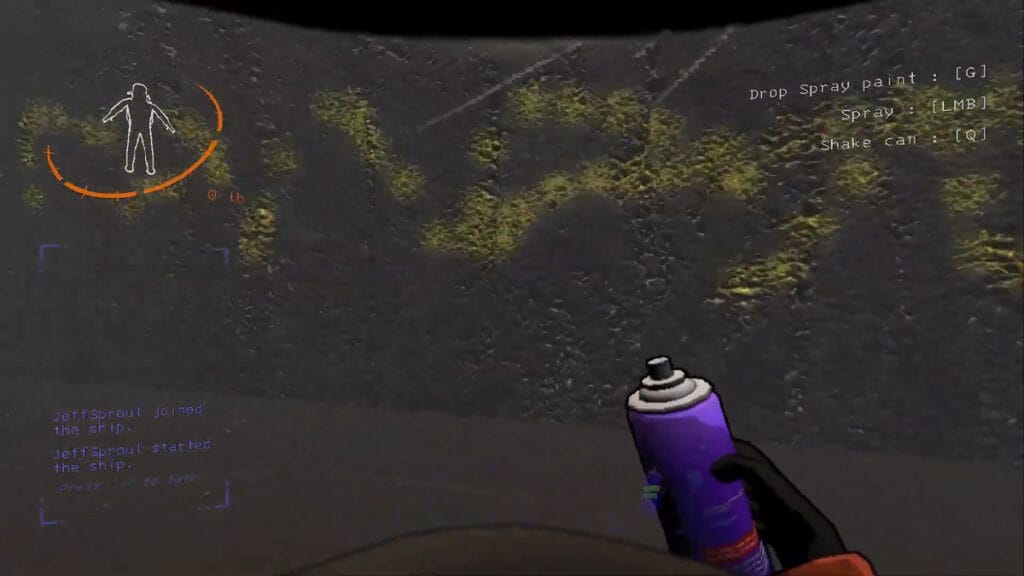
Lethal Company Spray Paint
Image Source: Zeekerss via YouTube The Quick Game Guide
This article is over 2 years old and may contain outdated information.

Global Update 45 brought many new things to the world of Lethal Company, from the new monster Nutcracker to masks inspired by SCP 035. Among other things, the shelves of the in-game store have been replenished with fun Spray Paint. Low cost and easy to use, this item allows players to draw on almost any surface, leaving marks for all occasions. This item has a vast space for experimentation, limited only by the player’s imagination, and you should try it at least once. So, we are here to help you, tell you how to get Spray Paint, and give some tips on how to use it in Lethal Company.

Where To Get Spray Paint in Lethal Company
How To Get Spray Paint in Lethal Company
Image Source: Zeekerss via YouTube The Quick Game Guide

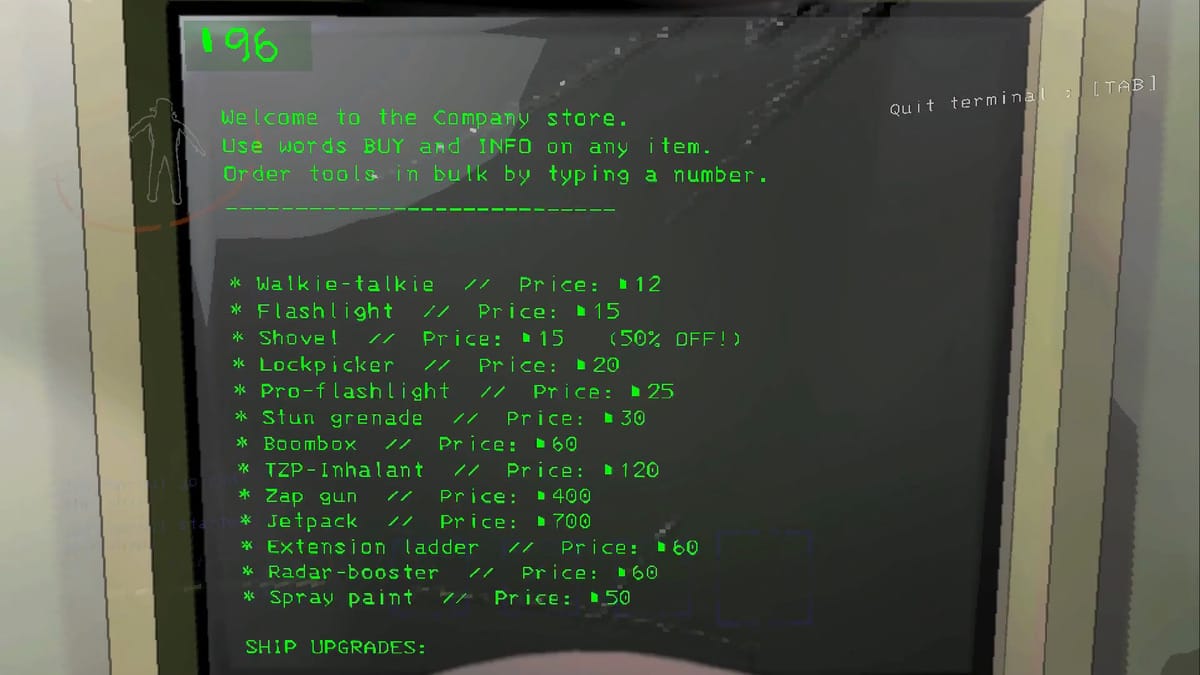
Like any other helpful item in Lethal Company, you can buy Spray Paint from the Terminal Store. The cost of this item is 50 Credits or less if it is at a discount. This mechanic is the basis of any run, but if you’re new to the game, here is how you can buy Spray Paint:

  • Interact with the Terminal Console in your ship.
  • Press the E button to get to the console, and go to the Store tab by typing store and pressing Enter.
  • Next, type spray paint into the text box and press Enter. If you need more than one, you can create a request as spray paint 2, changing the number to the desired quantity.
  • Enter Confirm to confirm the order.
  • Finally, go to the next moon, leave your ship, and pick up your order from the delivery ship.

How To Use Spray Paint in Lethal Company
How To Use Spray Paint in Lethal Company
Image Source: Zeekerss via YouTube The Quick Game Guide

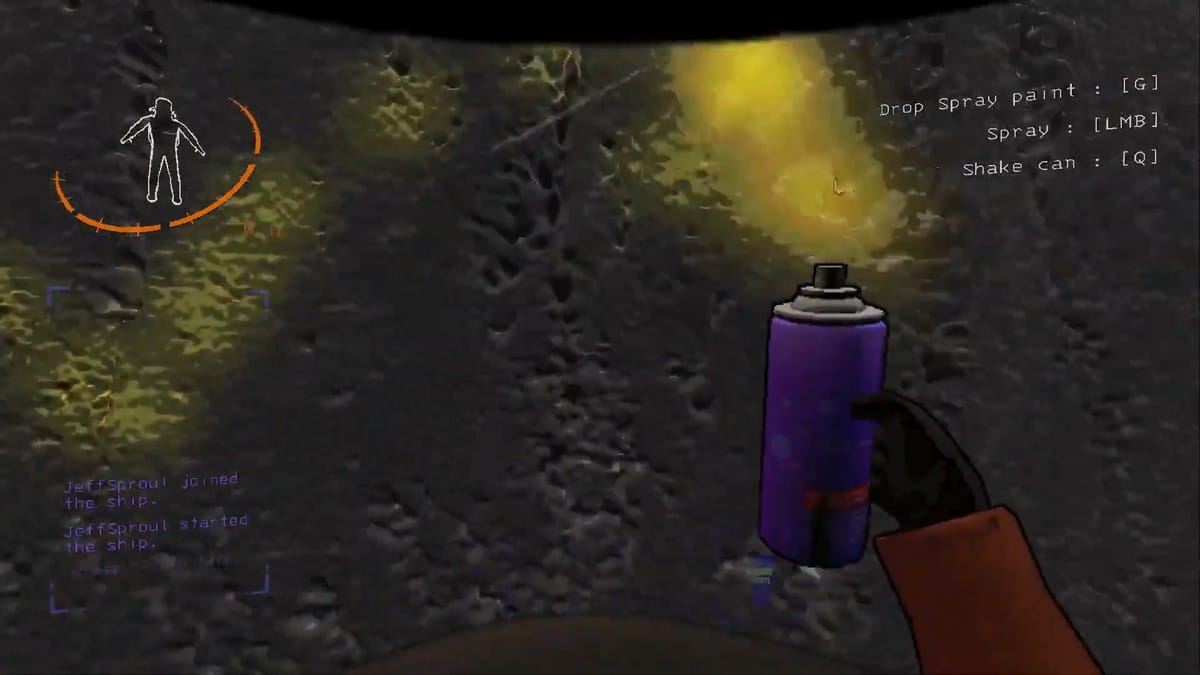
Once you pick up your order, you will receive a Spray Paint with Red, Purple, Green, or Yellow paint. However, you cannot choose a color and will receive it randomly. But regardless of color, here are the rules for using Spray Paint in Lethal Company:

  • To spray paint, approach the desired surface (floor or wall) and hold down the attack button.
  • You will be able to spray paint for about a second, after which you will have to shake it as in real life by holding the Q button.
  • You can continue to draw while shaking, but the accuracy will decrease significantly.
  • The supply of paints in Spray Paint is limited, so use it wisely.
  • Once you have used up all your paint, you can not refill it. You can throw it away or sell it. But even though Jeb will pick up this Scrap, he won’t give you money for it.

Finally, let’s only add that Spray Paint has many application options. So far, this item cannot only affect the behavior of enemies. But it will become indispensable for marking cleared areas, leaving signs so as not to get lost, or simply marking the boundaries of the Bunker Spider web for other team members. Use your imagination, and you will find Spray Paint extremely useful.

Related:

How To Use Apparatus in Lethal Company & Should You Remove It

Lethal Company is available on PC via Steam.

Related Topics
Guide Lethal Company
Share. Facebook Twitter LinkedIn Reddit Email
Alina Novichenko
  • Website

Alina is a professional freelance game guides writer, with 2 years experience in this industry. She joined TheNerdStash in 2022 and is glad to be part of a friendly team of writers.

SUGGESTED READS

MindsEye Layoffs 2026
Gaming

Studio Behind GTA-like Game, MindsEye, Hit With More Layoffs, and Nobody is Surprised: ‘Shocked There’s Even a Janitor Working There’

Princess Peach Spin-Off Movie May Already Be in Development, Job Listing Suggests
Gaming

Princess Peach Spin-Off Movie May Already Be in Development, Job Listing Suggests

Xbox's New CEO Wants to Reconnect With the 'Community,' Yet Brings In More CoreAI Leaders
Gaming

Xbox’s New CEO Wants to Reconnect With the ‘Community,’ Yet Brings In More CoreAI Leaders

Diablo 4 Season 13 Tier List
Gaming

Class Tier List for Diablo 4 Season 13 (Best Classes for Endgame & Leveling)

Take-Two Boss Finally Explains Why GTA 6 Is Skipping PC at Launch: 'We'll See How It Works Out'
Gaming

Take-Two Boss Finally Explains Why GTA 6 Is Skipping PC at Launch: ‘We’ll See How It Works Out’

Rockstar Employee Review Claims 'Unrealistic' Crunch as GTA 6 Development Intensifies: 'Had to Work Till 3AM'
Gaming

Rockstar Employee Review Claims ‘Unrealistic’ Crunch as GTA 6 Development Intensifies: ‘Had to Work Till 3AM’

The Nerd Stash
Facebook X (Twitter) Instagram YouTube LinkedIn
  • About Us
  • Join Our Team
  • Meet the Team
  • Privacy Policy
  • DMCA Policy
  • Contact Us
  • Terms of Use
  • Sitemap
  • Editorial Guidelines
  • Advertising Policy
© 2026 The Nerd Stash. All Rights Reserved.

Type above and press Enter to search. Press Esc to cancel.





