Close Menu
  • Gaming
    • Platforms
      • Nintendo
      • PC
      • PlayStation
      • Xbox
  • Entertainment
    • Movies
    • TV
    • Royals
  • Celebrity
    • Hollywood
  • Human Interest
  • Astrology
  • More
    • Reviews
Facebook X (Twitter) Instagram LinkedIn YouTube
  • About Us
  • Join Our Team
  • Meet the Team
  • Privacy Policy
  • DMCA Policy
  • Contact Us
  • Terms of Use
  • Sitemap
  • Editorial Guidelines
  • Advertising Policy
The Nerd Stash
  • Gaming
  • Celebrity
  • Hollywood
  • Human Interest
The Nerd Stash
Home»Gaming»How To Get Your Fortnite Wrapped (2023)

How To Get Your Fortnite Wrapped (2023)

Unwrapped your Fortnite 2023 stats yet? You might just outscore your friends!

Asanga WijeratneBy Asanga WijeratneDecember 26, 20232 Mins Read
How To Get Your Fortnite Wrapped (2023)
Image Source: Epic Games
This article is over 2 years old and may contain outdated information.

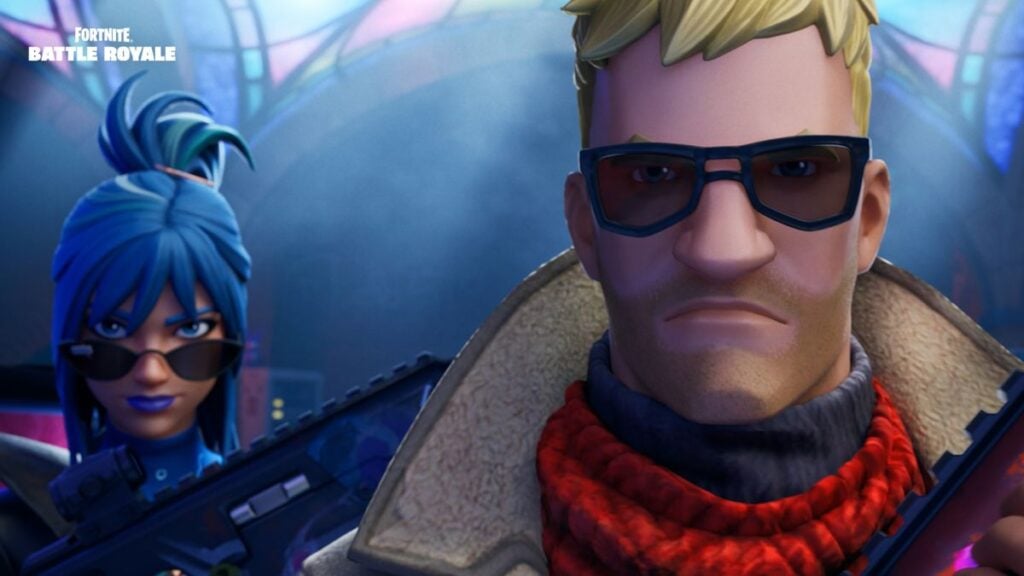
Like Spotify and Apple Music, Fortnite offers year-end summaries. It gives you a fun and engaging way to view your gaming journey. Whether you’re an occasional player or a Fortnite addict, you will enjoy checking out your yearly gaming stats, most played seasons, wins, and more. So, let’s check how you can get your Fortnite Wrapped for 2023.

Steps to Access Your 2023 Fortnite Wrapped Data

Fortnite Wrapped
Image Source: Fortnite GG

You can get your Fortnite Wrapped 2023 data by entering your user name on fnzone.es or Fortnite.gg websites. Below are the steps you need to follow.

  1. Go to Fortnite GG or the fnzon website.
  2. Enter your Fortnite username.
  3. Wait for the website to gather your data.
  4. Download and enjoy checking out your Fortnite Wrapped 2023 data!

Related:

Best Hide and Seek Maps in Fortnite

I have noticed that these two websites give different data sets since they are third-party websites, but both will give you an overall picture of your Fortnite journey.

If you’ve entered your username correctly, but the websites cannot locate your data for the Fortnite Wrapped 2023, it is likely because your Fortnite account is set to private. To resolve this, you must change your settings within the game. Follow these steps:

  • Open Fortnite and navigate to ‘Settings’.
  • From the Settings menu, select ‘Account and Privacy’.
  • In the Account and Privacy settings, locate ‘Gameplay Privacy.’
  • Under Gameplay Privacy, find ‘Public Games’ and switch this setting to ‘On.’

Also, this means if you know the Fortnite user name of your friend, you can check their Fortnite Wrapped stats, too. But their account must be set to public. Another thing I have noticed is that these data do not give the exact stats of the game, but sometime back at the beginning of December 2023. For example, I’m currently around Level 60, but the stats show Level 17 in Fortnite GG.

However, Fortnite Wrapped 2023 is still a fun way to reflect on your gaming journey and see how far you’ve come. It’s also a great way to compare your stats with friends and see who has been the better player over the year.


Related Topics
Fortnite Guide
Share. Facebook Twitter LinkedIn Reddit Email
Asanga Wijeratne
  • Website

SUGGESTED READS

The Crew Motorfest Season 11 Preview
Gaming

The Crew Motorfest Season 11 Preview – The Road to Adventure

GTA 6 The Album Announcement
Gaming

Rockstar Games and Atlantic Records Unveil GTA 6: The Album, With 34 Original Tracks for the Game

Trails in the Sky 2nd Chapter Ambassador's Assignment Guide
Gaming

Trails in the Sky 2nd Chapter: Ambassador’s Assignment Quest Guide

Trails in the Sky 2nd Chapter Exhibit Enigma Guide
Gaming

Trails in the Sky 2nd Chapter: Exhibit Enigma Quest Guide

Trails in Sky 2nd Chapter Stolen Sign Guide
Gaming

Trails in the Sky 2nd Chapter: Stolen Sign Quest Guide

Trails in the Sky 2nd Chapter PC Review
9.5
Gaming

Trails in the Sky 2nd Chapter Review – A Masterpiece Reborn

The Nerd Stash
Facebook X (Twitter) Instagram YouTube LinkedIn
  • About Us
  • Join Our Team
  • Meet the Team
  • Privacy Policy
  • DMCA Policy
  • Contact Us
  • Terms of Use
  • Sitemap
  • Editorial Guidelines
  • Advertising Policy
© 2026 The Nerd Stash. All Rights Reserved.

Type above and press Enter to search. Press Esc to cancel.