Close Menu
  • Gaming
    • Game Guides
    • Codes
    • Game News
    • Game Previews
    • Game Reviews
    • Game Features
    • Game Lists
    • Platforms
      • Nintendo
      • PC
      • PlayStation
      • Xbox
      • Mobile
  • Entertainment
    • Movies
    • Movie Features
    • Movie Reviews
    • TV
    • Reality TV
    • Royals
  • Celebrity
    • Hollywood
  • Human Interest
  • Astrology
  • Videos
  • More
    • Anime
    • Lists
    • Podcasts
    • Reviews
Facebook X (Twitter) Instagram LinkedIn YouTube
  • About Us
  • Join Our Team
  • Meet the Team
  • Privacy Policy
  • DMCA Policy
  • Contact Us
  • Terms of Use
  • Sitemap
  • Editorial Guidelines
  • Advertising Policy
The Nerd Stash
  • Gaming
  • Celebrity
    • Hollywood
  • Human Interest
  • Videos
The Nerd Stash
Home»Android»How To Get Zygarde Cells in Pokemon Go

How To Get Zygarde Cells in Pokemon Go

100% Zygarde, here I come!

Patrick ArmstrongBy Patrick ArmstrongJanuary 8, 20243 Mins Read
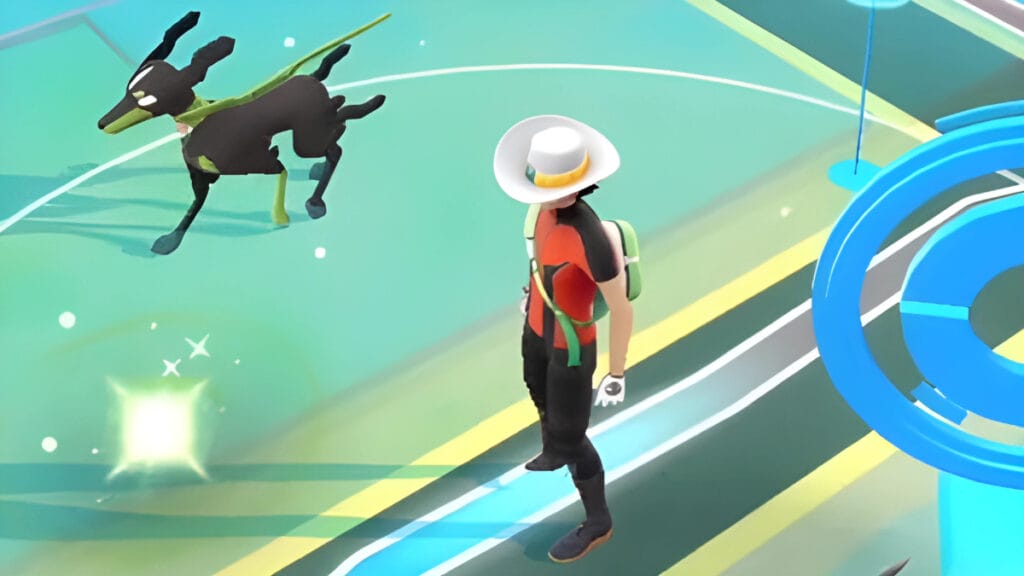
A Trainer stands beside their Pokemon in Pokemon GO
Image Source: Unofficial Creator YouTube via The Nerd Stash
This article is over 1 years old and may contain outdated information.

There’s only one way to get the legendary Zygarde in Pokemon GO, and that’s by collecting Zygarde Cells via the Routes feature. Routes are a great way to learn a new area and find new Pokemon while traveling, but they also have a simple and practical use within the game. By traveling the Routes created by other players, you’ll earn a variety of bonuses, including the elusive Zygarde Cells. To get started on your journey to obtaining 100% Zygarde, you’ll first have to complete the From A To Zygarde Special Research. Here’s what you need to know about how to get Zygarde Cells in Pokemon GO.

Where To Get Zygarde Cells In Pokemon Go
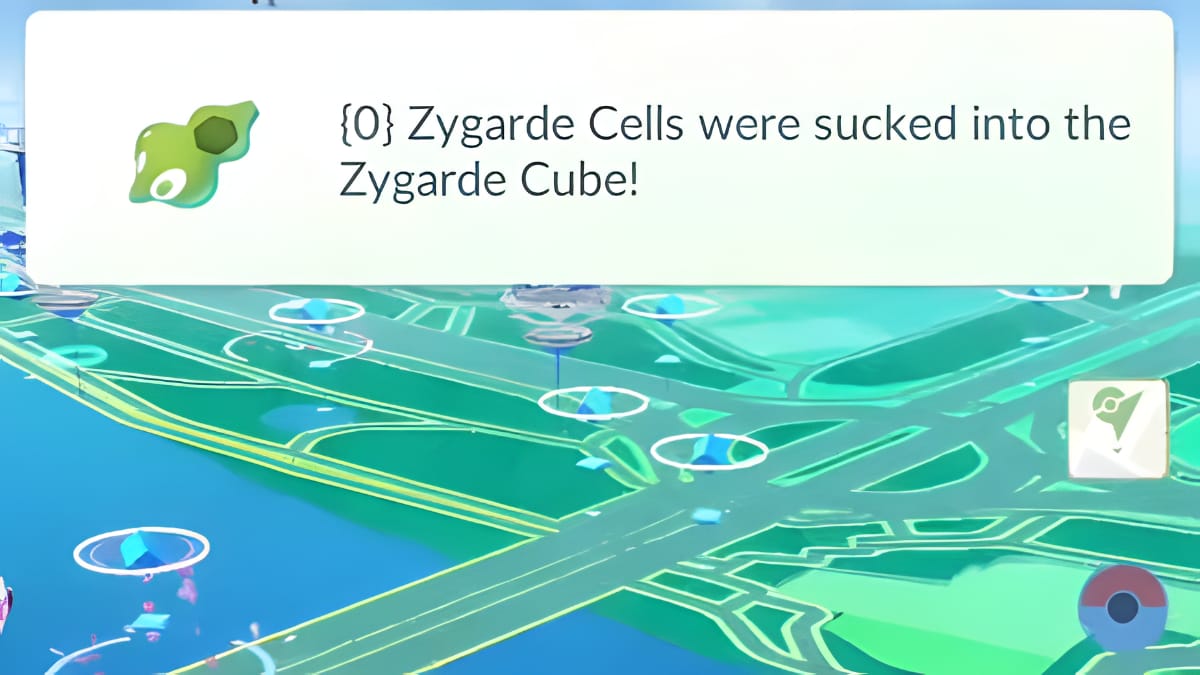
The player collects Zygarde Cells in Pokemon GO
Image Source: Unofficial Creator YouTube via The Nerd Stash

Routes are pathways walked and submitted by other Pokemon GO players. To explore someone else’s route, you just need to go to the “Nearby” menu. Next take a look at the “Routes” option. There you can see all of the different Routes available and select the one you’d like to travel on. Walking someone else’s Route is the quickest way to get get Zygarde Cells, but it’s not the only one.

Related:

Pokémon Go: Raikou Counters, Weaknesses, Moveset & Can It Be Shiny

You can also start your own Route. To do so, head to a PokeStop or a Gym and hit the “Record” button on your screen to begin the process. You’ll need to fill out some relevant info, submit it, and wait for the Pokemon GO team to accept it. That said, you can always try and travel someone else’s path in the meantime.

How To Complete From A To Zygarde

To complete the mission that will eventually provide you with Zygarde Cells, you need to walk along a Route and catch 20 Pokemon. You will also need to acquire a Zygarde Cube and work through a few Route-related tasks. Complete From A To Zygarde Part 3 to earn a Zygarde Cube, and you’ll start seeing glowing green objects on the ground while walking a Route. Each Route only rewards you with Zygarde Cells once per day, so you’ll need to walk several different Routes if you want to get Cells quickly. Completing from A To Zygarde not only rewards you with Zygarde Cells but also the following items:

  • XP
  • Stardust
  • Poke Balls
  • Berries

What Are Zygarde Cells Used For?

Now that you know how to find a Zygarde Cell, you can use it to change Zygarde’s form, making it more powerful. To change it to 50%, you need to collect 50 Zygarde Cells, and to change it to 100%, you need to collect 200. It takes time, but 100% Zygarde is a powerful Pokemon well worth the grind, and getting more XP along the way doesn’t hurt.

Pokemon Go is available on iOS and Android.

Related Topics
Guide Pokemon Go
Share. Facebook Twitter LinkedIn Reddit Email
Patrick Armstrong
  • Website

Artist and writer with a lifelong love of video games. Their favorite games include Dead by Daylight, Meet Your Maker, and Project Zomboid.

SUGGESTED READS

Minecraft Accused of Mocking Lonely Kids, Sparking Mental Health Backlash: 'One of the Ickiest Things I've Seen'
Features

Minecraft Accused of Mocking Lonely Kids, Sparking Mental Health Backlash: ‘One of the Ickiest Things I’ve Seen’

Destiny 2 Renegades PS5 Review
8.5
Features

Destiny 2: Renegades Review – The Shooter Strikes Back

Clair Obscur: Expedition 33 Loses GOTY, Other Award from Indie Game Awards Over Generative AI: 'Some Weird Performative BS'
Game News

GOTY Stripped Over AI?: Clair Obscur: Expedition 33 Loses Awards at Indie Game Awards, ‘Some Weird Performative BS’

Sony Patents Real-time AI Game Censorship Tech That Could Even Make GTA 6 Kid-Friendly
Game News

Sony Patents Real-Time AI Game Censorship Tech That Could Even Make GTA 6 Kid-Friendly

Zenless Zone Zero Version 2.5 Announcement
Game News

Zenless Zone Zero Version 2.5 Is Ready To Wrap Up the Year With Two New Agents and a Free Outfit

PC Gamers Can't Catch a Break as Nvidia Plans 40% GeForce GPU Production Cuts, Report: 'Who Needs a PC Anyways'
Game News

PC Gamers Can’t Catch a Break as Nvidia Reportedly Plans 40% GeForce GPU Production Cuts: ‘Who Needs a PC Anyways’

Trending
Minecraft Accused of Mocking Lonely Kids, Sparking Mental Health Backlash: 'One of the Ickiest Things I've Seen'

Minecraft Accused of Mocking Lonely Kids, Sparking Mental Health Backlash: ‘One of the Ickiest Things I’ve Seen’

Destiny 2 Renegades PS5 Review
8.5

Destiny 2: Renegades Review – The Shooter Strikes Back

Clair Obscur: Expedition 33 Loses GOTY, Other Award from Indie Game Awards Over Generative AI: 'Some Weird Performative BS'

GOTY Stripped Over AI?: Clair Obscur: Expedition 33 Loses Awards at Indie Game Awards, ‘Some Weird Performative BS’

Sony Patents Real-time AI Game Censorship Tech That Could Even Make GTA 6 Kid-Friendly

Sony Patents Real-Time AI Game Censorship Tech That Could Even Make GTA 6 Kid-Friendly

The Nerd Stash
Facebook X (Twitter) Instagram YouTube LinkedIn
  • About Us
  • Join Our Team
  • Meet the Team
  • Privacy Policy
  • DMCA Policy
  • Contact Us
  • Terms of Use
  • Sitemap
  • Editorial Guidelines
  • Advertising Policy
© 2025 The Nerd Stash. All Rights Reserved.

Type above and press Enter to search. Press Esc to cancel.