
Close Menu
  • Gaming
    • Platforms
      • Nintendo
      • PC
      • PlayStation
      • Xbox
  • Entertainment
    • Movies
    • TV
    • Royals
  • Celebrity
    • Hollywood
  • Human Interest
  • Astrology
  • More
    • Anime
    • Reviews
Facebook X (Twitter) Instagram LinkedIn YouTube
  • About Us
  • Join Our Team
  • Meet the Team
  • Privacy Policy
  • DMCA Policy
  • Contact Us
  • Terms of Use
  • Sitemap
  • Editorial Guidelines
  • Advertising Policy
The Nerd Stash
  • Gaming
  • Celebrity
  • Hollywood
  • Human Interest
The Nerd Stash
Home»Gaming»How To Play Co-Op in Fae Farm (Multiplayer Guide)

How To Play Co-Op in Fae Farm (Multiplayer Guide)

Fae Farm is a cozy farm game similar to Animal Crossing that you can play with your friends. There are even creatures to defeat and…

Akın BilginBy Akın BilginSeptember 9, 20232 Mins Read
fae farm multiplayer
Image Source: Phoenix Labs via Our Nerd Corner
This article is over 2 years old and may contain outdated information.

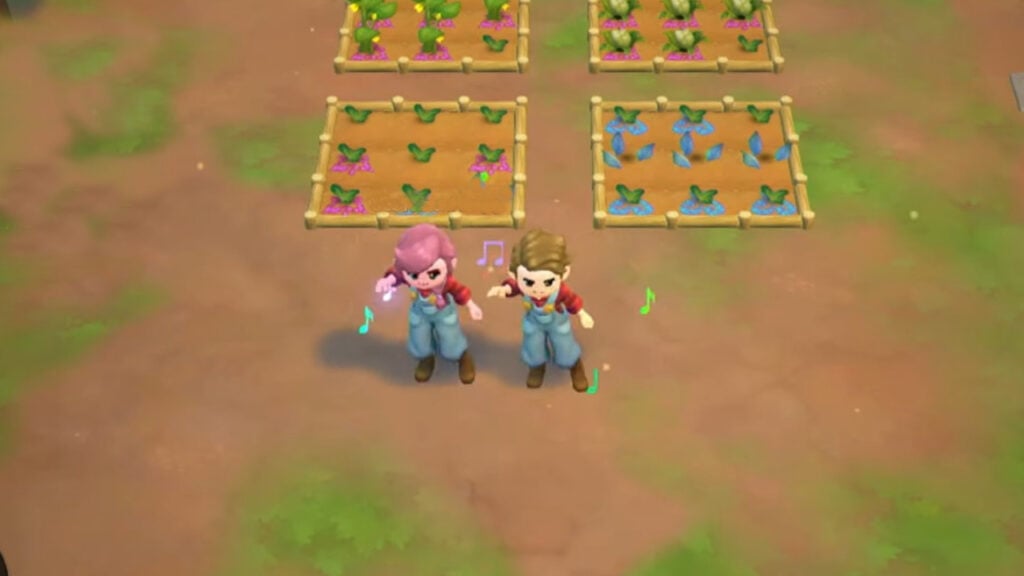
Fae Farm is a cozy farm game similar to Animal Crossing that you can play with your friends. There are even creatures to defeat and dungeons to complete in this farm game. Compared to other farming games, we can say that Fae Farm has added some nice features to the game. The most beautiful thing is that you can play Fae Farm multiplayer co-op. Many people who want to play the game multiplayer are confused because in order to unlock the co-op option, you must first complete a few requirements.

Can You Play Fae Farm Multiplayer?
co op fae farm
Image Source: Phoenix Labs via Our Nerd Corner

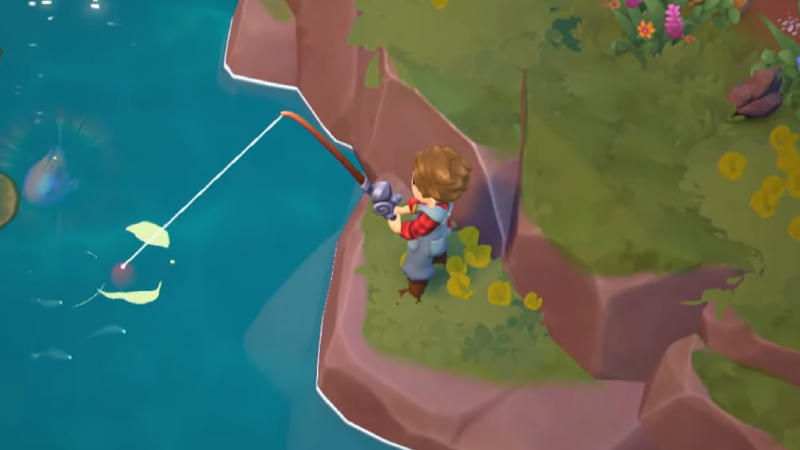
Yes, you can definitely play Fae Farm multiplayer with up to 4 people. However, you need to do a few things to play the game with your friends. First of all, everyone who will play must buy Fae Farm. In addition, all of your friends with whom you will play Fae Farm co-op must create a Phoenix Labs account and log in.

Can You Play Fae Local Coop?

Fae Farm offers multiplayer as well as local co-op, but it doesn’t seem to be available on Steam at the moment. Just like multiplayer, local co-op supports up to 4 people. Although this feature is not currently available on Steam on PC, local co-op works on Nintendo Switch.

How To Play Multiplayer in Fae Farm

Make sure all your friends have bought Fae Farm, and then all of you create a Phoenix Labs account. You will then need to spend a few days in the game doing the first missions before you can play Fae Farm multiplayer.

Then press the Pause menu, and you will see the Multiplayer option with two console icons. To invite your friends, select Host Online, and invite your friends. Fae Farm supports cross-platform, so you can play on your PC while your friends play on Nintendo Switch.

Related:
Is Fae Farm Cross-Platform? Answered

Fae Farm is available on Nintendo Switch and PC.

Related Topics
Fae Farm Guide
Share. Facebook Twitter LinkedIn Reddit Email
Akın Bilgin
  • Website
  • X (Twitter)

Akın Bilgin loves colony simulators, survival, and souls-like games. He has been a freelance guide writer for two years and is studying English Language and Literature in Turkey.

SUGGESTED READS

Europa Universalis V Fate of the Phoenix DLC
Gaming

Europa Universalis V Launches Its First Immersion Pack: Fate of the Phoenix

MindsEye Layoffs 2026
Gaming

Studio Behind GTA-like Game, MindsEye, Hit With More Layoffs, and Nobody is Surprised: ‘Shocked There’s Even a Janitor Working There’

Princess Peach Spin-Off Movie May Already Be in Development, Job Listing Suggests
Gaming

Princess Peach Spin-Off Movie May Already Be in Development, Job Listing Suggests

Xbox's New CEO Wants to Reconnect With the 'Community,' Yet Brings In More CoreAI Leaders
Gaming

Xbox’s New CEO Wants to Reconnect With the ‘Community,’ Yet Brings In More CoreAI Leaders

Diablo 4 Season 13 Tier List
Gaming

Class Tier List for Diablo 4 Season 13 (Best Classes for Endgame & Leveling)

Take-Two Boss Finally Explains Why GTA 6 Is Skipping PC at Launch: 'We'll See How It Works Out'
Gaming

Take-Two Boss Finally Explains Why GTA 6 Is Skipping PC at Launch: ‘We’ll See How It Works Out’

The Nerd Stash
Facebook X (Twitter) Instagram YouTube LinkedIn
  • About Us
  • Join Our Team
  • Meet the Team
  • Privacy Policy
  • DMCA Policy
  • Contact Us
  • Terms of Use
  • Sitemap
  • Editorial Guidelines
  • Advertising Policy
© 2026 The Nerd Stash. All Rights Reserved.

Type above and press Enter to search. Press Esc to cancel.





