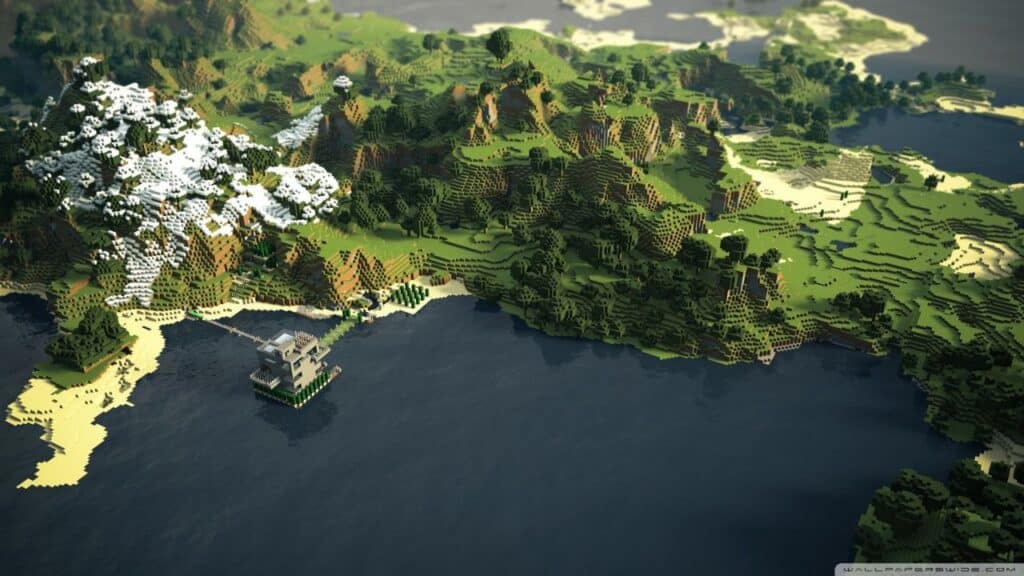
Do you want to know how to recover a deleted Minecraft world? Minecraft is a popular sandbox game that allows players to build, craft, and explore a virtual world. Minecraft worlds can be deleted accidentally or intentionally, but recovering a deleted world is not always easy. Fortunately, you can try a few methods to help you get your world back.
What is a Deleted Minecraft world?
There are various reasons why a Minecraft world might be deleted, ranging from intentional deletion to worlds becoming corrupted and unplayable. Unfortunately, regardless of the cause, once a world is removed, it will no longer appear in the available world list. It is important to remember that since deleting is an irreversible action. Caution should always be taken when considering whether or not to get rid of a particular Minecraft world. Additionally, if an issue does arise, causing your project to become corrupted and unusable, consider exploring dedicated Minecraft forums for possible fixes before completely deleting the world.
Related:
Minecraft 1.19: Best Deep Dark Seeds for Bedrock and Java (January 2023)
How to Recover a Deleted Minecraft World?

You can recover a deleted Minecraft world by going to the Windows app data and restoring the previously saved version of the game. Here are the steps you need to follow.
- Go to your Desktop and press Windows Button+R
- Type “%appdata%” and click OK.
- Select Minecraft Folder and click on it.
- Right, Click on the folder interface and select properties. A Window will pop up showing you all deleted previous versions.
- Select the Required version
- Select the Restore button to complete the process.
Once completed, you should be able to reaccess your world and continue playing as usual.
If you find yourself in the unfortunate situation of losing a world in your Minecraft game, all may not be lost. Although it can be difficult to recover a deleted world without some technical knowledge and skill, it is possible with the proper steps. However, if these methods fail to bring your desired results, it may be time to contact Minecraft Support for further assistance. This can often save you time and effort in recovering your lost world so that you can get back on track with playing and enjoying the game!
We hope this guide has helped you learn how to recover a deleted Minecraft world. Always back up your worlds regularly and frequently to avoid potential data loss. Good luck!
Also, Minecraft is available on PC, Android, iOS, Xbox One, Xbox Series X|S, Nintendo Switch, and PlayStation platforms.