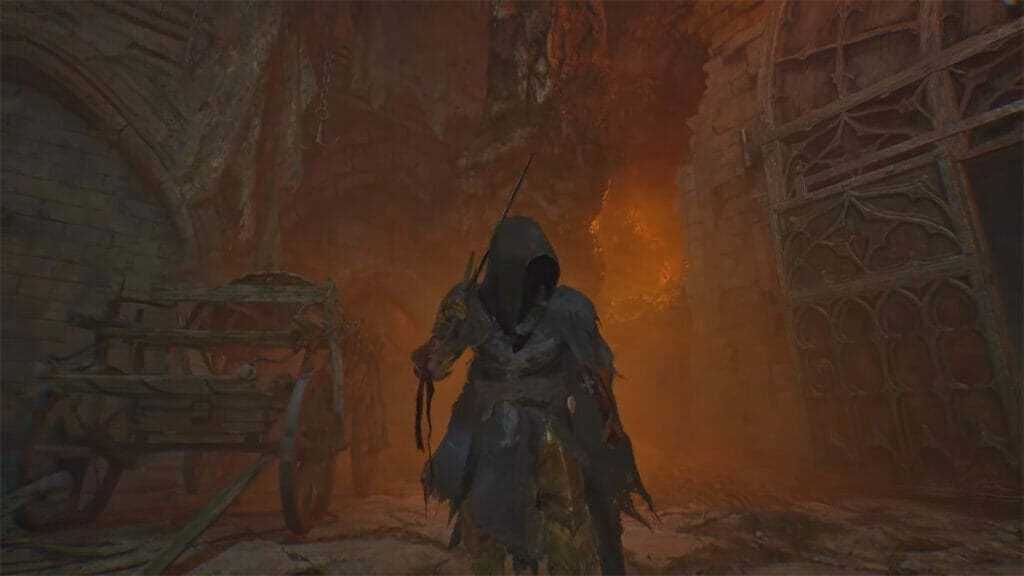
This is a visually stunning game, and you better learn how to use tints in Lords of the Fallen to look even more stunning. Here, your character’s appearance is as crucial as combat skills. To stand out on the battlefield, you need to know how to use Tints and get your hands on more of these elusive items. Using Tints allows you to make a visual statement, whether you prefer the regal gleam of gold or the understated elegance of silver. Tints are the key to customizing your armor’s look; this guide will show you how to do that.
How to Dye Armor Using Tints in Lords of the Fallen

Instead of calling them Dyes like regular RPGs, Lords of the Fallen has chosen a more extravagant name in a souls-like fashion. Still, Tints do just what you’d expect them to do: change the color of your gear. To use Tints, follow these steps:
- First, press the pause button to enter the menu.
- Within the pause menu, navigate to the rightmost option, Tincs. This is where the magic happens. Click on it to enter the Tints menu.
- Now, you can select the specific piece of armor that you wish to use the Tint on in Lords of the Fallen. Whether it’s your helmet, arms, torso, or legs, it’s entirely up to you.
- Once you’ve chosen the armor piece, it’s time to decide on the color. Lords of the Fallen offers a variety of shades, from classic gold and silver to unique hues like bronze.

Note that Tints are purely for aesthetic purposes. They won’t alter the stats or abilities of your gear.
How to Get More Tints in Lords of the Fallen
Tints are your ticket to personalizing your armor. You’ll need to explore, battle, and sometimes trade to acquire more. Here’s how to get your hands on more Tints:
- The Umbral Lamp is a valuable tool for scouting hidden paths. Use it to uncover areas that may have been previously inaccessible.
- Lords of the Fallen is full of secrets. Venture off the beaten path, check behind crumbling walls, and investigate every nook and cranny.
- Engaging in combat advances your story and increases your chances of receiving Tint to use in Lords of the Fallen.
- Don’t forget to check in with the game’s merchants. Some of them might offer Tints for sale. While it might cost you some in-game currency, it’s a convenient way to expand your Tint collection.
Lords of the Fallen is available on PC, PlayStation, and