Close Menu
  • Gaming
    • Platforms
      • Nintendo
      • PC
      • PlayStation
      • Xbox
  • Entertainment
    • Movies
    • TV
    • Royals
  • Celebrity
    • Hollywood
  • Human Interest
  • Astrology
  • More
    • Reviews
Facebook X (Twitter) Instagram LinkedIn YouTube
  • About Us
  • Join Our Team
  • Meet the Team
  • Privacy Policy
  • DMCA Policy
  • Contact Us
  • Terms of Use
  • Sitemap
  • Editorial Guidelines
  • Advertising Policy
The Nerd Stash
  • Gaming
  • Celebrity
  • Hollywood
  • Human Interest
The Nerd Stash
Home»Gaming»How To Unlock Chapter Select in Final Fantasy 7 Rebirth

How To Unlock Chapter Select in Final Fantasy 7 Rebirth

I just want to see them again.

Patrick ArmstrongBy Patrick ArmstrongFebruary 28, 20242 Mins Read
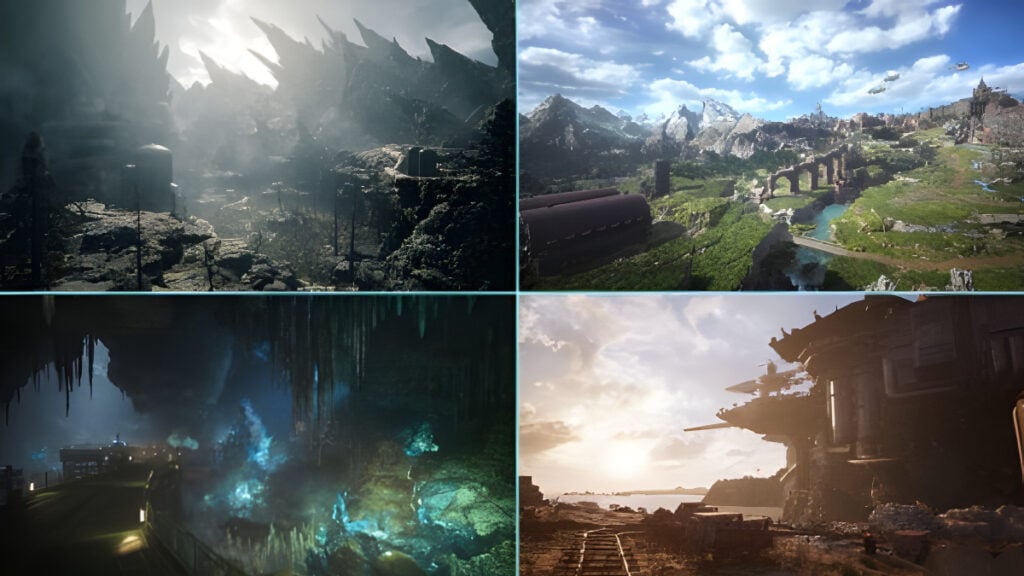
Four areas in Final Fantasy 7 Rebirth
Image Source: Square Enix via The Nerd Stash
This article is over 2 years old and may contain outdated information.

Between its unforgettable characters and unforgettable twists, there’s a reason the original Final Fantasy 7 ranks among many players’ favorite games in the series. Rebirth captures much of that same magic, and once you’ve seen one of your favorite moments play out, no one will blame you for wanting to go back and see it again. While that would be impossible in some games, Rebirth makes it easy thanks to a Chapter Select option that allows you to cut straight to what you want to see. Fortunately, Chapter Select is easy to access. Here’s how to unlock Chapter Select in Final Fantasy 7 Rebirth.

Final Fantasy 7 Rebirth Chapter Select Guide

The Chapter Select screen in Final Fantasy 7 Rebirth
Image Source: Square Enix via The Nerd Stash

Final Fantasy 7 Rebirth delivers some incredible moments, and if you’re eager to relive some of your favorites, Chapter Select is the key. This mechanic allows you to take on previous Chapters all over again, as long as you’ve already completed the content once. To unlock this feature you’ll need to beat the game first, however. Here’s what you need to do next to access Chapter Select:

  • Open the main menu
  • Navigate to “System”
  • Navigate to “Chapter Select”
  • Select the Chapter you want to replay

Related:

5 Games That Need The Final Fantasy 7 Rebirth Treatment

Using Chapter Select allows you to replay any chapter in Final Fantasy 7 Rebirth from the beginning using your current stats, weapons, and Materia. That definitely makes things easier since you can use your higher levels and upgraded gear to breeze through quests. Perhaps more importantly, it will also carry over your relationship status, so the connections you’ve made won’t lose progress. Last, Chapter Select allows you to adjust your quest completion status, giving you the option to redo favorite quests or try different approaches, although any odd jobs you have yet to complete will automatically reset.

Final Fantasy 7 Rebirth is available for PlayStation 5.

Related Topics
Final Fantasy 7 Rebirth Guide
Share. Facebook Twitter LinkedIn Reddit Email
Patrick Armstrong
  • Website

Artist and writer with a lifelong love of video games. Their favorite games include Dead by Daylight, Meet Your Maker, and Project Zomboid.

SUGGESTED READS

All Black Marketeer Locations in Palworld
Gaming

All Black Marketeer Locations in Palworld

Gaming

A New Wolverine Trailer Playing in Front of the Odyssey is Getting Obliterated by PlayStation Fans: ‘Can’t wait for my PHYSICAL COPY’

Pal Awakening Guide - Palworld
Gaming

Complete Palworld Pal Awakening Guide

How to get Radiant Gems In Palworld 1.0
Gaming

How to get Radiant Gems In Palworld 1.0

gamescom dev 2026 Adds Subnautica 2 Creative Director as Keynote Speaker, Reveals New Awards
Gaming

gamescom dev 2026 Adds Subnautica 2 Creative Director as Keynote Speaker, Reveals New Awards

Fortnite Summer Skins Censored Rumors
Gaming

Fortnite Fans Disappointed as Upcoming Summer Skins Have Been Allegedly Censored One Day After Their Reveal: ‘They Folded Without Any Pressure’

The Nerd Stash
Facebook X (Twitter) Instagram YouTube LinkedIn
  • About Us
  • Join Our Team
  • Meet the Team
  • Privacy Policy
  • DMCA Policy
  • Contact Us
  • Terms of Use
  • Sitemap
  • Editorial Guidelines
  • Advertising Policy
© 2026 The Nerd Stash. All Rights Reserved.

Type above and press Enter to search. Press Esc to cancel.