Close Menu
  • Gaming
    • Platforms
      • Nintendo
      • PC
      • PlayStation
      • Xbox
  • Entertainment
    • Movies
    • TV
    • Royals
  • Celebrity
    • Hollywood
  • Human Interest
  • Astrology
  • More
    • Anime
    • Reviews
Facebook X (Twitter) Instagram LinkedIn YouTube
  • About Us
  • Join Our Team
  • Meet the Team
  • Privacy Policy
  • DMCA Policy
  • Contact Us
  • Terms of Use
  • Sitemap
  • Editorial Guidelines
  • Advertising Policy
The Nerd Stash
  • Gaming
  • Celebrity
  • Hollywood
  • Human Interest
The Nerd Stash
Home»Gaming»How To Use Creative Mode in Sons of the Forest

How To Use Creative Mode in Sons of the Forest

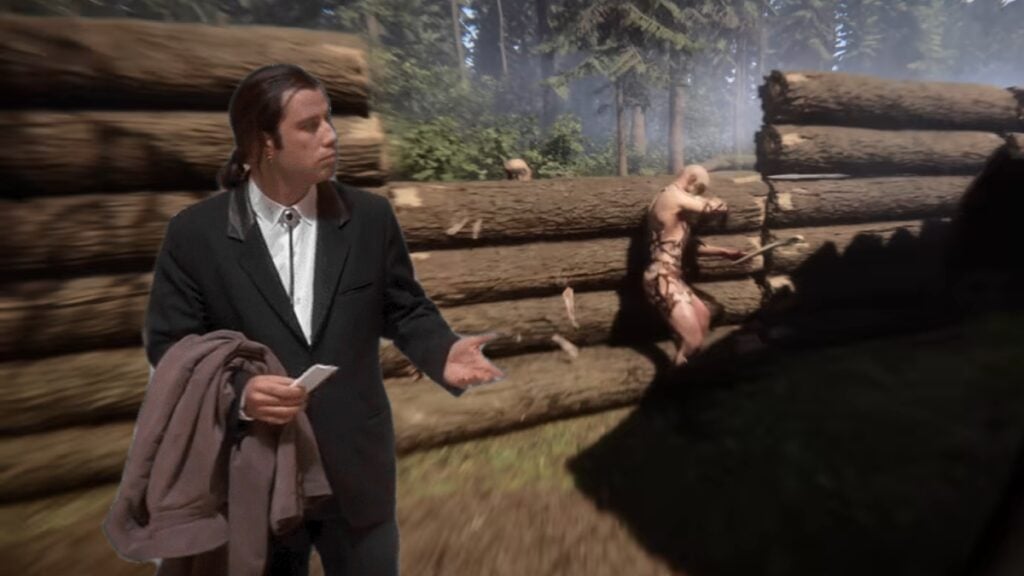
No, that is my house! I just made that wall!

Giovanna De ItaBy Giovanna De ItaFebruary 23, 20242 Mins Read
sons of the forest creative mode
Image Source: Endnight Games via The Nerd Stash
This article is over 2 years old and may contain outdated information.

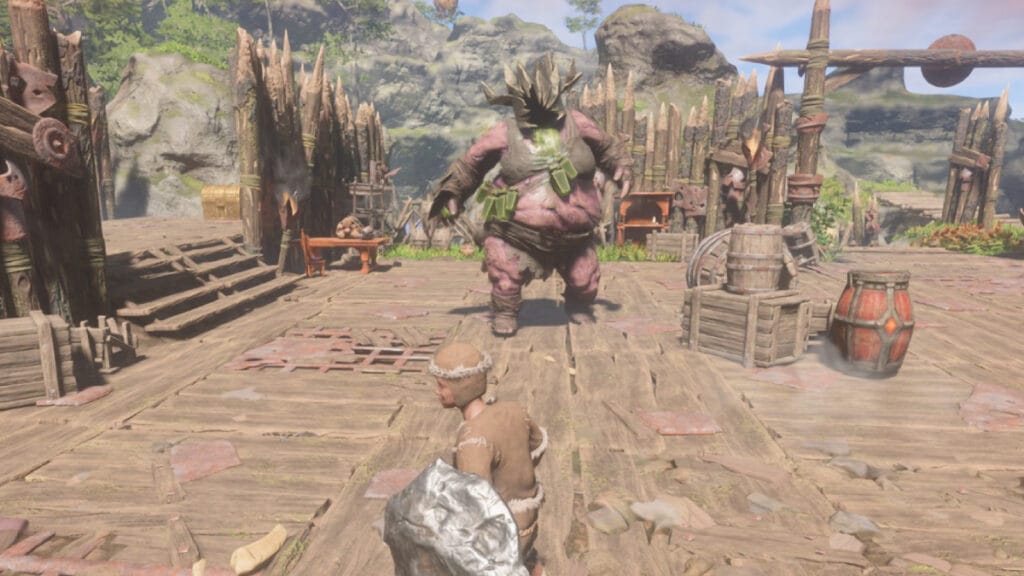
Many players get carried away by their passion for building and concentrate on creating their bases instead of living the story of a video game. This is something that several video games of different genres noticed, and for that reason, some companies added more building features for this specific group of players. In its update, Sons of the Forest introduced the option to switch to creative mode. So its users can forget about protecting themselves from cannibals to build luxurious mansions on the lake, bridges connecting the island, and tree forts.

How Do You Change to Creative Mode in Sons of the Forest?

sons of the forest creative
Image Source: Endnight Games

With the new Sons of the Forest update, you must first finish the game’s main story. Finishing the main quest and obtaining one of the three endings will take approximately 13 hours. After doing the Sons of the Forest speed run, a new option called Custom will appear on the home screen on top of all other difficulties. By selecting the custom difficulty, you can modify the following aspects:

  • Turn enemies on/off.
  • Change enemies’ stats like aggression, health, damage, and armor.
  • Change the season and the length of it.
  • Change your stats like hydration or starvation.
  • Get resources easier or respawn them.

Related:

10 Best Base Building Tips in Sons of the Forest

Before the 1.0 update, there was no creative mode; the closest was using the lowest difficulty in Sons of the Forest. Another option was to use the console commands to activate the god mode or some other cheat to sneak past the AI or some other code to eliminate the enemies. Although some players took the more complicated route, they decided to simply eradicate all the mutants on the island completely with their bare hands. Of course, there are also mods for this game that allow you to change features of the game, such as adding a game mode where you can just build. Now you know how to forget all the dangers around you and have a nice vacation while building.

Related Topics
Guide Sons of The Forest
Share. Facebook Twitter LinkedIn Reddit Email
Giovanna De Ita
  • Website

Giovanna is a fan of every single game HoYoverse has launched. When she's not covering videogames, she writes her daily horoscopes and tarot readings for the astrology vertical in The Nerd Stash.

SUGGESTED READS

Diablo 4 Season 13 Tier List
Gaming

Class Tier List for Diablo 4 Season 13 (Best Classes for Endgame & Leveling)

Take-Two Boss Finally Explains Why GTA 6 Is Skipping PC at Launch: 'We'll See How It Works Out'
Gaming

Take-Two Boss Finally Explains Why GTA 6 Is Skipping PC at Launch: ‘We’ll See How It Works Out’

Rockstar Employee Review Claims 'Unrealistic' Crunch as GTA 6 Development Intensifies: 'Had to Work Till 3AM'
Gaming

Rockstar Employee Review Claims ‘Unrealistic’ Crunch as GTA 6 Development Intensifies: ‘Had to Work Till 3AM’

All Rewards from Admin Abuse Eggs & Box in Roblox Adopt Me
Gaming

All Rewards from Admin Abuse Eggs & Box in Roblox Adopt Me

Gaming

World Heroes Perfect Reminds Me of the Golden Age of Fighting Games

Fatal Fury City of the Wolves Mr Karate Reveal
Gaming

Fatal Fury: City of the Wolves Unveils Its Next Season 2 Fighter, and It’s a Classic

The Nerd Stash
Facebook X (Twitter) Instagram YouTube LinkedIn
  • About Us
  • Join Our Team
  • Meet the Team
  • Privacy Policy
  • DMCA Policy
  • Contact Us
  • Terms of Use
  • Sitemap
  • Editorial Guidelines
  • Advertising Policy
© 2026 The Nerd Stash. All Rights Reserved.

Type above and press Enter to search. Press Esc to cancel.