Close Menu
  • Gaming
    • Game Guides
    • Codes
    • Game News
    • Game Previews
    • Game Reviews
    • Game Features
    • Game Lists
    • Platforms
      • Nintendo
      • PC
      • PlayStation
      • Xbox
      • Mobile
  • Entertainment
    • Movies
    • Movie Features
    • Movie Reviews
    • TV
    • Reality TV
    • Royals
  • Celebrity
    • Hollywood
  • Human Interest
  • Astrology
  • More
    • Anime
    • Lists
    • Podcasts
    • Reviews
Facebook X (Twitter) Instagram LinkedIn YouTube
  • About Us
  • Join Our Team
  • Meet the Team
  • Privacy Policy
  • DMCA Policy
  • Contact Us
  • Terms of Use
  • Sitemap
  • Editorial Guidelines
  • Advertising Policy
The Nerd Stash
  • Gaming
  • Celebrity
  • Hollywood
  • Human Interest
The Nerd Stash
Home»Game Guides»How To Use Signal Translator in Lethal Company

How To Use Signal Translator in Lethal Company

A new way to communicate.

Nerd Stash StaffBy Nerd Stash StaffDecember 11, 20232 Mins Read
How To Use Signal Translator in Lethal Company
Image Source: Zeekerss via YouTube MonkeyKingHero
This article is over 2 years old and may contain outdated information.

Lethal Company gets better and better with every update. For example, the Version 45 update brought a new enemy, items, and even an upgrade for the ship. This upgrade is called the Signal Translator, and it will be a useful tool for your survival in Lethal Company. Essentially, it is an alternative to walkie-talkies but with some limitations. Luckily, getting it is as easy as getting other ship upgrades.

How To Unlock Signal Translator
How To Unlock Signal Translator
Image Source: Zeekerss via YouTube MonkeyKingHero

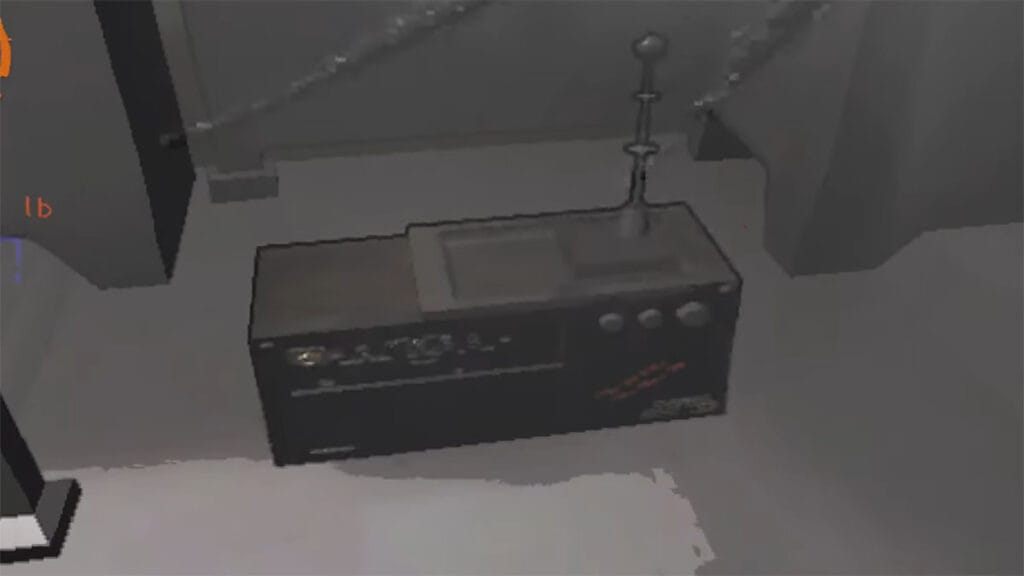
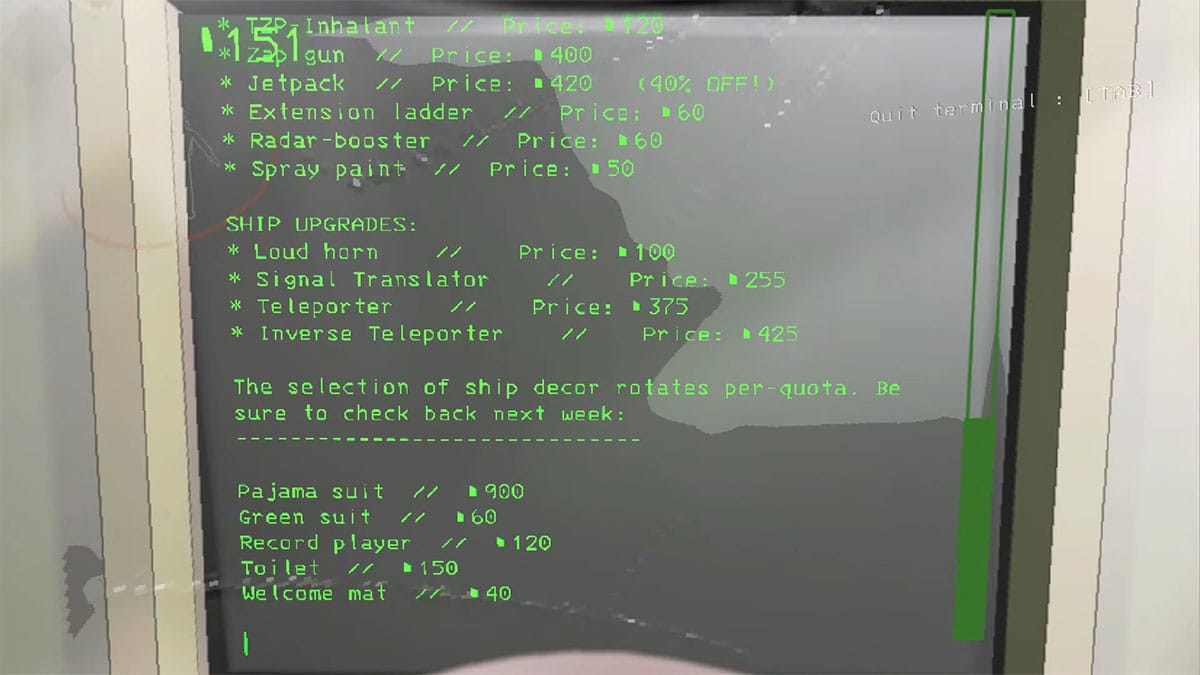
Since the Signal Translator is one of the ship upgrades in Lethal Company, you can simply buy it. To do this, first earn 255 credits, which can easily be done in a few runs, then go to the terminal at your base and open the Store. After that, purchase Signal Translator to unlock new terminal functions. This upgrade looks like a radio that you can place anywhere on your ship. And it doesn’t matter where you place it since to use it, you only need a terminal.

What Does Signal Translator Do in Lethal Company?

So, as the name suggests, Signal Translator allows you to broadcast a signal to all players in Lethal Company. Wherever they are, the sent message will appear on their screen. To do this, the player located at the base must use the terminal and write the “transmit message” command. Instead of a Message, write a code or warning that all your teammates, including you, will see. However, Signal Translator can only send messages up to 9 characters. If you write more, players will only see the first 9 characters.

At first glance, this upgrade is not as effective for communication as a walkie-talkie. However, in reality, it adds fun to the game and may even help you save your friends. We especially recommend using Signal Translator for players who leave one teammate to monitor the cameras. But if you prefer to search for scrap with the whole team, Translator will also be useful for you to notify your friends about the enemies that have appeared when you return to drop the scrap.


Related Topics
Guide Lethal Company
Share. Facebook Twitter LinkedIn Reddit Email
Nerd Stash Staff
  • Website

SUGGESTED READS

Dragon's Dogma 2 DLC Rumors Explode Again After Massive 65GB SteamDB Updates
Game News

Dragon’s Dogma 2 DLC Rumors Explode Again After Massive 65GB SteamDB Updates

how to make gunpowder Windrose
Game Guides

How to Make Gunpowder in Windrose

Best Server Settings Windrose
Game Guides

Best Server Settings for Windrose

Skate Nike SB Limited-time Event
Game News

Skate. Kicks Off a Limited-time Event With Nike SB, and It’s Free For All

All Materials in Windrose
Game Guides

Windrose: All Materials (& How to Obtain Them)

Bloodborne Anime Announced, Sony Keeps It R-Rated to Stay 'True' to the Game
Game News

Bloodborne Anime Movie Announced, Sony Keeps It R-Rated to Stay ‘Very True’ to the Game

The Nerd Stash
Facebook X (Twitter) Instagram YouTube LinkedIn
  • About Us
  • Join Our Team
  • Meet the Team
  • Privacy Policy
  • DMCA Policy
  • Contact Us
  • Terms of Use
  • Sitemap
  • Editorial Guidelines
  • Advertising Policy
© 2026 The Nerd Stash. All Rights Reserved.

Type above and press Enter to search. Press Esc to cancel.