Close Menu
  • Gaming
    • Platforms
      • Nintendo
      • PC
      • PlayStation
      • Xbox
  • Entertainment
    • Movies
    • TV
    • Royals
  • Celebrity
    • Hollywood
  • Human Interest
  • Astrology
  • More
    • Reviews
Facebook X (Twitter) Instagram LinkedIn YouTube
  • About Us
  • Join Our Team
  • Meet the Team
  • Privacy Policy
  • DMCA Policy
  • Contact Us
  • Terms of Use
  • Sitemap
  • Editorial Guidelines
  • Advertising Policy
The Nerd Stash
  • Gaming
  • Celebrity
  • Hollywood
  • Human Interest
The Nerd Stash
Home»Gaming»Roblox: Freaky Simulator Codes (June 2024)

Roblox: Freaky Simulator Codes (June 2024)

What a strange, strange game

Nat CollazoBy Nat CollazoJune 8, 20242 Mins Read
Freaky Simulator Codes
Image Source: Freak Nation
This article is over 2 years old and may contain outdated information.

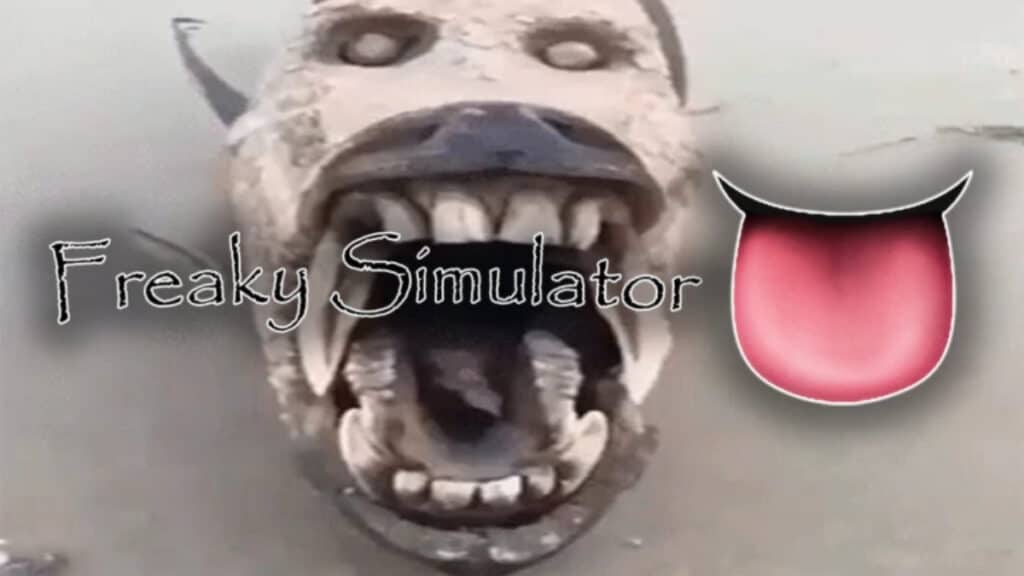
Freaky Simulator is one of the strangest experiences I’ve ever had on Roblox. I wish I could even explain what you’re doing beyond collecting pets to increase your Freakiness and progress to new areas. There are several codes that you can use to get gems and Freakiness points to help you get to the next area faster. Realistically, I used all of the Freakiness I got on eggs to try and open rare pets. Let’s check out which codes are available to redeem for this month in Freaky Simulator.

All Working Freaky Simulator Codes

All of the below codes have been tried and tested to ensure that they work. They’re all capitalized, so I recommend copying the code as we have it and pasting it into the game to ensure it’s correct.

CodesRewards
1KFREAKYBUCKS1,000 Freakiness
100FREAKYGEMS100 Freaky Gems
FREAKYSHIPAlien Pet
FREAKYSTACKBurger Pet
FREAKYSTACK100 Freaky Gems
FREAKYEXPANSION50 Freaky Gems

Related:

Roblox: Midnight Racing Tokyo Codes (June 2024)

The Alien and Burger pets are great ways to start building your Freakiness levels and buy more pets. It only took me about five minutes to open up more pets and gain access to the next area in the game.

How to Redeem Codes

Freaky Simulator Codes
Image Source: Freak Nation via The Nerd Stash

Codes can be redeemed by:

  1. Open the game and press the blue checkmark icon to the right of the screen.
  2. A text box will open for you to insert any of the above codes into.
  3. Enter the code and select the blue Redeem button to redeem them.

Where To Get More Codes

I recommend bookmarking this page and returning back to it next month for new, updated codes. Alternatively, as you progress from area to area in Roblox’s Freaky Simulator, you’ll find that there are hidden codes in random areas of the map. Each area has new codes you can use for more gems and Freakiness.

Roblox is available to play on mobile devices, PC, Xbox, and PlayStation.

Related Topics
Guide Roblox
Share. Facebook Twitter LinkedIn Reddit Email
Nat Collazo
  • Website
  • X (Twitter)
  • Instagram

Nat is a journalist with over ten years of online publishing experience. They are a massive fan of hanging out with both their wife and cat which would ideally be all the time. Nat received an undergraduate degree in English Literature from Florida International University, then returned to complete a graduate degree in Mass Communications before moving across the country to settle in New England.

SUGGESTED READS

How to Fast Travel and Activate Shrines in Blood of Dawnwalker
Gaming

How to Fast Travel and Activate Shrines in Blood of Dawnwalker

State of Play September 2026 Announcements
Gaming

PlayStation State of Play (September 2026): All Major Announcements

CS2 float values
Gaming

How to Read Float Before Buying a Skin

Dungeons & Dragons Long Rest Tavern preview
Gaming

Dungeons & Dragons: Long Rest Tavern Preview – The Other Part of Adventuring

Gaming

Halloween: The Game Review in Progress Michael Myers Big Day Is Here

Aliens Fireteam Elite 2
6.5
Gaming

Aliens: Fireteam Elite 2 Review — A Fun Bug Hunt That Needs a Little More Polish

The Nerd Stash
Facebook X (Twitter) Instagram YouTube LinkedIn
  • About Us
  • Join Our Team
  • Meet the Team
  • Privacy Policy
  • DMCA Policy
  • Contact Us
  • Terms of Use
  • Sitemap
  • Editorial Guidelines
  • Advertising Policy
© 2026 The Nerd Stash. All Rights Reserved.

Type above and press Enter to search. Press Esc to cancel.