

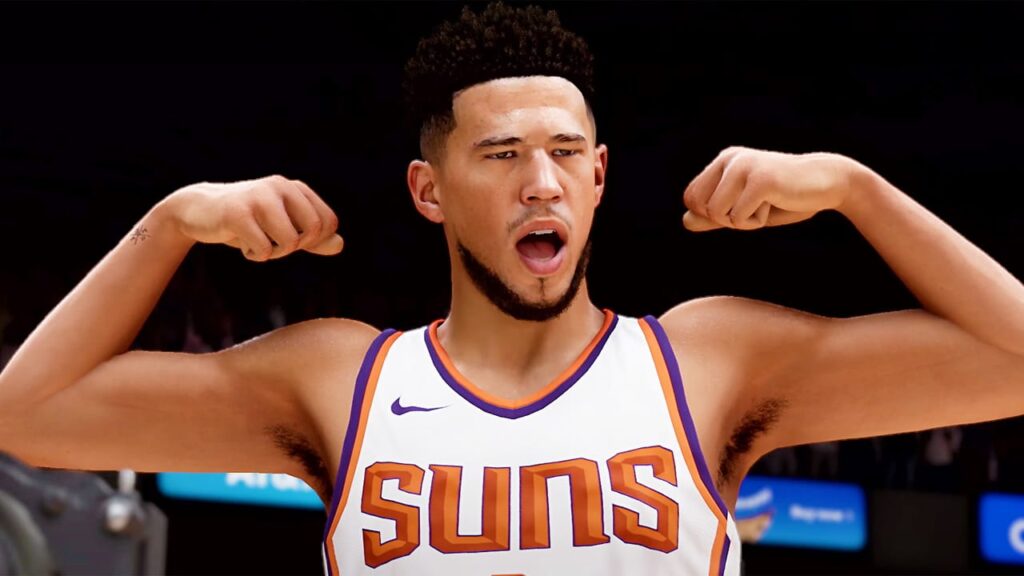
Do you want to know how to change MyPlayer Nickname in NBA 2K23? Many players have been asking the same question on various forums. The good news is that you can easily change your MyPlayer Nickname in NBA 2K23. This guide will show you the steps you need to follow to change your MyPlayer Nickname in NBA 2K23.
What is MyPlayer Nickname?
Customization options in NBA 2K23 allow players to continue their involvement in the popular MyCareer Mode. You can modify various components while creating your MyPlayer, and you have the option of naming them. Although your MyPlayer is called MP by commentators and others, you can change this in NBA 2K23. You can select a nickname instead of sticking with the boring default. There is a Secondary Nickname option where you can choose a different name. Although altering the Secondary Nickname has no impact on your jersey name.
As with previous releases, players create their player, known as a MyPlayer. NBA 2K23 gives players the ability to edit their player’s nicknames. However, the impact remains limited. During games, announcers will start calling players by their secondary nickname, but their primary nickname still refers to MyPlayers throughout career mode. The reason may be that 2 K focuses on selling player customization packs, allowing players to change their MyPlayer looks but not their primary or secondary nicknames.
Related:
Is NBA 2K23 Coming to Xbox Game Pass? Answered
Why Change MyPlayer Nickname in NBA 2K23?
You might be wondering why you should change your MyPlayer nickname. After all, it’s just a nickname and doesn’t impact your player’s stats. The answer is simple: because you can, and it’s fun. If you want to express your creativity, or if you don’t like the default nickname, you can change it. It’s a great way to make your MyPlayer stand out and help you remember their name.
How to change MyPlayer Nickname in NBA 2K23?
NBA 2K23 gives players the option to change their MyPlayer nickname. To do this, players need to go to the “Options” menu, then “Settings,” and finally, “Secondary Nickname.” The “Secondary Nickname” option will be the third option from the top.
Once in the “Secondary Nickname” menu, type in the nickname you want, and hit “Enter.”
So there you have it. This is how you change your MyPlayer Nickname in NBA 2K23. We hope that this guide has been helpful to you. Please let us know in the comments section below if you have any questions or feedback. Happy gaming!






