Close Menu
  • Gaming
    • Game Guides
    • Codes
    • Game News
    • Game Previews
    • Game Reviews
    • Game Features
    • Game Lists
    • Platforms
      • Nintendo
      • PC
      • PlayStation
      • Xbox
      • Mobile
  • Entertainment
    • Movies
    • Movie Features
    • Movie Reviews
    • TV
    • Reality TV
    • Royals
  • Celebrity
    • Hollywood
  • Human Interest
  • Astrology
  • Videos
  • More
    • Anime
    • Lists
    • Podcasts
    • Reviews
Facebook X (Twitter) Instagram LinkedIn YouTube
  • About Us
  • Join Our Team
  • Meet the Team
  • Privacy Policy
  • DMCA Policy
  • Contact Us
  • Terms of Use
  • Sitemap
  • Editorial Guidelines
  • Advertising Policy
The Nerd Stash
  • Gaming
  • Celebrity
    • Hollywood
  • Human Interest
  • Videos
The Nerd Stash
Home»Game Guides»Overwatch 2: How To Fix Credit Not Showing Up Error

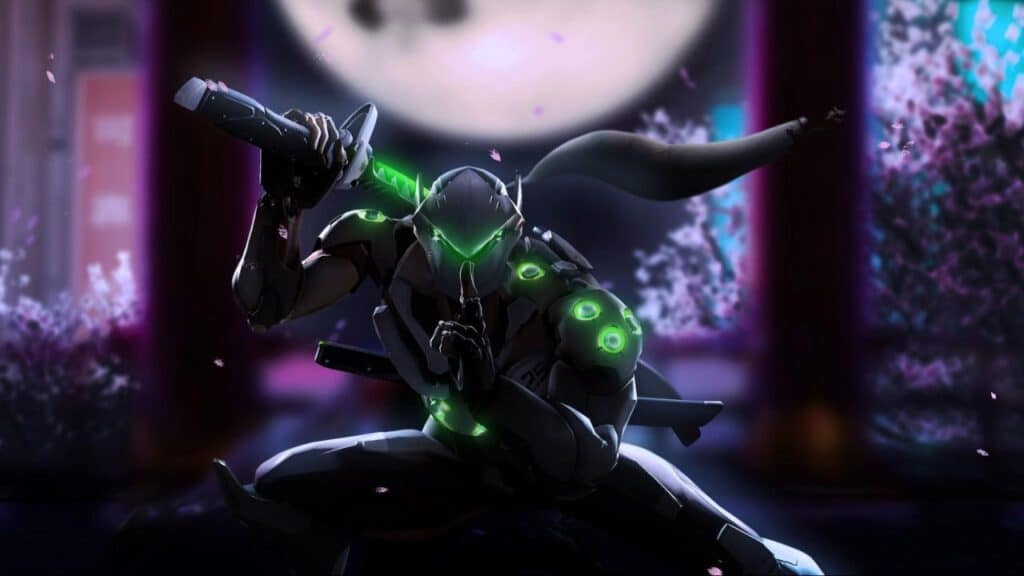
Overwatch 2: How To Fix Credit Not Showing Up Error

Where are my credits?

Asanga WijeratneBy Asanga WijeratneFebruary 8, 20232 Mins Read
Overwatch 2: How to Fix Credit Not Showing Up Error
This article is over 3 years old and may contain outdated information.

[Updated on September 14, 2024, to revise outdated formatting and improve readability.]

You can fix the “Credit Not Showing Up” error in Overwatch 2 by signing out from both Battle.net and Overwatch clients and re-login after all updates are installed. This simplest solution should help you fix the issue of missing credit in the game. Here are the steps you need to follow.

  1. Sign out from both Battle.net and Overwatch clients.
  2. Update the game to the latest version.
  3. Re-login to Battle.net and Overwatch clients. The Credits should show up once you have done the above steps correctly.

Related:

10 Tips to Climb the Competitive Ladder in Overwatch 2

If the problem persists, you can also try some standard Game fixes as below.

  • Clear the game’s cache.
  • Redownload and reinstall the game.
  • Reset your network settings to default.

‘Credit Not Showing Up’ in Overwatch 2 seems to be a widely-experienced issue, but fixing it is simpler than you think. With the help of this guide, you can have your credit up and running in no time! If none of these solutions seem to work for you by chance, do not stress. Just reach out to Blizzard Support. Their knowledgeable staff is waiting to help ensure your games run smoothly and efficiently. Chances are, they’ll get things back on track in no time – so why not give them a try? Best of luck!

Related Topics
Guide Overwatch 2
Share. Facebook Twitter LinkedIn Reddit Email
Asanga Wijeratne
  • Website

SUGGESTED READS

fatal frame 2 remake
8.0
Game Reviews

Fatal Frame II: Crimson Butterfly Remake Review – A Cult Classic Revitalized

Monster Hunter Stories 3 PS5 Review
9.5
Game Reviews

Monster Hunter Stories 3: Twisted Reflection Review – A New Standard

Age of Wonders 4 Rise from Ruin
Game Previews

Age of Wonders 4: Rise from Ruin Hands-On Impressions – The Most Challenging Yet

Echoes of Aincrad Reveal
Game News

Echoes of Aincrad Might Be The Sword Art Online Experience We’ve Been Longing For Since Fatal Bullet

Wuthering Waves Version 3.1 Luuke
Game Previews

Wuthering Waves Version 3.1 Hands-On Impressions – A Roller Coaster of Emotions

Forza Horizon 6 Map Exploration
Game News

Forza Horizon 6 Could Easily Become the Best-Looking Game of This Year

The Nerd Stash
Facebook X (Twitter) Instagram YouTube LinkedIn
  • About Us
  • Join Our Team
  • Meet the Team
  • Privacy Policy
  • DMCA Policy
  • Contact Us
  • Terms of Use
  • Sitemap
  • Editorial Guidelines
  • Advertising Policy
© 2026 The Nerd Stash. All Rights Reserved.

Type above and press Enter to search. Press Esc to cancel.