Close Menu
  • Gaming
    • Platforms
      • Nintendo
      • PC
      • PlayStation
      • Xbox
  • Entertainment
    • Movies
    • TV
    • Royals
  • Celebrity
    • Hollywood
  • Human Interest
  • Astrology
  • More
    • Reviews
Facebook X (Twitter) Instagram LinkedIn YouTube
  • About Us
  • Join Our Team
  • Meet the Team
  • Privacy Policy
  • DMCA Policy
  • Contact Us
  • Terms of Use
  • Sitemap
  • Editorial Guidelines
  • Advertising Policy
The Nerd Stash
  • Gaming
  • Celebrity
  • Hollywood
  • Human Interest
The Nerd Stash
Home»Gaming»How To Turn on Angle Snapping in Valorant

How To Turn on Angle Snapping in Valorant

You can change several settings to better your gaming if you’re a Valorant player trying to level up. Angle snapping in Valorant can make your…

Omer DursunBy Omer DursunMarch 18, 20232 Mins Read
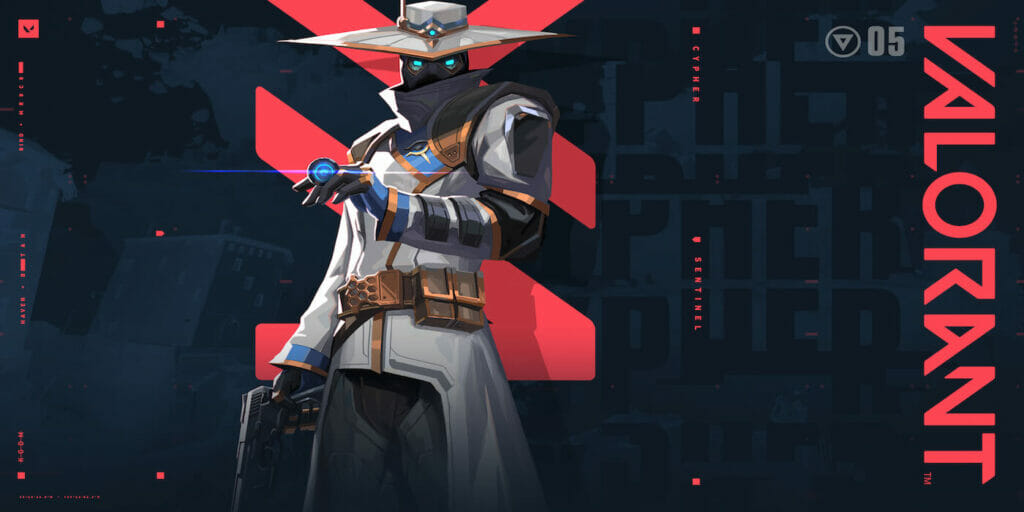
Valorant Cypher artwork
Image Source: Riot Games
This article is over 3 years old and may contain outdated information.

You can change several settings to better your gaming if you’re a Valorant player trying to level up. Angle snapping in Valorant can make your mouse motions more fluid, but it’s crucial to weigh the benefits and drawbacks before using it. Here is a guide about angle snapping in Valorant.

What is Angle Snapping in Valorant?

how to get the nerd glasses crosshair in valorant - Angle Snapping Valorant

Valorant‘s angle snapping can be helpful for players who are still learning crosshair placement, diagonal movement, and moving from one target to another. This feature can make your aim more steady and precise, especially when tracking or swinging around to attack an opponent.

However, there are also some downsides to using angle snapping in Valorant. One of the biggest drawbacks is that making small, incremental adjustments during a battle can make it more difficult. This can be especially challenging if you need to crouch, move to higher ground, or jump to avoid an opponent’s attack. In these cases, relying on muscle memory and raw input may be more effective.

Additionally, whether or not to use angle snapping depends on your preference and playstyle. If you’re a newer player still learning the ropes, using this feature to develop your skills may be helpful. However, suppose you’re an experienced player who has developed your tendencies and muscle memory. In that case, it may be best to rely on your unassisted aim to remain quick and adaptable.

Related:

How to Fix Required Dependencies Error in Valorant

Do you want to know how to fix the standard “Required Dependencies” error in Valorant? Suppose you’ve encountered the infamous “Required Dependencies” error in Valorant. Don’t worry. You’re not alone! This pesky little issue pops up when crucial files are missing or not playing smoothly in your game’s installation folder. As a result, Valorant refuses to start, leaving you unable to jump into the action with your friends.

Related Topics
Guide Valorant
Share. Facebook Twitter LinkedIn Reddit Email
Omer Dursun
  • Website

I am a freelance editor who loves to write technology and game content. I suggest you listen to my guide about games.

SUGGESTED READS

Onimusha Way of the Sword PS5 Review
9.5
Gaming

Onimusha: Way of the Sword Review – A Flawless Samurai Tale

The Blood of Dawnwalker PS5 Review
9
Gaming

The Blood of Dawnwalker Review – Dark Fantasy Done Right

GTA 6's Lucia Shows How Far Latina Representation in Games Has Come
Gaming

GTA 6’s Lucia Shows How Far Latina Representation in Games Has Come

Rogue Fortune Reveal
Gaming

Rogue Fortune Approaches Roguelikes With In-Depth Build-Crafting and Puzzle-Solving Systems

GTA 6 Extended Look Netflix
Gaming

How & Where to Watch the GTA 6 Extended Look

Resonance A Plague Tale Legacy PC Review
8
Gaming

Resonance: A Plague Tale Legacy Review – Bold Ideas, Predictable Story

The Nerd Stash
Facebook X (Twitter) Instagram YouTube LinkedIn
  • About Us
  • Join Our Team
  • Meet the Team
  • Privacy Policy
  • DMCA Policy
  • Contact Us
  • Terms of Use
  • Sitemap
  • Editorial Guidelines
  • Advertising Policy
© 2026 The Nerd Stash. All Rights Reserved.

Type above and press Enter to search. Press Esc to cancel.