Close Menu
  • Gaming
    • Platforms
      • Nintendo
      • PC
      • PlayStation
      • Xbox
  • Entertainment
    • Movies
    • TV
    • Royals
  • Celebrity
    • Hollywood
  • Human Interest
  • Astrology
  • More
    • Reviews
Facebook X (Twitter) Instagram LinkedIn YouTube
  • About Us
  • Join Our Team
  • Meet the Team
  • Privacy Policy
  • DMCA Policy
  • Contact Us
  • Terms of Use
  • Sitemap
  • Editorial Guidelines
  • Advertising Policy
The Nerd Stash
  • Gaming
  • Celebrity
  • Hollywood
  • Human Interest
The Nerd Stash
Home»Gaming»How To Pause in Baldur’s Gate 3

How To Pause in Baldur’s Gate 3

Need to go AFK for a spell?

Tristan ZeldenBy Tristan ZeldenAugust 3, 20232 Mins Read
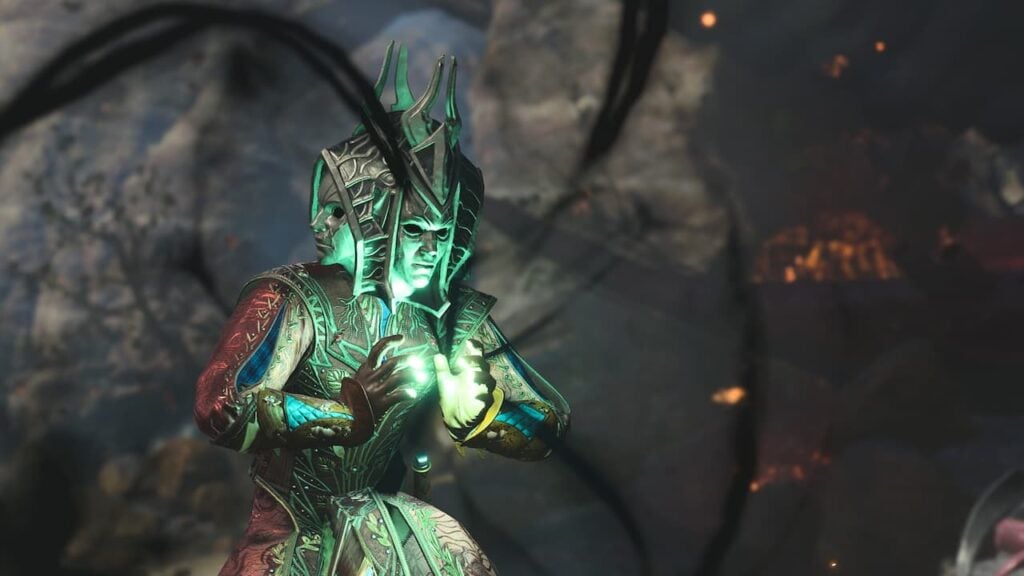
Baldur's Gate 3 pause
Image Source: Larian Studios
This article is over 3 years old and may contain outdated information.

In games that are as massive as Baldur’s Gate 3, you will often find yourself immersed for hours, making your day fly by. At some point, you will need to get up to use the bathroom or grab a bite to eat. No matter your reasons, you will likely want to pause Baldur’s Gate 3 at some point. While Larian Studios does not have a hard pause button in its fantasy RPG, there are ways you can do it. These creative methods should give you some relief if you feel you need a break.

In most cases, you will not need to freeze the game when you get up. Nothing will pop up and kill you while you are away. Still, we have some ways for you to “pause” when you have to peel yourself away from your screen.

Related:

Dragon’s Dogma 2 vs. Baldur’s Gate 3: Which is Better?

One method to pause Baldur’s Gate 3 is to select the “Turn-Based Mode” button or press the spacebar. Instead of real-time, you go into turn-based to let you select and move each party member one at a time. It gives you a slow, deliberate approach to certain areas, especially with traps. This is a great way to stop the game when your DoorDash arrives with a tasty meal to fuel you for more hours of gameplay. Any environmental effects can still be in play, so make sure you are safe when stepping away.

The other method also goes in line with the “Turn-Based Mode” button. Instead of activating this mode, you can always get up during combat when it is your turn. Let the game idle while it awaits your move as you deal with whatever you need to do in real life before stepping back into this fantastical world filled with otherworldly races and magic.


Related Topics
Baldur's Gate 3 Guide
Share. Facebook Twitter LinkedIn Reddit Email
Tristan Zelden
  • Website
  • X (Twitter)

Tristan Zelden is an entertainment journalist. You can see his work across multiple outlets covering the latest in movies, TV, and video games. Outside of work and enjoying entertainment, he thinks about corgis and loves getting tattoos.

SUGGESTED READS

GTA 6 PC Listing Mysteriously Appears on SteamDB Amid Major Leak
Gaming

GTA 6 PC Listing Mysteriously Appears on SteamDB Amid Major Leak

GTA 6 Fans Accuse Rockstar of Plagiarizing Artwork for SMG Decal: 'I Hope Rockstar Paid for This'
Gaming

GTA 6 Fans Accuse Rockstar of Plagiarizing Artwork for SMG Decal: ‘I Hope Rockstar Paid for This’

GTA 6: Will Moving to Chapter 2 Lock You Out of Chapter 1 Content?
Gaming

GTA 6: Will Moving to Chapter 2 Lock You Out of Chapter 1 Content?

GTA 6 Criminal Profile
Gaming

How Do Criminal Profiles Work in GTA 6

GTA 6 Register & Sell Vehicles
Gaming

How to Register and Sell Vehicles in GTA 6

GTA 6 Reportedly Made $2.36 Billion by Launch Day, With PS5 Outselling Xbox Three to One
Gaming

GTA 6 Reportedly Made $2.36 Billion by Launch Day, With PS5 Outselling Xbox Three to One

The Nerd Stash
Facebook X (Twitter) Instagram YouTube LinkedIn
  • About Us
  • Join Our Team
  • Meet the Team
  • Privacy Policy
  • DMCA Policy
  • Contact Us
  • Terms of Use
  • Sitemap
  • Editorial Guidelines
  • Advertising Policy
© 2026 The Nerd Stash. All Rights Reserved.

Type above and press Enter to search. Press Esc to cancel.