Close Menu
  • Gaming
    • Game Guides
    • Codes
    • Game News
    • Game Previews
    • Game Reviews
    • Game Features
    • Game Lists
    • Platforms
      • Nintendo
      • PC
      • PlayStation
      • Xbox
      • Mobile
  • Entertainment
    • Movies
    • Movie Features
    • Movie Reviews
    • TV
    • Reality TV
    • Royals
  • Celebrity
    • Hollywood
  • Human Interest
  • Astrology
  • Videos
  • More
    • Anime
    • Lists
    • Podcasts
    • Reviews
Facebook X (Twitter) Instagram LinkedIn YouTube
  • About Us
  • Join Our Team
  • Meet the Team
  • Privacy Policy
  • DMCA Policy
  • Contact Us
  • Terms of Use
  • Sitemap
  • Editorial Guidelines
  • Advertising Policy
The Nerd Stash
  • Gaming
  • Celebrity
    • Hollywood
  • Human Interest
  • Videos
The Nerd Stash
Home»Game Guides»How To Fix Error Code E01 in Roblox

How To Fix Error Code E01 in Roblox

Roblox Error E01 giving you a headache? Remember, it’s just a game’s way of playing hard to get. Keep calm and troubleshoot on!

Asanga WijeratneBy Asanga WijeratneNovember 16, 20233 Mins Read
How To Fix Error Code E01 in Roblox
Image Source: Roblox Corporation
This article is over 2 years old and may contain outdated information.

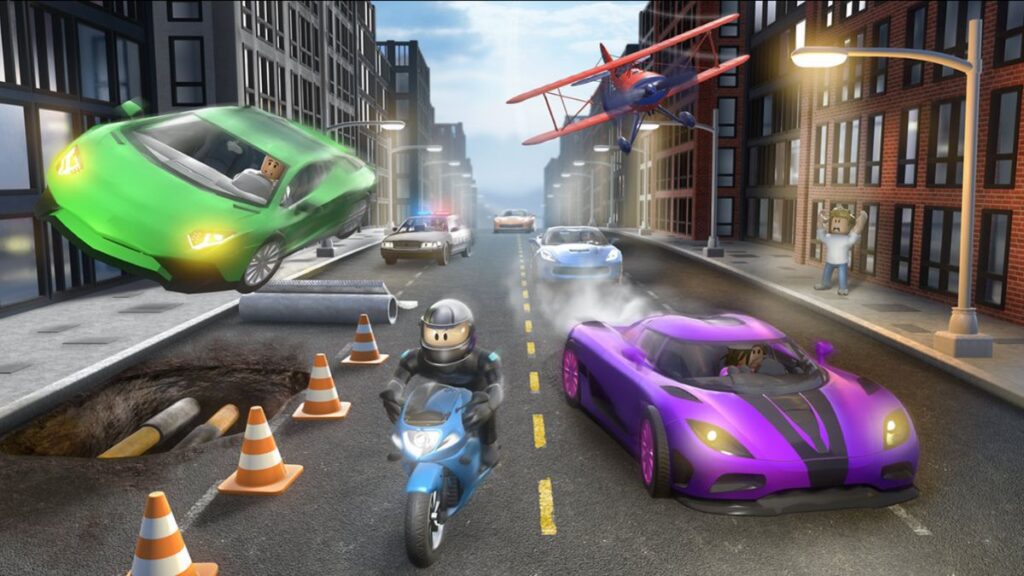
You are not alone if you’ve experienced the Roblox Error Code E01, which causes sudden disconnections or inhibits your access to the game. Many players encounter the same error. Server glitches, faulty graphics drivers, or local internet issues often trigger this error. But worry not; we’ll guide you through simple troubleshooting steps to fix Roblox Error Code E01 and get back into the game!

Troubleshooting Steps to Fix Error Code E01 in Roblox
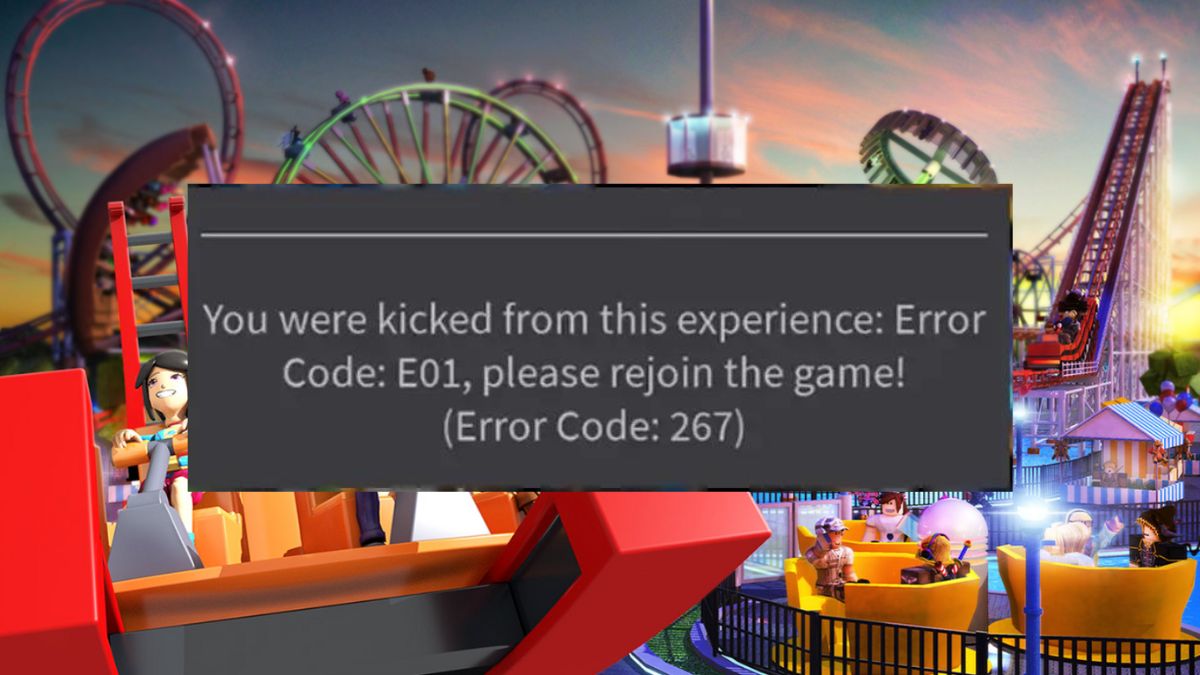
Roblox Error Code E01
Image Source: Roblox Corporation via The Nerd Stash

The first thing you must do when you encounter Error Code E01 is check the server status. One primary reason for this error is server maintenance or unexpected downtime. You can check the server status from the official server status page. If the server is down, there’s nothing you can do but wait for it to come back up. You can try the following methods if the server status isn’t an issue.

1. Check Your Network Connection

Your internet connection is crucial for playing Roblox, and any issue with it can cause the E01 error. Ensure your network connection is stable and robust enough to support online gaming. You can check this by running a speed test or accessing other websites or games. If you’re experiencing issues with your network, resetting the router might work. Otherwise, contact your internet provider.

2. Update Your Graphics Drivers

Outdated or faulty graphics drivers can cause errors, including Error Code E01 in Roblox. Check your graphics drivers are updated and compatible with the game. You can check it from the manufacturer’s website.

Related:

Roblox: Anime Champions Simulator Codes (November 2023)

3. Clear Cache and Cookies

Clearing your browser’s cache and cookies can resolve various technical issues, including error codes. Access Roblox‘s cache location, select all the files and delete them to clear the cache.

4. Reinstall Roblox

If all else fails, you can try reinstalling the game to fix the E01 error, as corrupted game files can also cause this error. Uninstall Roblox from your device and then download and install the latest version from their website. This will ensure you have all the necessary files to run the game without errors.

5. Contact Roblox Support

If none of these methods work, it’s best to contact Roblox support for further assistance. They may be able to provide a specific solution for your device or help troubleshoot the issue. You can contact them through their support website.

How To Fix Roblox Error Code E01
Related Topics
Guide Roblox
Share. Facebook Twitter LinkedIn Reddit Email
Asanga Wijeratne
  • Website

SUGGESTED READS

Overwatch 2 Winter Wonderland Event 2025
Game Guides

Overwatch 2: Winter Wonderland 2025 Guide

Warfarme Uriel
Game Guides

How to Get Uriel in Warframe (Maphica Resource Farm Guide)

Day of the Devs 2025 TGA Edition
Game Features

Days of the Devs 2025 (The Game Awards Edition): All Reveals and Announcements

Todd Howard See 'All Those Comments' on Fallout 3 and New Vegas Remaster Demands: 'We're Working on a Whole Bunch of Stuff'
Game News

Todd Howard Sees ‘All Those Comments’ on Fallout 3 and New Vegas Remaster Demands: ‘We’re Working on a Whole Bunch of Stuff’

Call of Duty: Black Ops 7 revealed
Game Features

Call of Duty: Black Ops 7: Everything you Need to Know About the New Shooter

Mr Big in Fatal Fury
Game Previews

Fatal Fury: City of the Wolves Mr. Big Hands-On Preview – An Electrifying Finale

Trending
Overwatch 2 Winter Wonderland Event 2025

Overwatch 2: Winter Wonderland 2025 Guide

Warfarme Uriel

How to Get Uriel in Warframe (Maphica Resource Farm Guide)

Day of the Devs 2025 TGA Edition

Days of the Devs 2025 (The Game Awards Edition): All Reveals and Announcements

Todd Howard See 'All Those Comments' on Fallout 3 and New Vegas Remaster Demands: 'We're Working on a Whole Bunch of Stuff'

Todd Howard Sees ‘All Those Comments’ on Fallout 3 and New Vegas Remaster Demands: ‘We’re Working on a Whole Bunch of Stuff’

The Nerd Stash
Facebook X (Twitter) Instagram YouTube LinkedIn
  • About Us
  • Join Our Team
  • Meet the Team
  • Privacy Policy
  • DMCA Policy
  • Contact Us
  • Terms of Use
  • Sitemap
  • Editorial Guidelines
  • Advertising Policy
© 2025 The Nerd Stash. All Rights Reserved.

Type above and press Enter to search. Press Esc to cancel.