

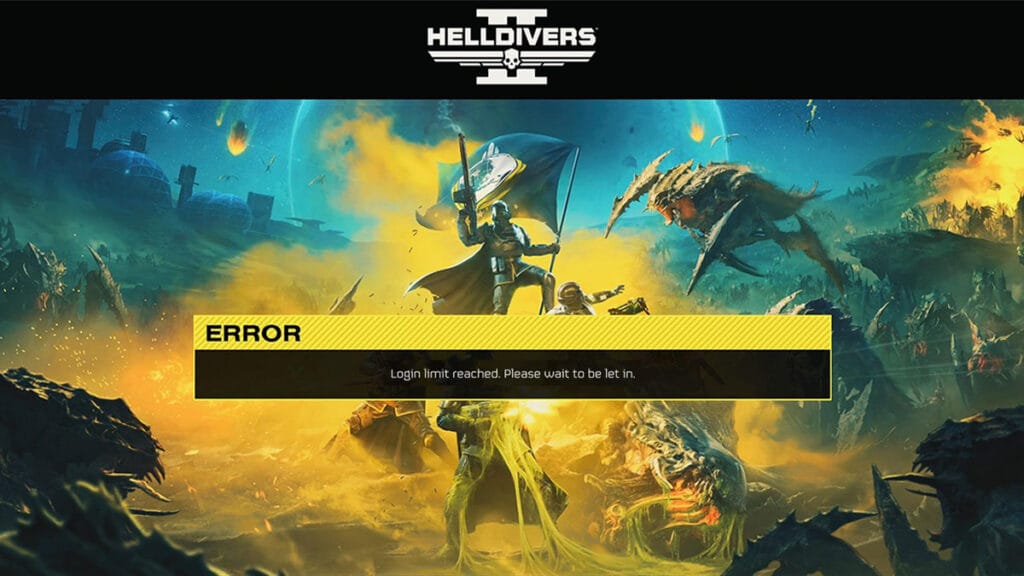
Despite being a surprise hit for Sony and Arrowhead Game Studios, Helldivers 2 comes with unfortunate setbacks like other online-based games. Players all over the world have reported various issues regarding server connectivity. One of the main ones is the “Login Limit Reached” problem, which prevents players from going past the main menu. The “Login Limit Reached” error indicates a hiccup with the Helldivers 2 server, but is there any fix for it?
Is It Possible To Bypass the “Login Limit Reached” Error in Helldivers 2?
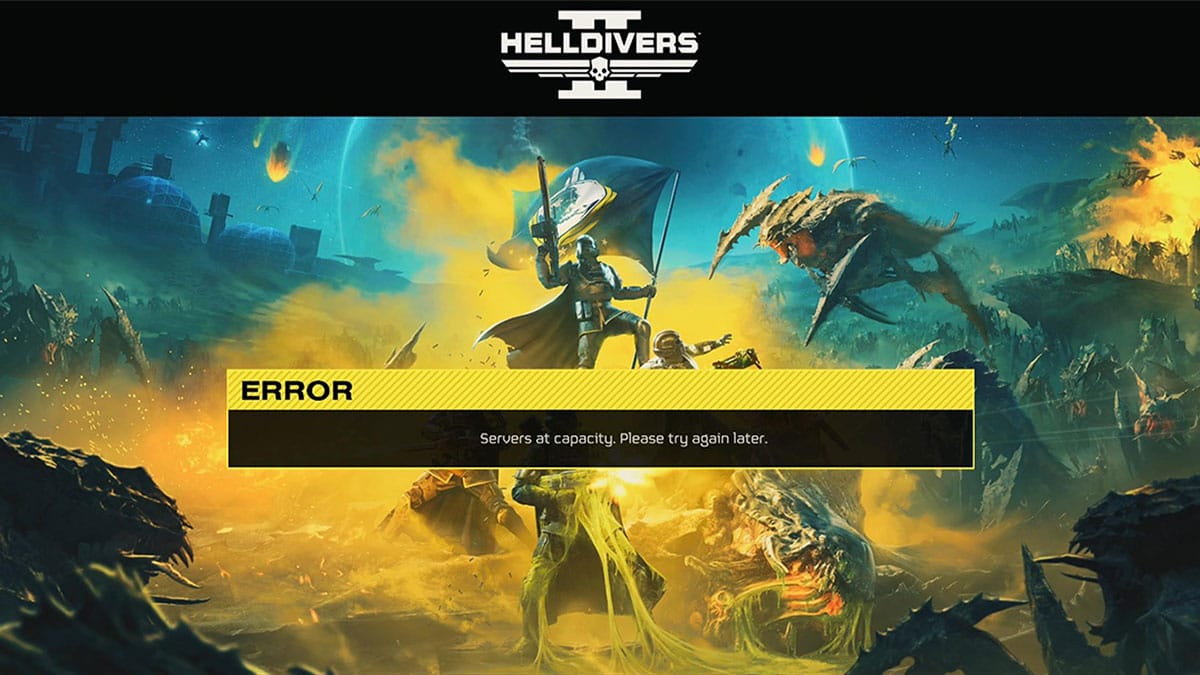
The “Login Limit Reached” error message appears because the game’s server is full. Therefore, there is no way to fix the “Login Limit Reached” in Helldivers 2. You just have to wait until there are players who have stopped playing and a slot to fill. However, Arrowhead Game Studios has been working hard to raise the concurrent player capacities since the game’s troubled launch.
On February 12, 2024, the team raised the simultaneous active players cap from 250,000 to 360,000. Then, on February 17, the cap was again increased- and limited to 450,000 to ensure server stability.
We managed to increase the rate limit from 10,000/min to 20,000/min and the total capacity of concurrent players was increased from 250,000 total to 360,000 total. This was however still not enough as the player count jumped to 360k after 5 1⁄2 minutes.
Johan Pilestedt, Arrowhead Game Studios CEO

Nevertheless, the Helldivers 2 community has claimed that there are several ways to bypass the “Login Limit Reached” issue. I have also successfully tried one of the methods to join a friend’s room when I could not log into the game.
1. Restart Your Game and Console
When turning off and restarting your game, you will reconnect to the Helldivers 2‘s server again. During that period, there could be a chance that some players have stopped playing, letting you rejoin the server. Watching the intro video works the same too as Helldivers 2 will attempt to reconnect in the background.
2. Join An Already Online Friend
When I had trouble connecting to the server, I tried manually joining the game on PC via Steam’s Friend List. Open your Friend List and click on the down arrow beside an online friend’s name. Then just click on the “Join Game” option.
Don’t have any friends to play with? Don’t worry. You can try making an LFG (Looking for Group) post over at Helldivers‘s official Subreddit and Discord server. Then simply ask your new teammates to share their Friend Code from the Social menu.
3. Turn Off the Cross-Play Functionality
Some PS5 players wrote that turning off the Helldivers 2 Cross-Play between PlayStation and PC settings could fix the “Login Limit Reached” error. The settings can be found in the Gameplay menu in the Options.
4. Turn Off IPv6 and VPN
A VPN or proxy server masks your IP address and you could end up using an IP that has trouble connecting to Helldivers 2‘s server. The IPv6 settings from the Network Adapter can sometimes conflict with your connection as well. Try disabling either one first to check if you have a smoother and more stable gaming experience.
Helldivers 2 is available on PlayStation 5 and PC.





