

Close Menu
  • Gaming
    • Game Guides
    • Codes
    • Game News
    • Game Previews
    • Game Reviews
    • Game Features
    • Game Lists
    • Platforms
      • Nintendo
      • PC
      • PlayStation
      • Xbox
      • Mobile
  • Entertainment
    • Movies
    • Movie Features
    • Movie Reviews
    • TV
    • Reality TV
    • Royals
  • Celebrity
    • Hollywood
  • Human Interest
  • Astrology
  • More
    • Anime
    • Lists
    • Podcasts
    • Reviews
Facebook X (Twitter) Instagram LinkedIn YouTube
  • About Us
  • Join Our Team
  • Meet the Team
  • Privacy Policy
  • DMCA Policy
  • Contact Us
  • Terms of Use
  • Sitemap
  • Editorial Guidelines
  • Advertising Policy
The Nerd Stash
  • Gaming
  • Celebrity
  • Hollywood
  • Human Interest
The Nerd Stash
Home»Game Guides»Resolving Authentication Errors in MultiVersus

Resolving Authentication Errors in MultiVersus

Have you tried being your authentic self? No?

Nat CollazoBy Nat CollazoMay 29, 20242 Mins Read
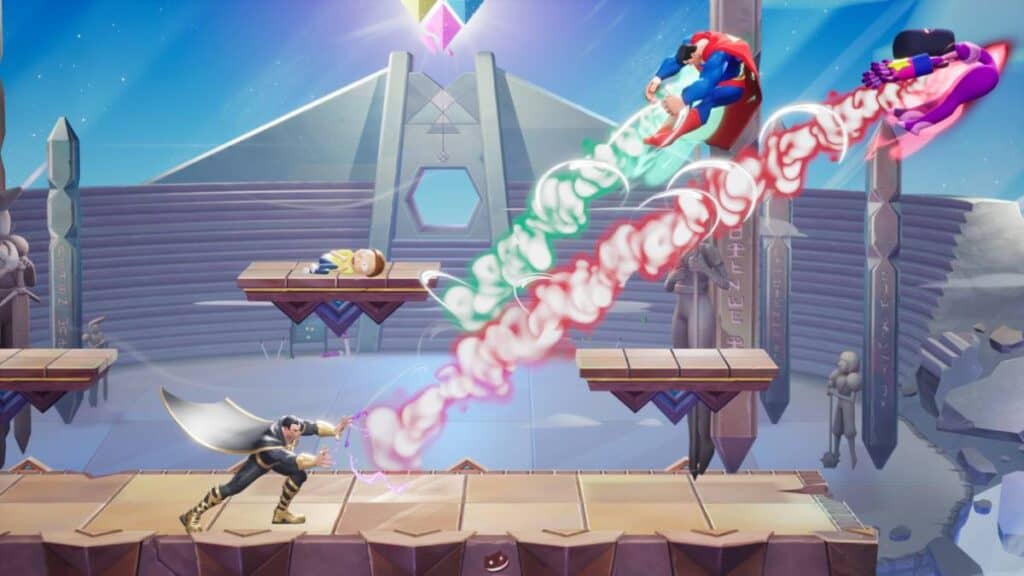
How To Fix the "Stuck on Authenticating" Error in MultiVersus - multiversus authenticating - multiversus authentication error
Image Source: Player First Games
This article is over 1 years old and may contain outdated information.

If it’s not one thing, then it’s another. I had a brief run-in with the authentication error in MultiVersus after running into an input lag issue. Using other games’ solutions to this problem, I found out a few ways to resolve the issue. Let’s take a look at how to fix the “Stuck on Authenticating” issue in MultiVersus to get you back into pummeling Shaggy Rogers or Finn the Human.

“Stuck on Authenticating” Table of Contents

  • Resolving Authentication Error in MultiVersus
    • Just Be Patient
    • Launch the Game in Administrator Mode
    • Verify Your Internet Connection
    • Verify Game Files on Steam

Resolving Authentication Error in MultiVersus

There are four ways that I’ve found to resolve the authenticating error in MultiVersus:

  • Just Be Patient
  • Launch the Game in Administrator Mode
  • Verify Your Internet Connection
  • Verify Game Files on Steam

Just Be Patient

Sometimes, there are internal issues going on with the game that are no fault of your own. In this case, it’s best to wait out the problem and try again later. This isn’t necessarily something that fans who want to play right now will like, but waiting is sometimes the best fix for authentication issues in MultiVersus.

Launch the Game in Administrator Mode

Before launching the game on PC, right-click on it either on the start menu or on your desktop to pull a drop-down menu. In this menu, select the Open as Administrator open to open Multiversus in Administrator Mode. Doing this tries to bypass different blockages to get whatever you’re trying to open to do so without issue. There shouldn’t be an issue after doing this.

Verify Your Internet Connection

Authentication issues in MultiVersus can also stem from your internet connection. Check your internet speed using Google’s Internet Speed Test. After that, head to your router and reset it to see if this will resolve the problem.

Verify Game Files on Steam

On Steam, right-click on MultiVersus in the library. Then, follow these steps:

  1. Go into MultiVersus’ Properties.
  2. Go into the Installed Files option.
  3. Select the Verify Integrity of Game Files option.

If you’re playing on the Epic Games Store, follow these instructions instead:

  1. Right-click on MultiVersus in your library.
  2. Select the Manage option.
  3. Select the Verify Files option.

Related:

MultiVersus Launch Trailer Shows Jason Voorhees & Agent Smith, Hints At Even More

MultiVersus is available to play on PC via Steam and the Epic Games Store, Xbox, and PlayStation.

Related Topics
Guide MultiVersus
Share. Facebook Twitter LinkedIn Reddit Email
Nat Collazo
  • Website
  • X (Twitter)
  • Instagram

I am a game journalist and guide writer with ten years of experience as well as the CEO/ Founder of Frowns Marketing, a marketing company that caters to indie games, tabletop games, and board games to help developers get more wishlists, backers, and players!

SUGGESTED READS

Crimson Desert Community Tips and Tricks
Game Guides

I Played Crimson Desert for 90 Hours and STILL Learned These 10 Tricks From Social Media

Doom Co-creator and Wife Say The Current Game Industry Is 'Crashier' Than the '80s Crash: 'It Can't Stay Like This Forever'
Game News

Doom Co-Creator and Wife Say the Current Game Industry Is ‘Crashier’ Than the ’80s Crash: ‘It Can’t Stay Like This Forever’

Marathon PC Review
9.5
Game Features

Marathon Review – Bungie’s Finest

XBox Partner Preview November 2025 Announcements
Game Features

Every Major Announcement at the Xbox Partner Preview (March 2026)

A Single AAA Game Budget Now Hits $300M, Cost the Same as Buying 600 Houses
Game News

A Single AAA Game Budget Now Hits $300M, Costs the Same as Buying 600 Houses

World of Warcraft Midnight Review
8
Game Features

World of Warcraft: Midnight Review – Light and Shadow

The Nerd Stash
Facebook X (Twitter) Instagram YouTube LinkedIn
  • About Us
  • Join Our Team
  • Meet the Team
  • Privacy Policy
  • DMCA Policy
  • Contact Us
  • Terms of Use
  • Sitemap
  • Editorial Guidelines
  • Advertising Policy
© 2026 The Nerd Stash. All Rights Reserved.

Type above and press Enter to search. Press Esc to cancel.




