

Close Menu
  • Gaming
    • Platforms
      • Nintendo
      • PC
      • PlayStation
      • Xbox
  • Entertainment
    • Movies
    • TV
    • Royals
  • Celebrity
    • Hollywood
  • Human Interest
  • Astrology
  • More
    • Anime
    • Reviews
Facebook X (Twitter) Instagram LinkedIn YouTube
  • About Us
  • Join Our Team
  • Meet the Team
  • Privacy Policy
  • DMCA Policy
  • Contact Us
  • Terms of Use
  • Sitemap
  • Editorial Guidelines
  • Advertising Policy
The Nerd Stash
  • Gaming
  • Celebrity
  • Hollywood
  • Human Interest
The Nerd Stash
Home»Gaming»How To Change Camera Angle NCAA 25 (EA College Football 25)

How To Change Camera Angle NCAA 25 (EA College Football 25)

A new perspective

Julio La PineBy Julio La PineJuly 22, 20242 Mins Read
NCAA 25 Change Camera Angle
Image Source: EA Sports via The Nerd Stash
This article is over 1 years old and may contain outdated information.

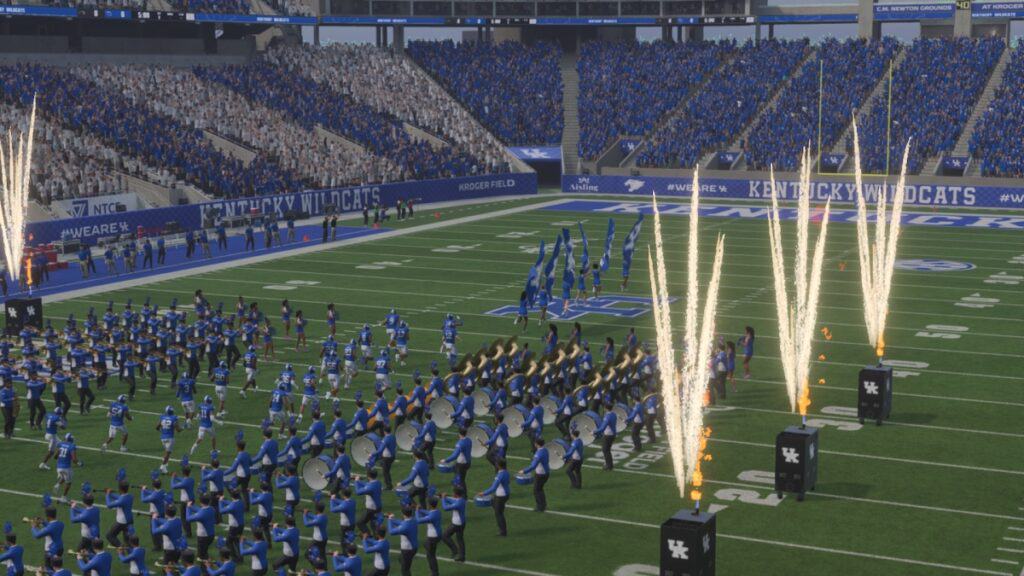
During any NCAA 25 match, you might want to change the camera angle to execute some plays better. Even if the normal camera angle works perfectly fine, those with a bit more expertise in this sport will like to look at things from a different perspective. Thankfully, CFB 25 offers many ways to do so. While some are hidden behind a few menus, others are as easy as pressing a button during a match, so you can experiment with different angles until you find the right one.

Changing Camera Angles in NCAA 25

College Football 25 Change Camera Angle
Image Source: EA Sports via The Nerd Stash

The easiest way to change your camera angle in NCAA 25 is by pressing the up and down directional buttons, regardless of your console. This will alternate between different camera modes. It is important to remember that this only works during a match. Also, this option applies to Road to Glory. If you want a more permanent change for other modes, you can change the angle for your defense and offense. To do so, do the following:

  1. While outside of a match, head to the settings menu.
  2. Scroll through the tabs with LB/L1 or RB/R1 until you find the Visual Feedback tab.
  3. Find the Cameras section. The last two options will allow you to change offense and defense cameras.

Here are the choices for offense and defense:

  • Offense
    • Standard
    • Wide
    • All-22
    • Broadcast
    • Zoom
  • Defense
    • Standard
    • Wide
    • All-22
    • Broadcast
    • Defensive Perspective
    • Zoom

Related:

College Football Coming Back Puts More Pressure on Madden To Evolve

If you want to play around with all these options, we recommend trying them out at a practice game first. Since you can only change the angles outside of a match, it is better to experiment with them without the worry of losing a game. While the process of doing all this is a bit tiring, it is nice to have so many options to find the right angle to manage your team.


Related Topics
EA Sports College Football 25 Guide
Share. Facebook Twitter LinkedIn Reddit Email
Julio La Pine
  • Website

Been gaming since '99! I am a huge JRPG fan and my favorite franchise is Final Fantasy. I love writing about games and I hope I can do it for the rest of my days!

SUGGESTED READS

Path of Exiles 2 Build Planner Guide
Gaming

How To Use the Build Planner in Path of Exile 2

Adopt Me Kicks Off Summer With Journey to Summer Camp Update, Here's All The New Week 1 Pets & Rewards
Gaming

Roblox Adopt Me Launches Journey to Summer Camp Update, Here’s All the Week 1 Pets & Rewards

LEGO Batman Legacy of the Dark Knight PC Review
9
Gaming

LEGO Batman: Legacy of the Dark Knight Review – A Hero Rises

Call of Duty: Modern Warfare 4 Launching This October on Next-Gen Consoles & Switch 2, But Not Game Pass
Gaming

Call of Duty: Modern Warfare 4 Launching This October on Next-Gen Consoles & Switch 2, But Not Game Pass

Hideo Kojima Teams Up With Prada for an AI Film, And Fans Aren't Happy: 'Beyond Incredibly Disappointing'
Gaming

Hideo Kojima Teams Up With Prada for an AI Film, And Fans Aren’t Happy: ‘Beyond Incredibly Disappointing’

The Witcher 3 Songs of the Past expansion
Gaming

A Witcher 3 Leak Just Forced CD Projekt Red to Announce a Brand-New Expansion: Songs of the Past

The Nerd Stash
Facebook X (Twitter) Instagram YouTube LinkedIn
  • About Us
  • Join Our Team
  • Meet the Team
  • Privacy Policy
  • DMCA Policy
  • Contact Us
  • Terms of Use
  • Sitemap
  • Editorial Guidelines
  • Advertising Policy
© 2026 The Nerd Stash. All Rights Reserved.

Type above and press Enter to search. Press Esc to cancel.



