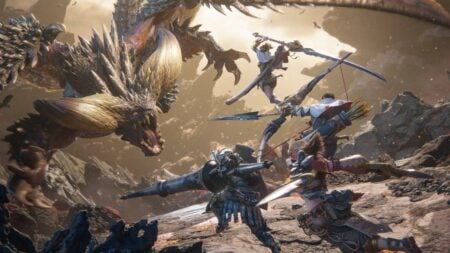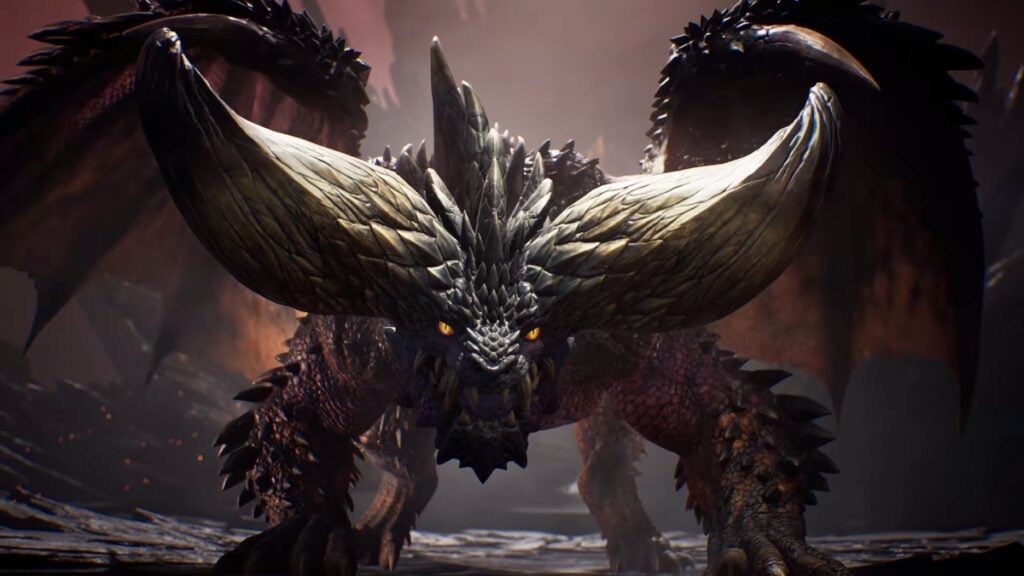
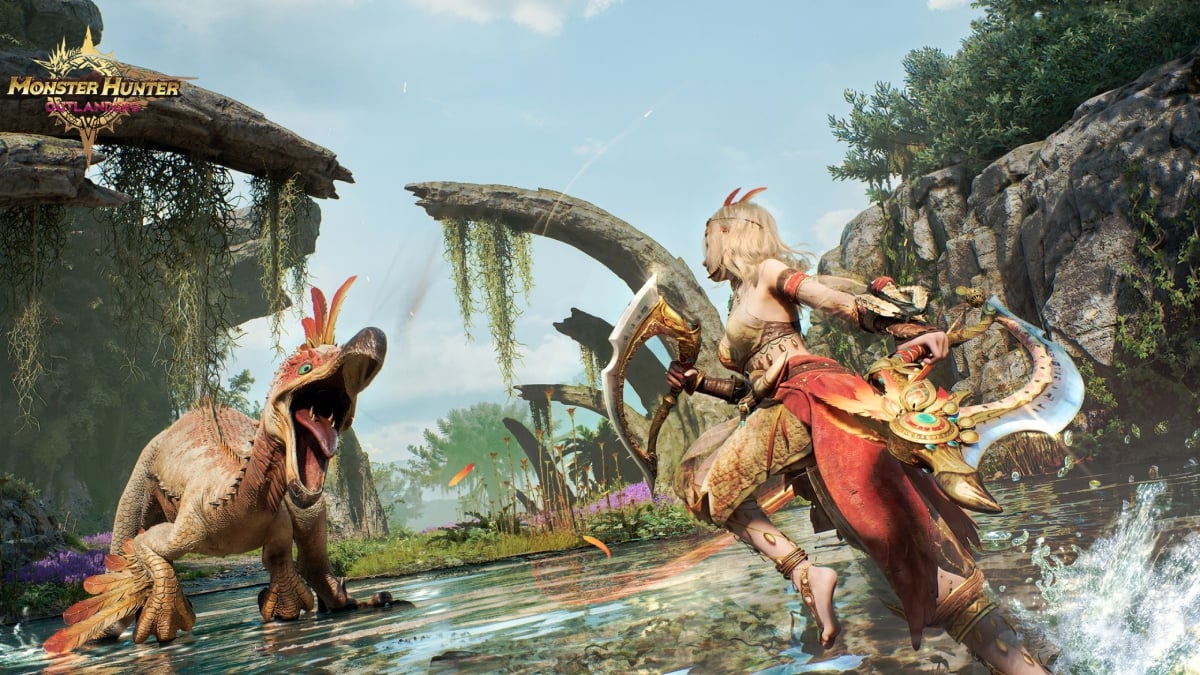
It is rare to see so many Monster Hunter titles launching so close to one another, and Monster Hunter Outlanders is the next one joining the fray. Yet, there is one small caveat: it’s mobile-exclusive. While many might have a powerful phone or tablet to run it, others may want to look for more unconventional ways. In this case, we’re talking about emulators, which is something many are looking to use when playing Monster Hunter Outlanders. Here, we’ll tell you if you can use this software to emulate TiMi and Capcom’s latest venture.
Does Monster Hunter Outlander Have Official Emulator Support?
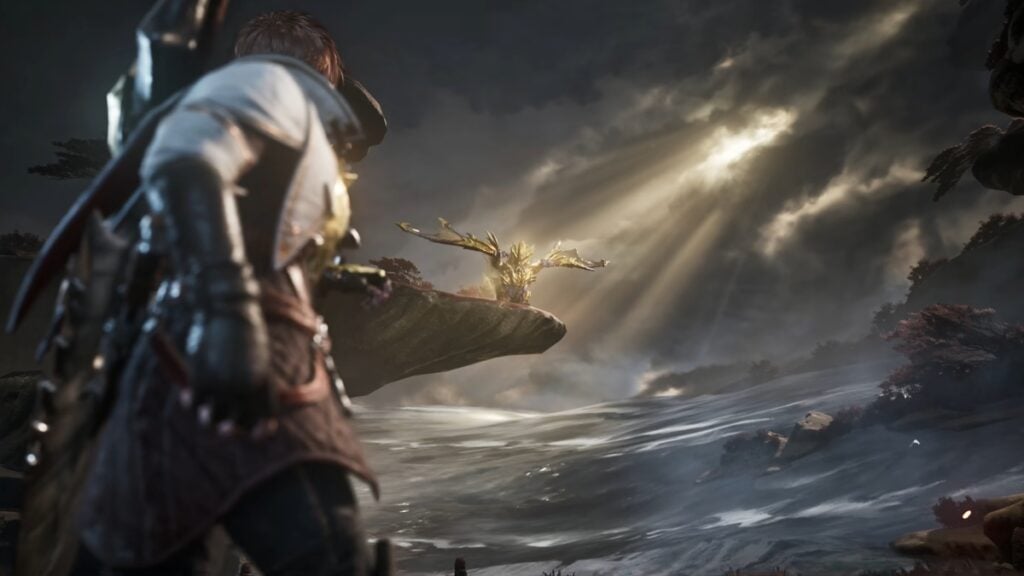
In short, Monster Hunter Outlanders doesn’t have official emulator support, at least at launch. Yet, that doesn’t mean you can’t play it at all. While we haven’t tried it, we know there are players who have downloaded emulators, such as BlueStacks or MuMu Player, to run the game. And even if many can try their luck at this when the game officially launches, we can’t vouch for any of the above emulators, as there isn’t official support.
While the above news isn’t ideal, that doesn’t mean the door is completely closed. As many know, certain studios and developers tend to offer post-launch emulator support in some cases or may even launch a PC client some time later. In the case of Monster Hunter Outlanders, however, neither has been confirmed, so you’ll have to stick to a powerful mobile device to join this new hunt.
The one strange thing to note is that both BlueStacks and MuMu Player show Monster Hunter Outlanders as playable on their platform, but it is unclear whether that means the game has official support or if this is just a marketing tactic to get people to try the software.
At the time of writing, if you want to try Monster Hunter Outlanders on your phone, given the lack of official emulator support, these are the requirements for the game:
- Android
- Android 12.0 or later
- RAM: 8GB
- CPU: Snapdragon 845
- iOS
- iPhone XR or better
- iOS 17 or newer
If you have any of the above requirements, you should be able to run the game, with a few adjustments depending on the case. And if you can’t, the only thing that remains to do is wait for a bit and hope that TiMi will eventually add emulator support or surprise us all with a PC client.