Close Menu
  • Gaming
    • Platforms
      • Nintendo
      • PC
      • PlayStation
      • Xbox
  • Entertainment
    • Movies
    • TV
    • Royals
  • Celebrity
    • Hollywood
  • Human Interest
  • Astrology
  • More
    • Anime
    • Reviews
Facebook X (Twitter) Instagram LinkedIn YouTube
  • About Us
  • Join Our Team
  • Meet the Team
  • Privacy Policy
  • DMCA Policy
  • Contact Us
  • Terms of Use
  • Sitemap
  • Editorial Guidelines
  • Advertising Policy
The Nerd Stash
  • Gaming
  • Celebrity
  • Hollywood
  • Human Interest
The Nerd Stash
Home»Gaming»Are My Hero Ultra Rumble Servers Down? Answered

Are My Hero Ultra Rumble Servers Down? Answered

You may be a good teamplayer and know every corner on the map, but against server issues, it won’t help you.

Nerd Stash StaffBy Nerd Stash StaffSeptember 30, 20232 Mins Read
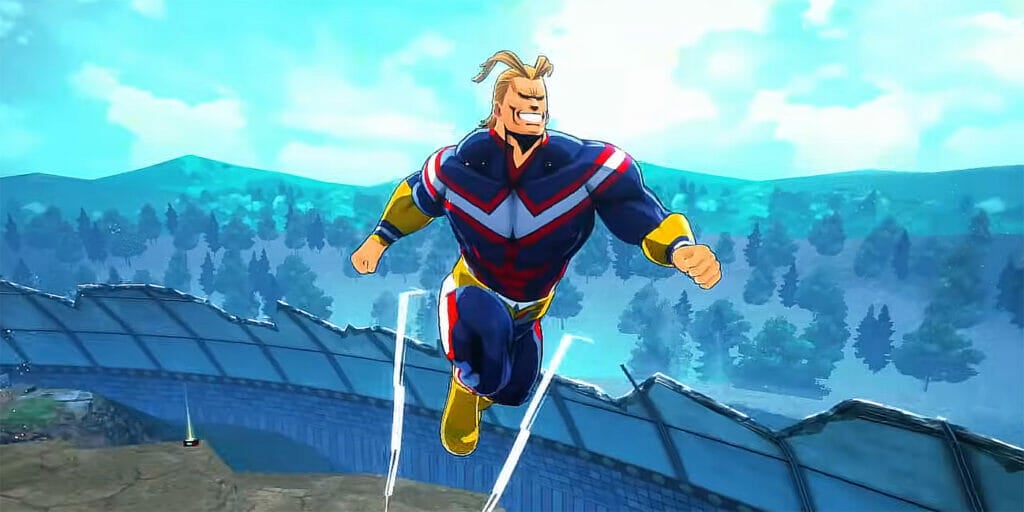
Are My Hero Ultra Rumble Servers Down?
Image Source: Bandai Namco Games
This article is over 2 years old and may contain outdated information.

[Updated on October 4, 2024, to revise outdated formatting and improve readability.]

The first days of release are always especially difficult for online games. And unfortunately, My Hero Ultra Rumble is no exception. Now, some players cannot start the game due to network errors. Before starting the game, you should check the status of its servers.
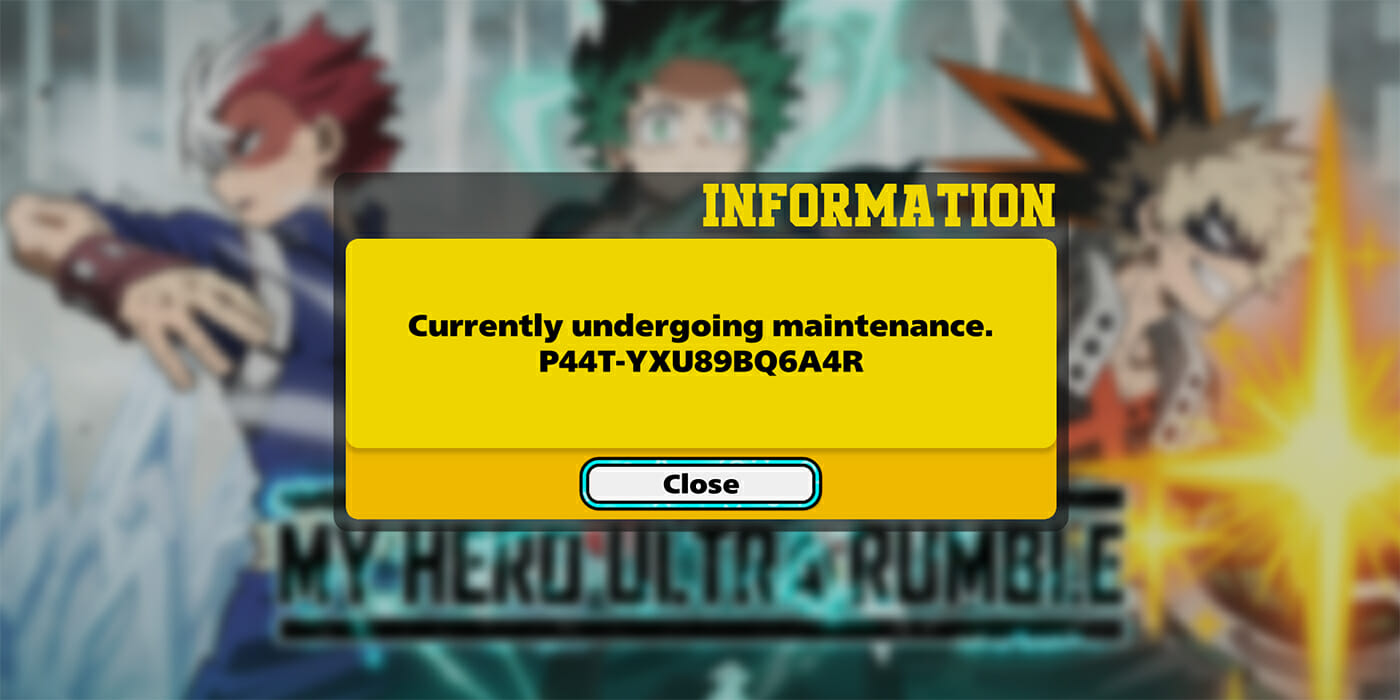
How To Check My Hero Ultra Rumble Server Status 
Image Source: Bandai Namco Games via The Nerd Stash

To do this, all you have to do is visit the official My Hero Ultra Rumble Twitter page. There you can find out about all the maintenances and errors that you may experience. Another option is the game’s Discord, as there you can learn if other players are experiencing the same errors as you.

At the time of writing, the game is undergoing maintenance. The developers announced it quite unexpectedly, but we hope that they will fix problems with connecting to the game. If, after completing them, you still see network error, then perhaps the problem is on your side:

  • Check your internet connection and restart your router if you use your Wi-Fi connection.
  • Restart your device and check if there are connection problems in other online games.
  • If everything is fine with other games and there are no errors reported on the official game’s pages, then you should reinstall My Hero Ultra Rumble.

Related:

Is My Hero Ultra Rumble Cross Platform? Answered

After finishing maintenance, the game servers should work as they should, so you will be able to fight with your favorite heroes and villains again. But do not forget that the game has just been released, and during the first weeks, My Hero Ultra Rumble servers may be down quite often. Therefore, always check the game’s Twitter and Discord before starting a ranked match.


Related Topics
Guide My Hero Ultra Rumble
Share. Facebook Twitter LinkedIn Reddit Email
Nerd Stash Staff
  • Website

SUGGESTED READS

Outward 2 PC Preview
Features

Outward 2 Preview – Nothing Is Given, Everything Is Earned

Fatal Fury City of the Wolves Hands-On Preview Mr Karate
Features

Fatal Fury: City of the Wolves Mr. Karate Hands-On Preview – Patience is Key

Honkai Star Rail Version 4.3 Announcements
Gaming

Honkai: Star Rail Version 4.3 Unveils Blade’s New Form and More Fate Collab Characters

Take-Two CEO Reveals Fans Will Be Forced To Wait a Bit Longer for GTA 6 News 'This Summer,' But Insiders Disagree
Gaming

Take-Two CEO Reveals Fans Will Be Forced To Wait a Bit Longer for GTA 6 News ‘This Summer,’ But Insiders Disagree

007 First Light Launch Trailer
Gaming

007 First Light Celebrates the Long-Awaited Return of James Bond With Its Launch Trailer

Destiny 2 Final Update
Features

Destiny 2 Is Dead: Bungie’s Divisive Franchise Going on Maintenance Mode With Its Last Update Launching on June 9

The Nerd Stash
Facebook X (Twitter) Instagram YouTube LinkedIn
  • About Us
  • Join Our Team
  • Meet the Team
  • Privacy Policy
  • DMCA Policy
  • Contact Us
  • Terms of Use
  • Sitemap
  • Editorial Guidelines
  • Advertising Policy
© 2026 The Nerd Stash. All Rights Reserved.

Type above and press Enter to search. Press Esc to cancel.