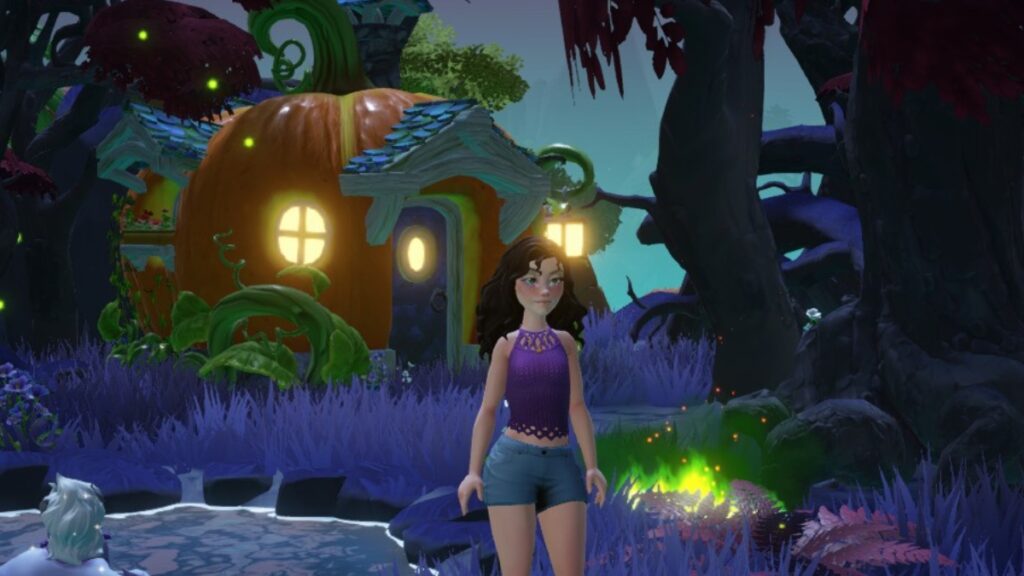
Disney Dreamlight Valley is celebrating Halloween with its Trick or Treat event. During this event, at the end of October, all valleys are invaded with colorful buckets filled with various Candy and decorative Pumpkins. Also, your neighbors will join the celebration, and unique Halloween duties will show up. If you love the Spooky Season, you’ll find special decorations as rewards and even something horrible in the Star Path.
Trick or Treat
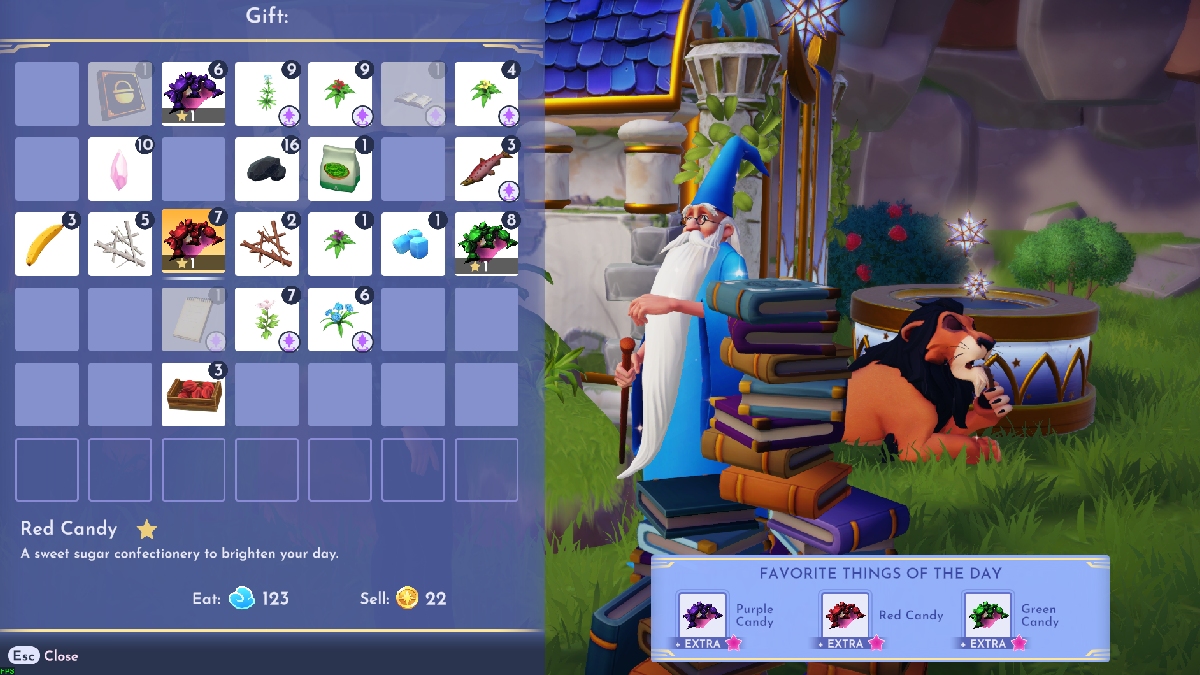
In the Plaza, you’ll find three buckets full of Candy: Green, Purple, and Red. You just have to approach any of these buckets and interact to collect Candy. Take the opportunity to get as many as you can because your neighbors will ask for these candies instead of Gifts, and the three types of candies will appear with the +EXTRA label, so they will give more friendship points. This is the ideal moment to improve the friendship levels of each character.
For this duty, you must give Candy to 10 of your neighbors, but they have to be different characters; you can’t give all the Candy to the same one. Once you complete this task, you will get Mickey’s Halloween Candy Bowl crafting recipe. To build this decoration, you will need:
- Clay x5
- Green Candy x2
- Red Candy x2
- Purple Candy x2
A Three-Course Halloween Meal
For this duty, you need to collect more of each type of Candy, but instead of giving it to one of your friends, you must eat one of each color. Once you complete the task, you will get the Green Trick-or-Treater’s Bounty.
This is another special duty from the Disney Dreamlight Valley Trick-or-Treat Event. If you need help identifying them, you will see them in the Dreamlight menu in the Village option; they have the Jack-O’-Lantern icon.
Sugar Rush
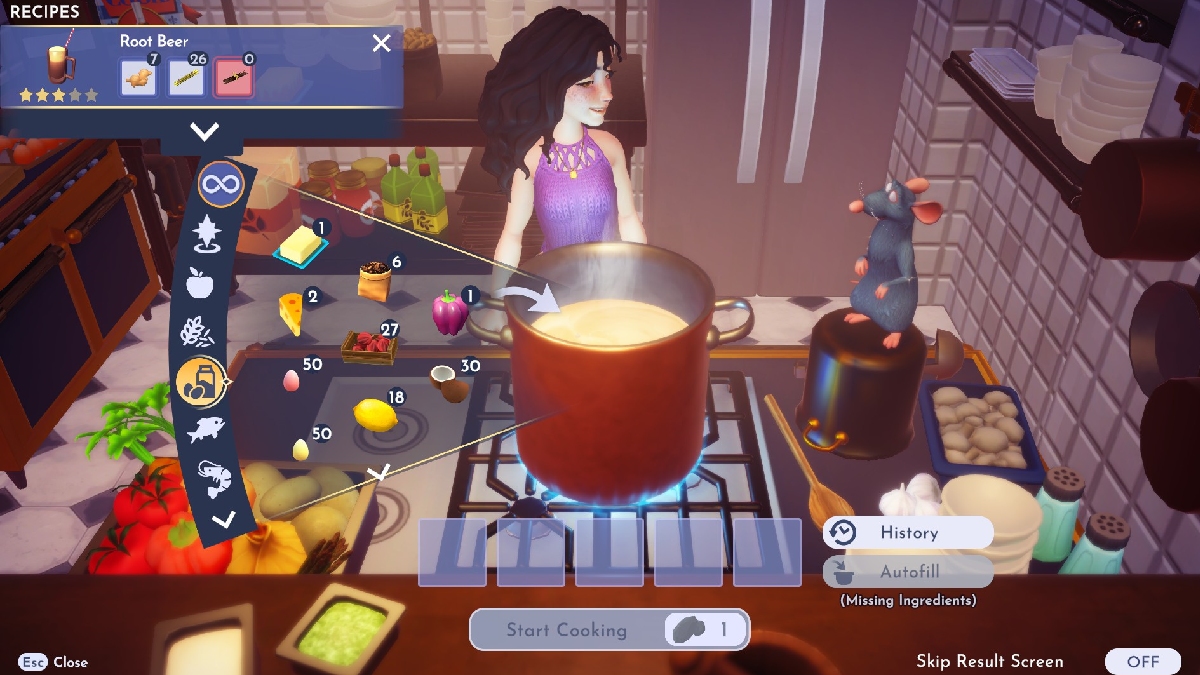
Eat all the sugar you can for this duty because you’ll have to eat several sweet meals. You can try recipes or dishes with Cocoa Beans, Sugarcane, or Marshmallows. The easiest dishes for this challenge are the Candy you collect during the event or the Root Beer, which only needs three ingredients.
This challenge has three different levels, and each one has an incredibly spooky reward:
- Happy Jack o’ Lantern – Eat 15 sweet dishes.
- Mischievous Jack o’ Lantern – Eat 30 sweet dishes.
- Friendly Jack o’ Lantern – Eat 45 sweet dishes.
Stockpiling Pumpkins

Get ready to get muddy because you must plant and harvest 100 Pumpkins to complete this duty. As a reward, you will get the Pumpkin Stack decoration.
If you don’t have Pumpkin Seeds, you can buy them at Goofy’s Stall in Forgotten Lands for 996 Star Coins. In any other part of the valley, these seeds take four hours to grow. So, it is better to plant them in Forgotten Lands because there they only take three hours and 36 minutes.
Villainy Wears Many Masks
A Halloween event wouldn’t be complete without costumes, so join the celebration by wearing any type of Mask. Also, you’ll win the Purple Trick-or-Treater’s Bounty.
Now you’re ready; with all these tips for the Disney Dreamlight Valley Trick-or-Treat Event, you will be the ruler of Halloween. The Pumpkin King, Jack, will probably get mad that you want to take his title, but it is a price worth paying to enjoy some candy and scare your neighbors.