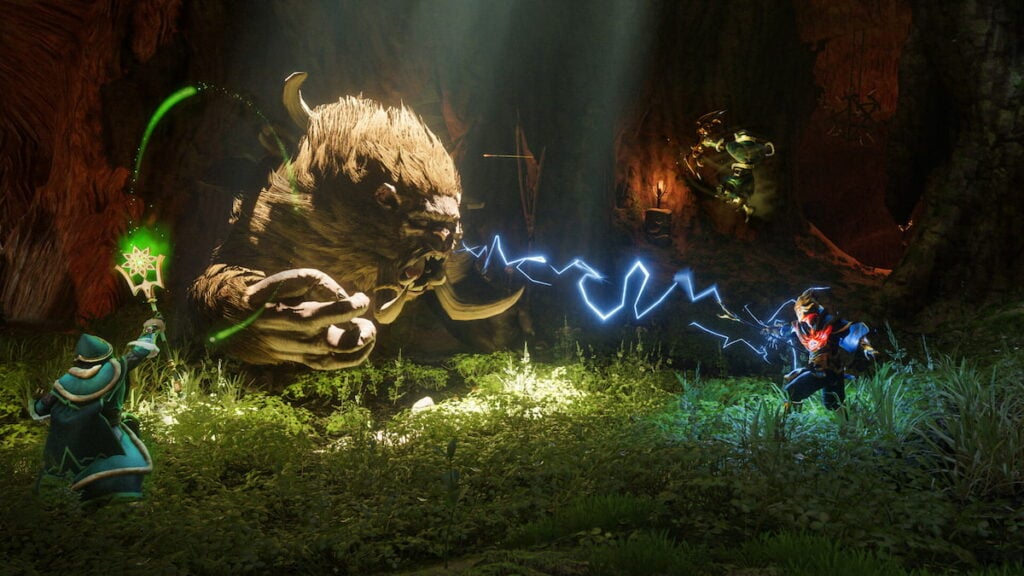
Enshrouded is already enjoyable alone, but exploring Embervale, building enormous bases, and fighting through the Shroud become even better with friends. The full 1.0 release supports online multiplayer on Steam and PlayStation 5, though party sizes and hosting options differ by platform. Here is everything you need to know about starting or joining an Enshrouded 1.0 co-op session. Watch the video below or follow the text for more help.
How To Host a Co-Op Session in Enshrouded
Select Play from the main menu, followed by Start a Session. You can load an existing world or create a new one specifically for your multiplayer group.
Before launching the session, the host can adjust several important options:
- Session visibility
- Password protection
- Maximum player count
- Text and voice chat
- Default player permissions
Steam sessions support up to 16 players, while the PlayStation 5 version supports up to eight. Steam players can use peer-to-peer hosting or dedicated servers. PS5 multiplayer uses peer-to-peer hosting at launch.
The host owns the world save. Other players can only access that world while the host is online unless the group uses a dedicated Steam server.
How To Join Friends in Enshrouded 1.0
Choose Join from the Play Selection screen to open the online game browser. Available sessions are separated into Friends & Favorites, Dedicated Servers, and Player Hosted categories.
Choose Join from the Play Selection screen to open the online game browser. Available sessions are separated into Friends & Favorites, Dedicated Servers, and Player Hosted categories.
You can search for a particular world by entering its server name or IP address. Filters also let you display password-protected sessions, hide empty servers, select a preferred language, and narrow the available results.
Guest characters keep their equipment and progression when they leave a multiplayer world. This allows players to bring an established character into another compatible session without starting from the beginning.
Does Enshrouded 1.0 Have Cross-Play?
Enshrouded 1.0 does not support cross-play or cross-progression at launch. Steam and PS5 players cannot join the same world, and existing progress cannot be transferred between platforms.
Groups should agree on a platform before beginning a shared campaign. The most consistently available member should also host the world unless the Steam group intends to use a dedicated server.