Close Menu
  • Gaming
    • Game Guides
    • Codes
    • Game News
    • Game Previews
    • Game Reviews
    • Game Features
    • Game Lists
    • Platforms
      • Nintendo
      • PC
      • PlayStation
      • Xbox
      • Mobile
  • Entertainment
    • Movies
    • Movie Features
    • Movie Reviews
    • TV
    • Reality TV
    • Royals
  • Celebrity
    • Hollywood
  • Human Interest
  • Astrology
  • More
    • Anime
    • Lists
    • Podcasts
    • Reviews
Facebook X (Twitter) Instagram LinkedIn YouTube
  • About Us
  • Join Our Team
  • Meet the Team
  • Privacy Policy
  • DMCA Policy
  • Contact Us
  • Terms of Use
  • Sitemap
  • Editorial Guidelines
  • Advertising Policy
The Nerd Stash
  • Gaming
  • Celebrity
  • Hollywood
  • Human Interest
The Nerd Stash
Home»Game Guides»How To Fix Comms Computer in Starfield

How To Fix Comms Computer in Starfield

During the Back to Vectera quest, you must figure out how to fix the Comms Computer for Lin in Starfield. Getting the Comms Computer back online…

Jordan MoyerBy Jordan MoyerSeptember 6, 20233 Mins Read
How to fix Comms Computer in Starfield
Image Source: Bethesda via The Nerd Stash
This article is over 2 years old and may contain outdated information.

During the Back to Vectera quest, you must figure out how to fix the Comms Computer for Lin in Starfield. Getting the Comms Computer back online involves obtaining three Power Cells to power the system. The computer can be used to find clues that may lead to Barret’s location, so you must discover the Power Cells and get them into the Power Receptacles. Let’s look at how to fix the comms computer in Starfield and where to find three power cells.

How To Fix the Sensor Array in Starfield
Starfield Power Cells
Image Source: Bethesda via The Nerd Stash

To fix the Comms Computer to access the Sensor Array, you must first speak to Lin. She’ll tell you if you want to find out where Barret is, you’ll need to fix the Comms Computer.

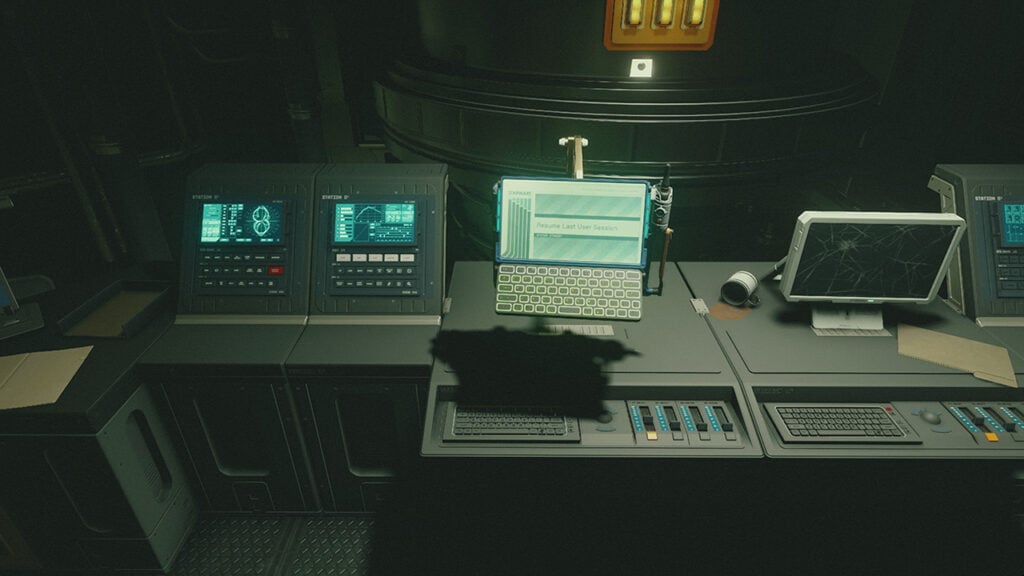
After speaking to Lin, head to the building behind her and to the right. You must use the switch directly to the right of the large vault door. Inside, head toward the office and take the Vectera Control Room Key. However, if you don’t want to, the Vectera Control Room door is a novice lock that can be picked quickly.

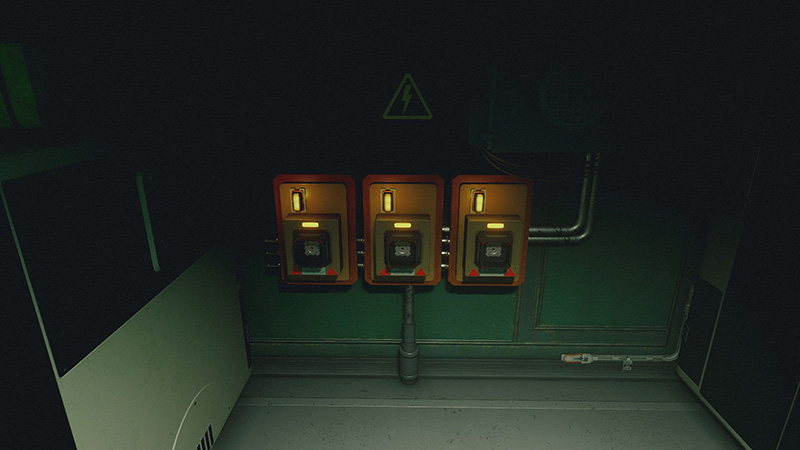
Once you make it into the Vectera Control Room, you can interact with the comms computer, which will notify you that you need to find a way to power it. Right outside of the Control Room, you’ll find three Power Receptacles on the wall, each missing a Power Cell.

Where To Find Three Power Cells in Starfield

All three Power Cells are relatively simple to find. There are six of them available, but we’re going to show you the locations of the easiest ones to find.

  • Robot
  • Medbench
  • Lin
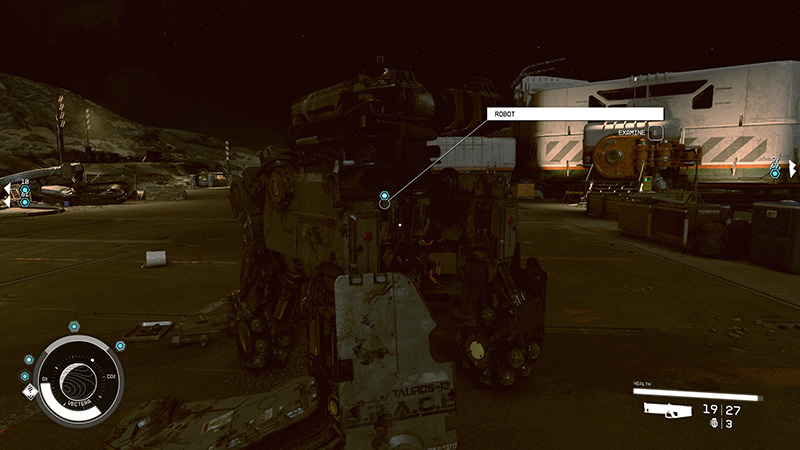
Robot Power Cell in Starfield
Image Source: Bethesda via The Nerd Stash

The first location is near the robot outside. You can find the robot where you first landed your ship. If you approach the robot, you can interact with it to search for a Power Cell.
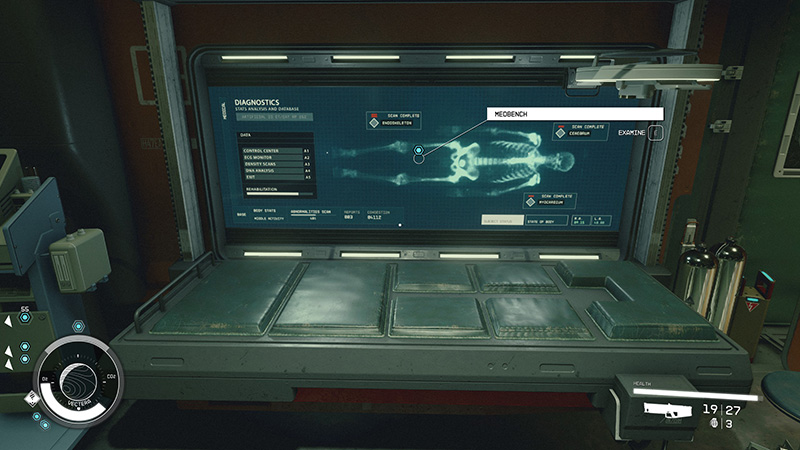
Medbench in Starfield
Image Source: Bethesda via The Nerd Stash

The second location is at the Medbench in the other portion of the area. Head to the building opposite where the Comms Computer is and go inside. Through a door, you will find a Medbench. Just like with the robot, you can interact with the Medbench to search for a Power Cell.
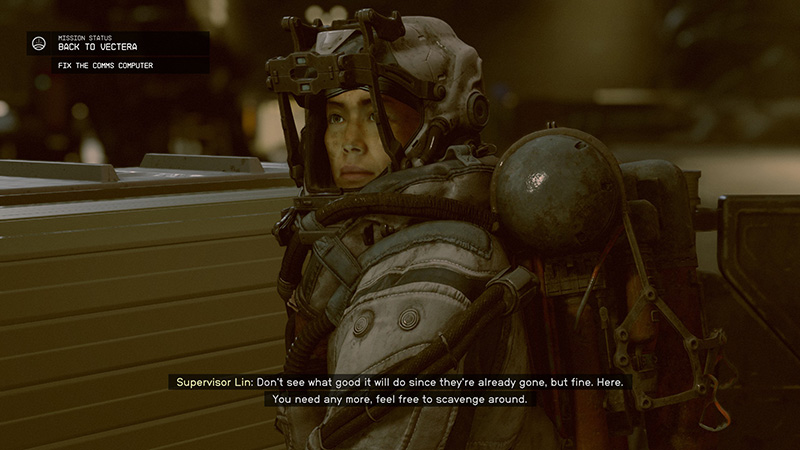
Lin Power Cell in Starfield
Image Source: Bethesda via The Nerd Stash

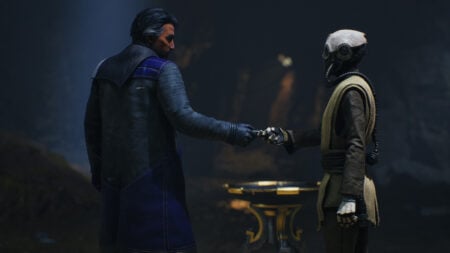
Finally, you can get the last Power Cell to fix the Comms Computer from Lin. Speak to her outside and ask her if she has any Power Cells on her. She will give you one. 

Now, head back to where the Power Receptacles are and place a Power Cell in each. This will fix the Comms Computer in Starfield. 

Related:
How To Find (& Farm) Lead in Starfield

We hope you found our guide on how to fix the Comms Computer in Starfield helpful.

Starfield is now available on PC and Xbox consoles.

Related Topics
Guide Starfield
Share. Facebook Twitter LinkedIn Reddit Email
Jordan Moyer
  • Website
  • X (Twitter)

Jordan is an experienced fantasy writer who spends hours behind her laptop, and lost in the pages of a book. She strives to be a successful gaming blogger, and has no complaint about the hours of game time she used to increase her knowledge of all things “geek”. She primarily writes gaming articles and fantasy novels. Ark: Survival Evolved is a favorite, along with Diablo 3, Warframe and Minecraft lately, though you can’t forget the good old Magic the Gathering card game! Writing about games truly gives her joy as it gives her another perspective to look at games from, a reason to really look into the mechanics of the game.

SUGGESTED READS

Crimson Desert Community Tips and Tricks
Game Guides

I Played Crimson Desert for 90 Hours and STILL Learned These 10 Tricks From Social Media

Doom Co-creator and Wife Say The Current Game Industry Is 'Crashier' Than the '80s Crash: 'It Can't Stay Like This Forever'
Game News

Doom Co-Creator and Wife Say the Current Game Industry Is ‘Crashier’ Than the ’80s Crash: ‘It Can’t Stay Like This Forever’

Marathon PC Review
9.5
Game Features

Marathon Review – Bungie’s Finest

XBox Partner Preview November 2025 Announcements
Game Features

Every Major Announcement at the Xbox Partner Preview (March 2026)

A Single AAA Game Budget Now Hits $300M, Cost the Same as Buying 600 Houses
Game News

A Single AAA Game Budget Now Hits $300M, Costs the Same as Buying 600 Houses

World of Warcraft Midnight Review
8
Game Features

World of Warcraft: Midnight Review – Light and Shadow

The Nerd Stash
Facebook X (Twitter) Instagram YouTube LinkedIn
  • About Us
  • Join Our Team
  • Meet the Team
  • Privacy Policy
  • DMCA Policy
  • Contact Us
  • Terms of Use
  • Sitemap
  • Editorial Guidelines
  • Advertising Policy
© 2026 The Nerd Stash. All Rights Reserved.

Type above and press Enter to search. Press Esc to cancel.