Close Menu
  • Gaming
    • Platforms
      • Nintendo
      • PC
      • PlayStation
      • Xbox
  • Entertainment
    • Movies
    • TV
    • Royals
  • Celebrity
    • Hollywood
  • Human Interest
  • Astrology
  • More
    • Reviews
Facebook X (Twitter) Instagram LinkedIn YouTube
  • About Us
  • Join Our Team
  • Meet the Team
  • Privacy Policy
  • DMCA Policy
  • Contact Us
  • Terms of Use
  • Sitemap
  • Editorial Guidelines
  • Advertising Policy
The Nerd Stash
  • Gaming
  • Celebrity
  • Hollywood
  • Human Interest
The Nerd Stash
Home»Gaming»How To Fix Custom Matchmaking Error in Fortnite

How To Fix Custom Matchmaking Error in Fortnite

It’s not a big dea! Some simple fixes work most of the time.

Asanga WijeratneBy Asanga WijeratneJanuary 10, 20242 Mins Read
How To Fix Custom Matchmaking Error in Fortnite
Image Source: Epic Games
This article is over 2 years old and may contain outdated information.

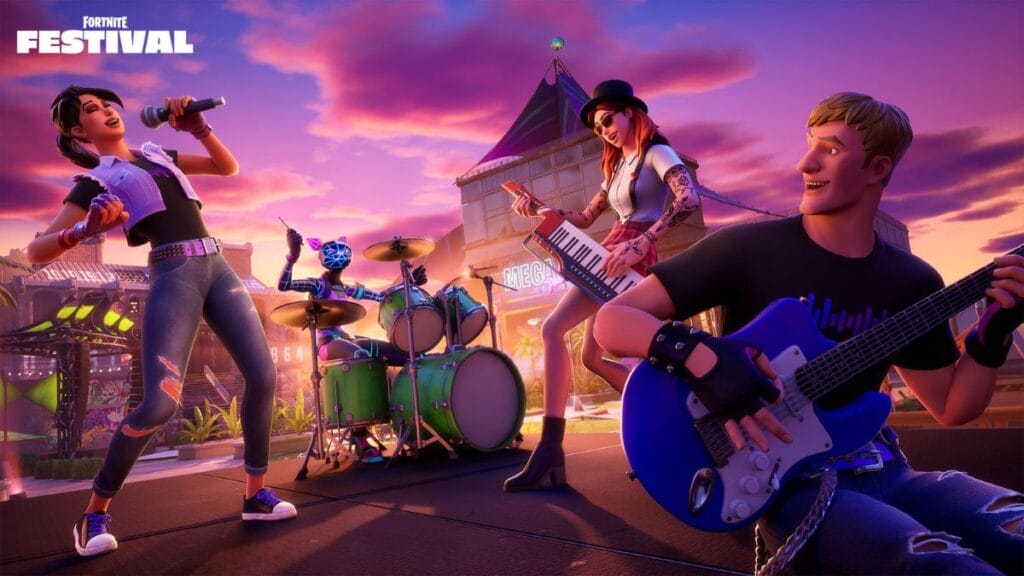
When you’re all set for a thrilling Ranked match after a custom game, there is a possibility of raising this issue. This error appears with game updates or during high server traffic periods. However, it can even be triggered by unstable internet connections. It prevents players from joining matches and sometimes even booting up the game. While pinpointing its exact cause is challenging, some methods are given by experienced players to fix Custom Matchmaking Error in Fortnite.

Potential Fixes For Custom Matchmaking Error in Fortnite
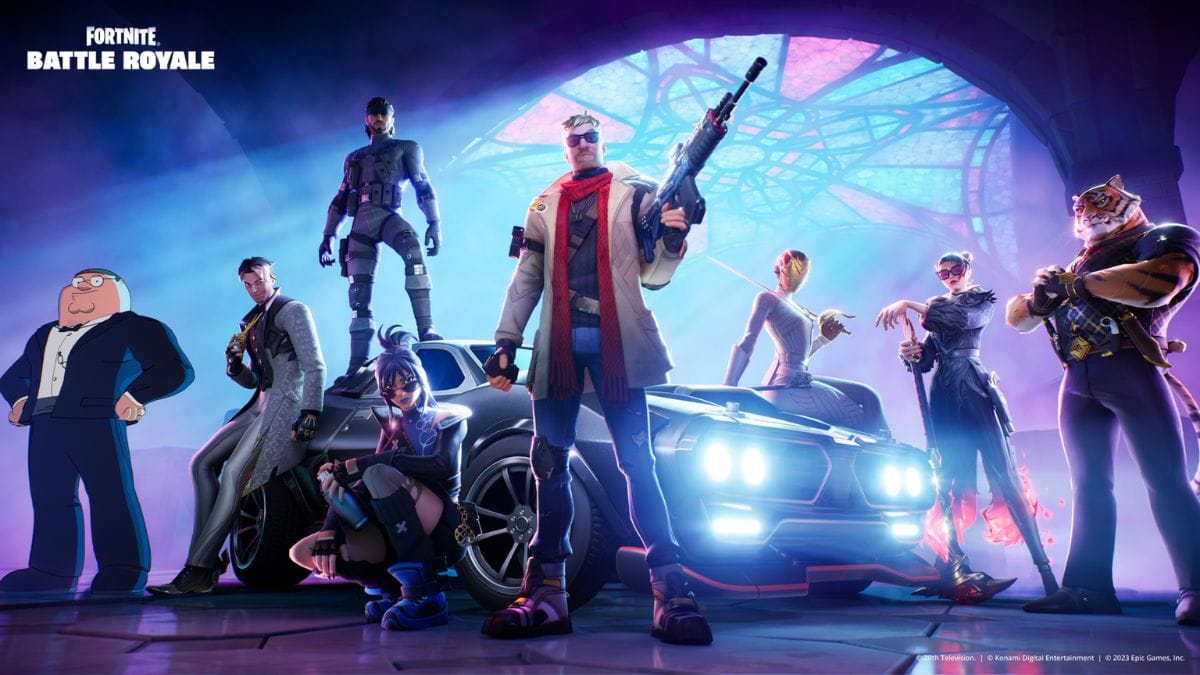
Fortnite Custom Matchmaking Error
Image Source: Epic Games

The best methods to fix the Custom Matchmaking Error in Fortnite are clearing the matchmaking key, Setting the correct matchmaking region, restarting the game, and verifying Fortnite Game files. These are the most successful methods other players use to fix this error.

1. Clear the Matchmaking Key

If there are no server-side issues for the Custom Matchmaking Error in Fortnite, this is the best solution many players propose. As I mentioned, the error usually appears when you try to play a Ranked match after playing a Custom game. You must go to the Custom Game menu and clear the matchmaking key.

2. Set the Correct Matchmaking Region

Changing the Region in Settings sometimes helps fix this error. To do this, head to the Settings tab and change the Region Settings to a particular Region from Auto. However, if you already have a specific Region and still have the Fortnite Custom Matchmaking Error, change it back to Auto and check if the error is gone.

Related:

All Weekly Quests in Fortnite Chapter 5 Season 1 (Week 6)

3. Restart the Game

This method is also one of the simplest ways to fix the Custom Matchmaking Error. When you restart the game, it helps reset any temporary glitches or errors and helps sort out this problem.

4. Verify Fortnite Game Files

Do not jump to this fix at once, but if none of the above methods work, you may need to verify your Fortnite game files. This will check for any missing or corrupted game files and replace them. However, the process depends on the particular device you use. 

The above methods are players’ best solutions to fix Custom Matchmaking errors in Fortnite. Since it mostly appears due to player-side issues, there is a high possibility of sorting the problems with these fixes.

Related Topics
Fortnite Guide
Share. Facebook Twitter LinkedIn Reddit Email
Asanga Wijeratne
  • Website

SUGGESTED READS

SEGA Gamescom Line-Up 2026
Gaming

SEGA Unveils Its Gamescom 2026 Line-up

Leaked Microsoft Documents Reveal Xbox 360 Games Are Indeed Coming to PC Alongside Disc-to-Digital Plans
Gaming

Leaked Microsoft Documents Reveal Xbox 360 Games Are Indeed Coming to PC Alongside Disc-to-Digital Plans

Beast of Reincarnation Crafting Guide
Gaming

How to Unlock Crafting in Beast of Reincarnation

Beast of Reincarnation Increase Rapport with Koo
Gaming

How to Increase Rapport With Koo in Beast of Reincarnation

Beast of Reincarnation Keys Locations
Gaming

Where to Find All 3 Keys in Beast of Reincarnation

Beast of Reincarnation Skills Guide
Gaming

How Do Skills Work & What to Get First in Beast of Reincarnation

The Nerd Stash
Facebook X (Twitter) Instagram YouTube LinkedIn
  • About Us
  • Join Our Team
  • Meet the Team
  • Privacy Policy
  • DMCA Policy
  • Contact Us
  • Terms of Use
  • Sitemap
  • Editorial Guidelines
  • Advertising Policy
© 2026 The Nerd Stash. All Rights Reserved.

Type above and press Enter to search. Press Esc to cancel.