Close Menu
  • Gaming
    • Platforms
      • Nintendo
      • PC
      • PlayStation
      • Xbox
  • Entertainment
    • Movies
    • TV
    • Royals
  • Celebrity
    • Hollywood
  • Human Interest
  • Astrology
  • More
    • Anime
    • Reviews
Facebook X (Twitter) Instagram LinkedIn YouTube
  • About Us
  • Join Our Team
  • Meet the Team
  • Privacy Policy
  • DMCA Policy
  • Contact Us
  • Terms of Use
  • Sitemap
  • Editorial Guidelines
  • Advertising Policy
The Nerd Stash
  • Gaming
  • Celebrity
  • Hollywood
  • Human Interest
The Nerd Stash
Home»Gaming»How To Fix Disney Speedstorm Initializing Error

How To Fix Disney Speedstorm Initializing Error

Having trouble logging into your Disney Speedstorm and receiving an initializing error? This issue is pretty normal to arse in new video games. With Disney…

Faith LaneBy Faith LaneApril 20, 20233 Mins Read
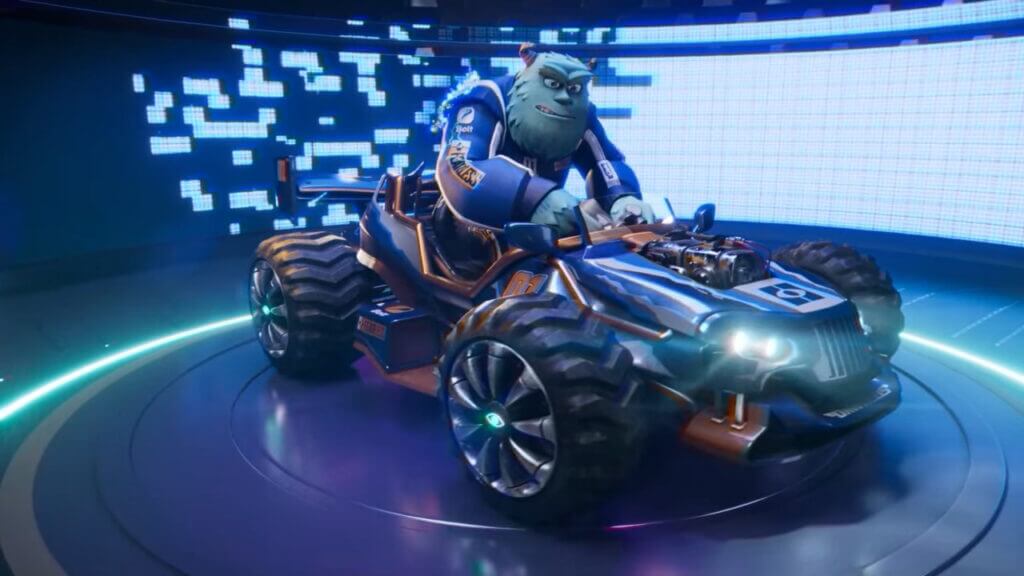
Disney Speedstorm Monster Ink
Image Source: TheNerdStash
This article is over 3 years old and may contain outdated information.

Having trouble logging into your Disney Speedstorm and receiving an initializing error? This issue is pretty normal to arse in new video games. With Disney Speedstorm being in early access, it is no surprise for it having some bumps along the way. It doesn’t make it any less frustrating to be unable to sign onto the game and play all the new Disney-themed racers. Something that will please players is there are some workarounds until the developers release an update that fixes the issue altogether. Here’s how to fix Disney Speedstorm initializing error.

How to Fix Disney Speedstorm Initializing Error
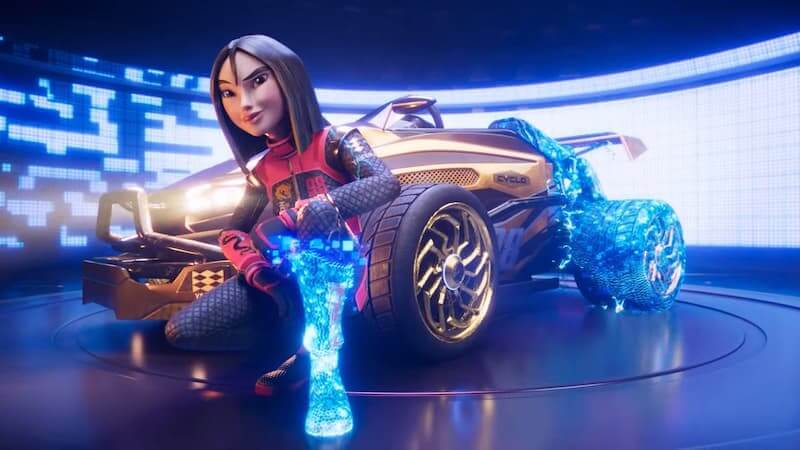
Disney Speedstorm Mulan Opening Cutscene
Image Source: TheNerdStash

Fixing the Initializing error can usually be easily fixed by restarting and attempting to log in again. This gives it a chance to reload and fix the issue on its own. However, the tricky part is determining what needs to be restarted to fix the error. Here’s what you should try so you can play Disney Speedstorm without a problem.

A good place to start is turning off your console, whether that be Nintendo Switch, Xbox, PS5, or PC. Sometimes a simple turn-off and turn-back-on fix the simplest of issues. After turning the console back on, reload the game, and the error might have been fixed. Next, restarting the router the console is connected to is the next best thing to give everything a hard restart.

Related:

How to Complete the Eggstravaganza Event in Disney Dreamlight Valley

After trying all of the above to fix the Disney Speedstorm Initializing issue, the next best bet would be uninstalling the game. This is one of the more drawn-out ways to fix an issue regarding new games, but with Disney Speedstorm not being that big of a game download, it won’t take long for it to reinstall. Once the game has been re-downloaded to the console, attempt to log in again, and this should have fixed the issue.

Sadly, if trying all these suggestions hasn’t fixed the issue, the only thing left to do is wait for the developers of Disney Speedstorm to launch an update fixing the initializing error. The developers are constantly working to fix these issues in Early Access games, so once the problem has been made known to the company, it will likely happen sooner rather than later. Hopefully, these suggestions have helped fix the issue, and you can now enjoy the Disney Speedstorm racing game.

Disney Speedstorm is available now on PS5, Xbox Series X|S, Nintendo Switch, and PC.

Related Topics
Guide
Share. Facebook Twitter LinkedIn Reddit Email
Faith Lane
  • Website
  • X (Twitter)
  • Instagram

Faith Lane is a self-published Christian author, journalist, editor, ghostwriter, and fangirl. She loves all things fandom and video games and loves to share her passion with her readers through her writing.

SUGGESTED READS

Destiny 2 Final Update
Features

Destiny 2 Is Dead: Bungie’s Divisive Franchise Going on Maintenance Mode With Its Last Update Launching on June 9

GTA Studio's Secrets Stay Buried Forever as Rockstar Reportedly Enforces 'Lifetime NDAs' on Ex-Developers
Gaming

GTA Studio’s Secrets Stay Buried Forever as Rockstar Reportedly Enforces ‘Lifetime NDAs’ on Ex-Developers

Warhammer 40,000 Boltgun 2 Hands-On Preview
Features

Warhammer 40,000: Boltgun 2 Hands-On Preview – Retro-Shooting for the Emperor

Warhammer Age of Sigmar Deathmaster Reveal
Features

The Skaven Take the Spotlight in Warhammer Age of Sigmar: Deathmaster

Your PlayStation Account Could Be Compromised: Sony's Security Flaw Lets Anyone Easily Disable 2FA
Gaming

Your PlayStation Account Could Be Compromised: Sony’s Security Flaw Lets Anyone Easily Disable 2FA

Rune Dice PC Review
9
Features

Rune Dice Review – A Magnificent Take on Roguelikes

The Nerd Stash
Facebook X (Twitter) Instagram YouTube LinkedIn
  • About Us
  • Join Our Team
  • Meet the Team
  • Privacy Policy
  • DMCA Policy
  • Contact Us
  • Terms of Use
  • Sitemap
  • Editorial Guidelines
  • Advertising Policy
© 2026 The Nerd Stash. All Rights Reserved.

Type above and press Enter to search. Press Esc to cancel.