Close Menu
  • Gaming
    • Platforms
      • Nintendo
      • PC
      • PlayStation
      • Xbox
  • Entertainment
    • Movies
    • TV
    • Royals
  • Celebrity
    • Hollywood
  • Human Interest
  • Astrology
  • More
    • Reviews
Facebook X (Twitter) Instagram LinkedIn YouTube
  • About Us
  • Join Our Team
  • Meet the Team
  • Privacy Policy
  • DMCA Policy
  • Contact Us
  • Terms of Use
  • Sitemap
  • Editorial Guidelines
  • Advertising Policy
The Nerd Stash
  • Gaming
  • Celebrity
  • Hollywood
  • Human Interest
The Nerd Stash
Home»Gaming»How to Fix Error Code Weasel in Marathon

How to Fix Error Code Weasel in Marathon

Weasel your way out

Julio La PineBy Julio La PineJune 2, 20263 Mins Read
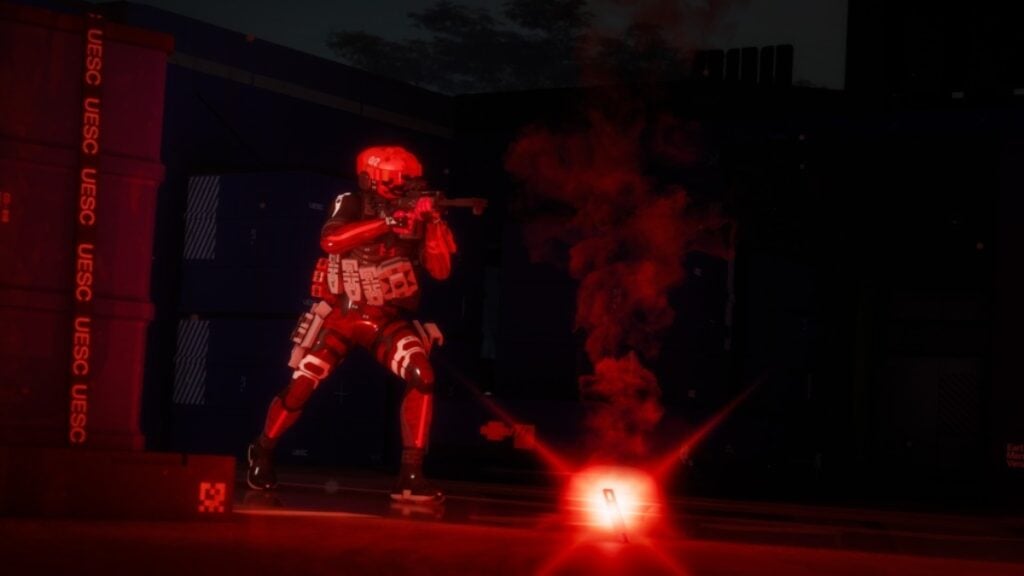
Marathon Error Code Weasel Fix
Image Source: Bungie

As many of you know, Bungie tends to share a few things among its games, and while we’d love to be talking about systems or easter eggs, we are sadly referring to errors. Veteran Destiny 2 players already know the drill when it comes to technical issues, but Marathon players might be new to those, especially error code Weasel. Well, just like Guardians struggling with it and looking for a solution, here we have some tips on how to fix that error code and get back into Tau Ceti.

Fixing Error Code Weasel in Marathon

As usual, the best thing you can do first is check the game’s official website and its social media accounts. Usually, Bungie tends to share updates when it comes to connectivity issues and any other things pertaining to launch day hiccups, and well, in the case of Marathon, it is the same.

Contrary to many other errors stemming from Bungie’s end, error code Weasel in Marathon tends to happen because of something the player did. See, error code weasel happens when the game thinks you are connected to two platforms. When that occurs, it will log you out of one and throw error code Weasel. When that happens, you can do the following things to mitigate the issue:

  • Restarting Your Router
    • A fix as old as time. Restarting your router usually does the trick, as it might be a connection issue with the previous platform, taking too long to log you out. Severing the connection for a bit tends to help.
  • Used a Wired Connection
    • This one is similar to the above solution, as sometimes, playing on a wireless connection can lead to some connectivity shenanigans. If you have the option to do so, try to play with a wired connection always.
  • Do Not Log In at the Same Time on Multiple Platforms
    • And as we said above, the culprit behind the Error Code Weasel in Marathon is being connected to two platforms at the same time. To fix this, log out of one platform and stick to one until you manage to get into the game. Also, keep in mind that this error might appear in the first platform you were using, not the second one.
Marathon Review – Bungie’s Finest
Related: Marathon Review – Bungie’s Finest

In the end, the issue isn’t as serious as others, and it will likely go away as soon as you log out from all platforms and fire up the game on one. Yet, if the issue persists, just wait a bit and try logging back into the game later.

Related Topics
Guide Marathon
Share. Facebook Twitter LinkedIn Reddit Email
Julio La Pine
  • Website

News/Guide Writer for The Nerd Stash. When not working, you'll find him playing Final Fantasy 14, any good JRPG, and modding Project Zomboid.

SUGGESTED READS

COD Modern Warfare 4 Free Open Beta Starts This August, Nintendo Switch 2 Included
Gaming

COD Modern Warfare 4 Free Open Beta Starts This August, Nintendo Switch 2 Included

All Wandering Merchant Locations in Palworld
Gaming

All Wandering Merchant Locations in Palworld

How to find Pure Quartz in Palworld 1.0
Gaming

Where To Find Pure Quartz in Palworld

Sicario Writer's Call of Duty Movie To Adapt 'Modern Warfare' Universe, Confirmed Paramount
Gaming

Sicario Writer’s Call of Duty Movie To Adapt ‘Modern Warfare’ Universe, Confirmed Paramount

Fatal Fury City of the Wolves Rick Strowd Hands-on Impressions
Gaming

Fatal Fury: City of the Wolves Rick Strowd Hands-On Impressions – A Strong Start

Zenless Zone Zero Version 3.1 Anniversary
Gaming

Zenless Zone Zero Celebrates Its 2-Year Milestone With Free S-Rank Agents and a Crossover Announcement

The Nerd Stash
Facebook X (Twitter) Instagram YouTube LinkedIn
  • About Us
  • Join Our Team
  • Meet the Team
  • Privacy Policy
  • DMCA Policy
  • Contact Us
  • Terms of Use
  • Sitemap
  • Editorial Guidelines
  • Advertising Policy
© 2026 The Nerd Stash. All Rights Reserved.

Type above and press Enter to search. Press Esc to cancel.