Close Menu
  • Gaming
    • Platforms
      • Nintendo
      • PC
      • PlayStation
      • Xbox
  • Entertainment
    • Movies
    • TV
    • Royals
  • Celebrity
    • Hollywood
  • Human Interest
  • Astrology
  • More
    • Reviews
Facebook X (Twitter) Instagram LinkedIn YouTube
  • About Us
  • Join Our Team
  • Meet the Team
  • Privacy Policy
  • DMCA Policy
  • Contact Us
  • Terms of Use
  • Sitemap
  • Editorial Guidelines
  • Advertising Policy
The Nerd Stash
  • Gaming
  • Celebrity
  • Hollywood
  • Human Interest
The Nerd Stash
Home»Gaming»How To Fix PS5 Error Code NP-104602-3

How To Fix PS5 Error Code NP-104602-3

Technical fixes to help you get back in the game.

Nat CollazoBy Nat CollazoOctober 12, 20233 Mins Read
How To Fix PS5 Error Code NP-104602-3
Image Source: Sony via The Nerd Stash
This article is over 2 years old and may contain outdated information.

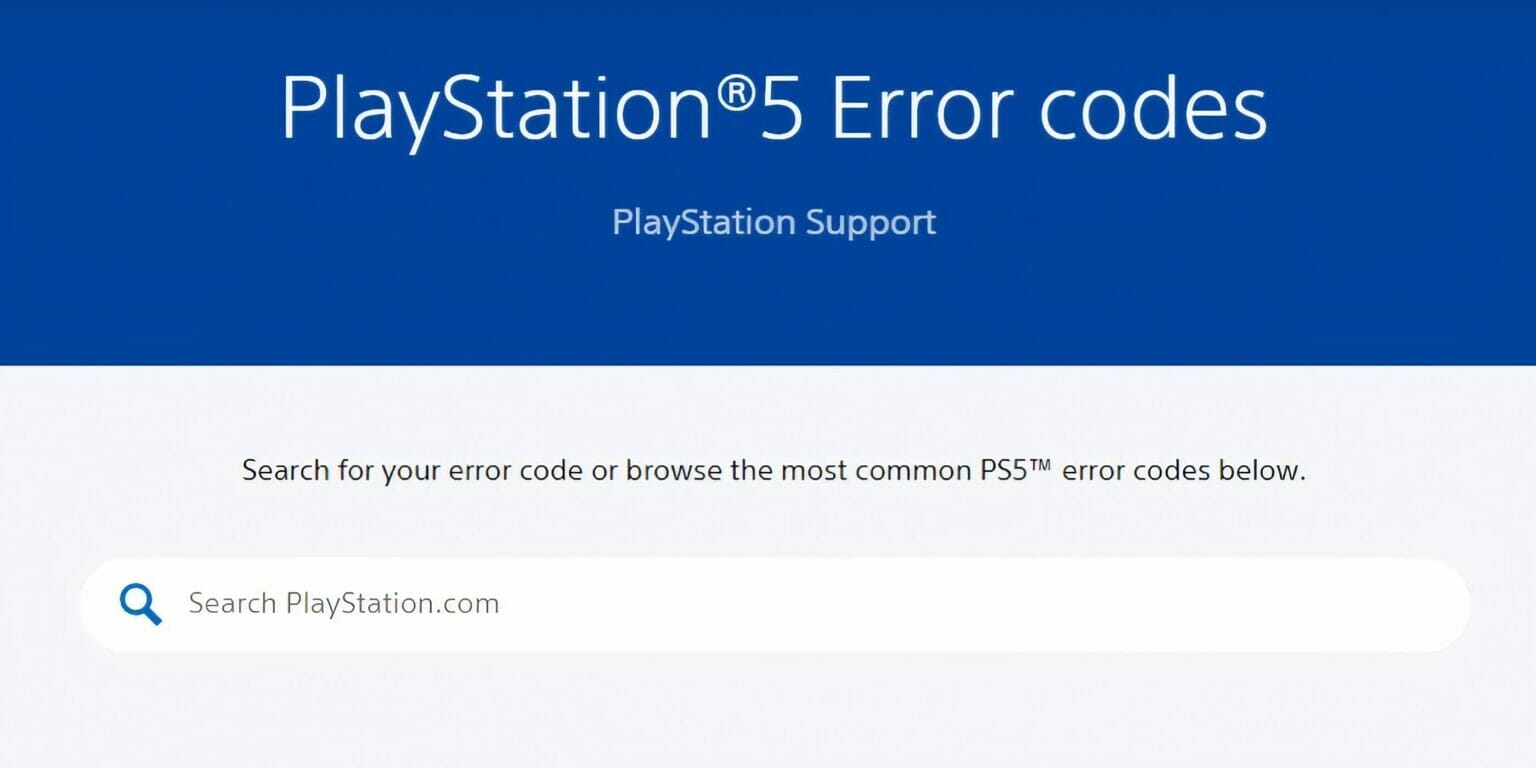
Even though the PlayStation 5 has sold millions of consoles worldwide, that doesn’t mean that it doesn’t have problems periodically. In most cases, error codes are the primary problem that players are faced with. The newest error code is known as Error Code NP-104602-3, and it’s basically caused by a variety of different reasons all put together into one code. Unless there’s some sort of server maintenance that you have to wait out, we outlined exactly how to fix this issue with Sony’s PlayStation 5 to put you back in the game.

How To Fix Error Code NP-104602-3

How To Fix PS5 Error Code NP-104602-3
Image Source: Sony via TechHQ YouTube Channel

As we explained, there is no one reason why this error is showing up. We do know, however, that it’s in relation to the online network connection in some way. In response, you’ll want to try a few different things to fix the issue:

  • Restart your console.
  • Check your router for network instabilities.
  • Rebuild the database.
  • Clear your console cache.

If your network is unstable for any reason, it could cause you to receive the error code. Since Code NP-104602-3 primarily has to do with the way you play online, a good connection is a must.

How To Rebuild Your PS5 Database

If you don’t already know how to rebuild the database on your PS5, we wrote out how to do that as well. This is not a reversible decision, so you’ll want to make sure that you really want to do this before actually attempting it yourself.

  • Go to the Settings menu.
  • Select the System option from the list.
  • Select the Storage option.
  • Choose which storage system you want to rebuild the database for.
  • Select the Rebuild Database option.

How To Clear Your Console Cache

If you’re choosing to clear your console’s cache instead, you’ll want to ensure that you really want to do so beforehand because it is also not reversible. However, if you would still like guidance on how to do that, follow these directions:

  • Go to the Home screen on the console.
  • Select the Control Center option.
  • Choose the Settings option.
  • Select the Storage option.
  • Choose the System Storage option.
  • Select the Applications option.
  • Choose the game you want to erase the cache for.
  • Select the Options button on your controller.
  • Choose the Delete option to confirm the choice.

If you’re still having trouble with Error Code NP-104602-3, then check out this video by Moe Gaming on YouTube:


Related Topics
Guide PlayStation 5
Share. Facebook Twitter LinkedIn Reddit Email
Nat Collazo
  • Website
  • X (Twitter)
  • Instagram

Nat is a journalist with over ten years of online publishing experience. They are a massive fan of hanging out with both their wife and cat which would ideally be all the time. Nat received an undergraduate degree in English Literature from Florida International University, then returned to complete a graduate degree in Mass Communications before moving across the country to settle in New England.

SUGGESTED READS

All Black Marketeer Locations in Palworld
Gaming

All Black Marketeer Locations in Palworld

Gaming

A New Wolverine Trailer Playing in Front of the Odyssey is Getting Obliterated by PlayStation Fans: ‘Can’t wait for my PHYSICAL COPY’

Pal Awakening Guide - Palworld
Gaming

Complete Palworld Pal Awakening Guide

How to get Radiant Gems In Palworld 1.0
Gaming

How to get Radiant Gems In Palworld 1.0

gamescom dev 2026 Adds Subnautica 2 Creative Director as Keynote Speaker, Reveals New Awards
Gaming

gamescom dev 2026 Adds Subnautica 2 Creative Director as Keynote Speaker, Reveals New Awards

Fortnite Summer Skins Censored Rumors
Gaming

Fortnite Fans Disappointed as Upcoming Summer Skins Have Been Allegedly Censored One Day After Their Reveal: ‘They Folded Without Any Pressure’

The Nerd Stash
Facebook X (Twitter) Instagram YouTube LinkedIn
  • About Us
  • Join Our Team
  • Meet the Team
  • Privacy Policy
  • DMCA Policy
  • Contact Us
  • Terms of Use
  • Sitemap
  • Editorial Guidelines
  • Advertising Policy
© 2026 The Nerd Stash. All Rights Reserved.

Type above and press Enter to search. Press Esc to cancel.