
Close Menu
  • Gaming
    • Platforms
      • Nintendo
      • PC
      • PlayStation
      • Xbox
  • Entertainment
    • Movies
    • TV
    • Royals
  • Celebrity
    • Hollywood
  • Human Interest
  • Astrology
  • More
    • Anime
    • Reviews
Facebook X (Twitter) Instagram LinkedIn YouTube
  • About Us
  • Join Our Team
  • Meet the Team
  • Privacy Policy
  • DMCA Policy
  • Contact Us
  • Terms of Use
  • Sitemap
  • Editorial Guidelines
  • Advertising Policy
The Nerd Stash
  • Gaming
  • Celebrity
  • Hollywood
  • Human Interest
The Nerd Stash
Home»Gaming»How to Fix Shift Lock on Roblox

How to Fix Shift Lock on Roblox

Seeing from a new perspective

Patrick ArmstrongBy Patrick ArmstrongNovember 8, 20242 Mins Read
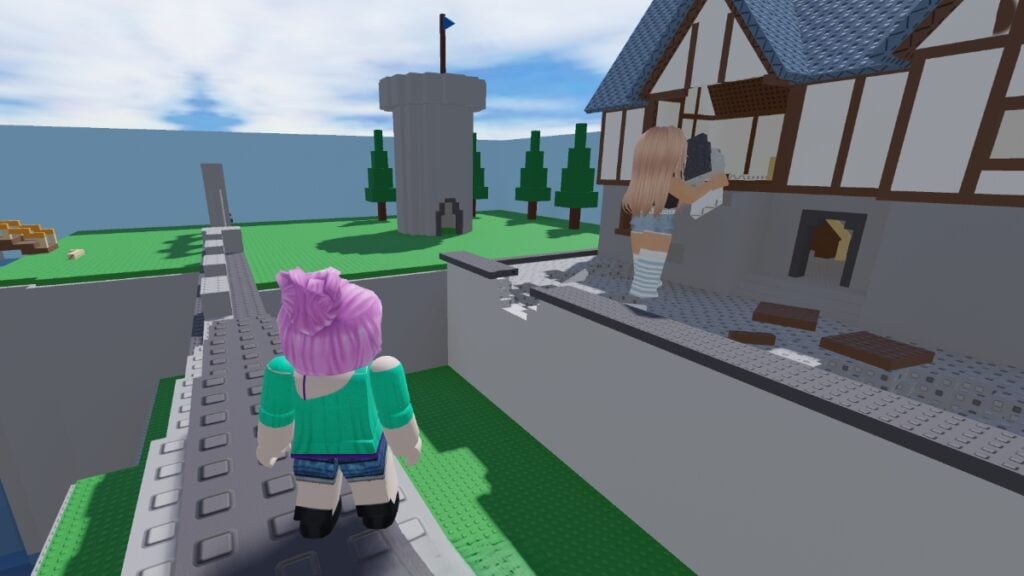
The player watches a giant eat a building in Eat the World Roblox
Image Source: mPhase via The Nerd Stash
This article is over 1 years old and may contain outdated information.

Roblox includes games across countless genres, so shifting perspectives matters. You might be in a first-person race across the desert one minute, then posing in third-person for a fashion show the next. Most of the time, these camera transitions are easy. Sometimes, however, the shift lock function breaks, trapping you in one perspective. That makes playing certain games difficult if not impossible. It can even make navigating simple tasks frustrating. Depending on the cause, however, there might be a simple solution. Here’s how to fix shift lock on Roblox and set your perspective right again.

Roblox Shift Lock Fix
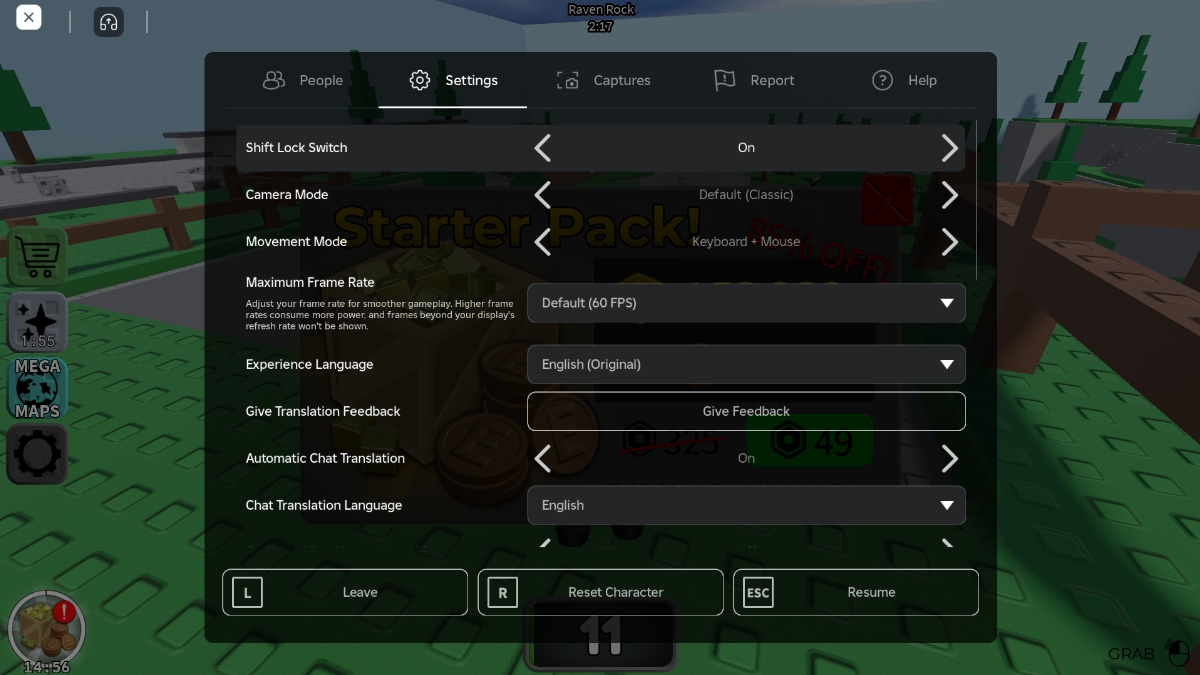
The settings menu used to fix the shift lock glitch in Roblox
Image Source: mPhase via The Nerd Stash

Although Roblox controls and mechanics like whispering aren’t typically an issue, shift lock can be. Some games also don’t let you toggle shift lock, so the first thing to do is check to see whether a given experience allows you to do so. Thankfully, you can do that from the same menu that’s used to address the problem, and the rest of the fix is straightforward. Here’s what you need to do:

  1. Launch Roblox
  2. Press “ESC” to open the main menu
  3. Navigate to “Settings”
  4. Set “Shift Lock Switch” to “On”
  5. Set “Camera Mode” to “Default (Classic)”
  6. Set “Movement Mode” to “keyboard + mouse”
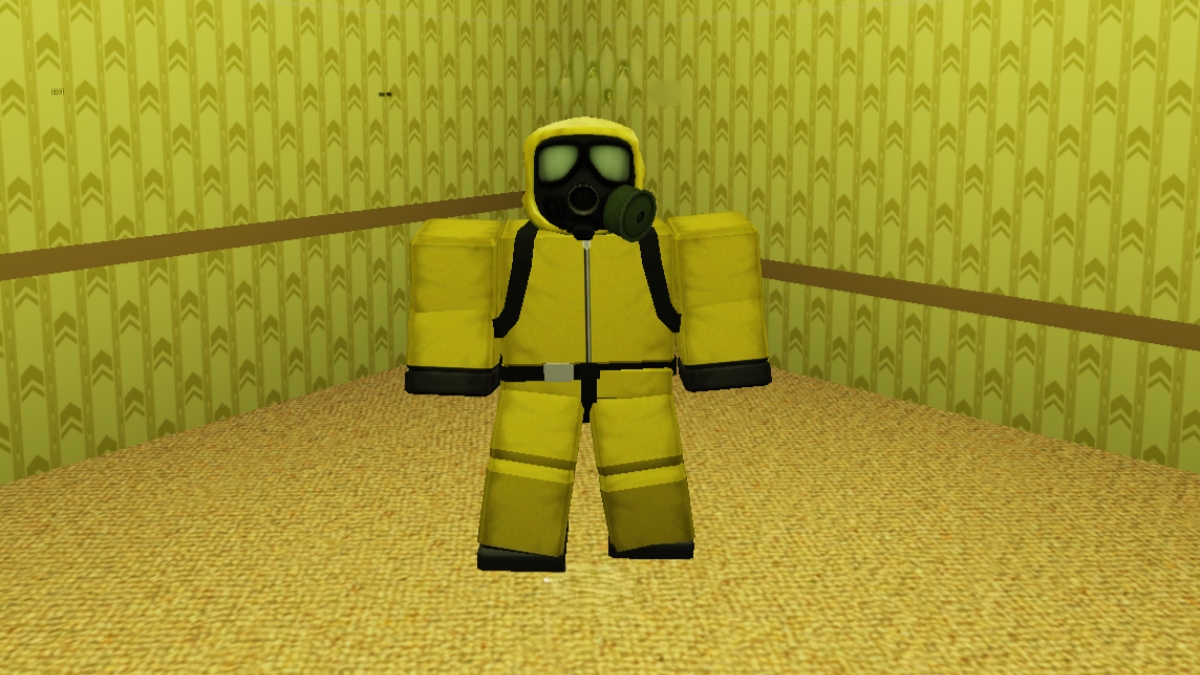
5 Great Roblox Extensions to Improve Your Gaming Experience
Related: 5 Great Roblox Extensions to Improve Your Gaming Experience

If you’re still having problems after trying the fix above, there’s another option. Close Roblox, open your device’s Display Settings, and make sure you’re using the recommended Scale value. Sometimes, that’s enough to resolve the issue. If the in-game “Shift Lock Settings” says “Set by Developer,” however, the setting is locked in that experience. Unfortunately, there’s nothing you can do if that’s the case. Roblox games are designed with specific camera perspectives in mind, so you shouldn’t run into too many problems when the developer locks this setting. That said, locked cameras can make climbing and platforming sequences in some games. Watch where you step.


Related Topics
Guide Roblox
Share. Facebook Twitter LinkedIn Reddit Email
Patrick Armstrong
  • Website

Artist and writer with a lifelong love of video games. Their favorite games include Dead by Daylight, Meet Your Maker, and Project Zomboid.

SUGGESTED READS

LEGO Batman Legacy of the Dark Knight PC Review
9
Gaming

LEGO Batman: Legacy of the Dark Knight Review – A Hero Rises

Call of Duty: Modern Warfare 4 Launching This October on Next-Gen Consoles & Switch 2, But Not Game Pass
Gaming

Call of Duty: Modern Warfare 4 Launching This October on Next-Gen Consoles & Switch 2, But Not Game Pass

Hideo Kojima Teams Up With Prada for an AI Film, And Fans Aren't Happy: 'Beyond Incredibly Disappointing'
Gaming

Hideo Kojima Teams Up With Prada for an AI Film, And Fans Aren’t Happy: ‘Beyond Incredibly Disappointing’

The Witcher 3 Songs of the Past expansion
Gaming

A Witcher 3 Leak Just Forced CD Projekt Red to Announce a Brand-New Expansion: Songs of the Past

CDPR Announces The Witcher 3 'Special Anniversary Stream' Amid New Massive DLC Rumor
Gaming

CDPR Announces The Witcher 3 ‘Special Anniversary Stream’ Amid New Massive DLC Expansion Rumor

007 First Light All Challenges
Gaming

All Challenges in 007 First Light

The Nerd Stash
Facebook X (Twitter) Instagram YouTube LinkedIn
  • About Us
  • Join Our Team
  • Meet the Team
  • Privacy Policy
  • DMCA Policy
  • Contact Us
  • Terms of Use
  • Sitemap
  • Editorial Guidelines
  • Advertising Policy
© 2026 The Nerd Stash. All Rights Reserved.

Type above and press Enter to search. Press Esc to cancel.



