Close Menu
  • Gaming
    • Platforms
      • Nintendo
      • PC
      • PlayStation
      • Xbox
  • Entertainment
    • Movies
    • TV
    • Royals
  • Celebrity
    • Hollywood
  • Human Interest
  • Astrology
  • More
    • Anime
    • Reviews
Facebook X (Twitter) Instagram LinkedIn YouTube
  • About Us
  • Join Our Team
  • Meet the Team
  • Privacy Policy
  • DMCA Policy
  • Contact Us
  • Terms of Use
  • Sitemap
  • Editorial Guidelines
  • Advertising Policy
The Nerd Stash
  • Gaming
  • Celebrity
  • Hollywood
  • Human Interest
The Nerd Stash
Home»Gaming»How To Fix the Bad Gateway Error in VRChat

How To Fix the Bad Gateway Error in VRChat

Getting Bad Gateway in VRChat? Don’t panic.

Asanga WijeratneBy Asanga WijeratneJanuary 3, 20242 Mins Read
VRChat Avis
Image Source: VRChat
This article is over 2 years old and may contain outdated information.

Bad Gateway is a common error most VRChat users encounter. You might get this error while connecting to a specific server or browsing Worlds. If you’re experiencing this issue mostly, it might be due to server-side issues. Also, issues with your computer, network, or internet service provider might also cause Bad Gateway errors. However, there are a few fixes that you can try to resolve the Bad Gateway Error in VRChat.

Troubleshooting the Bad Gateway Error in VRChat
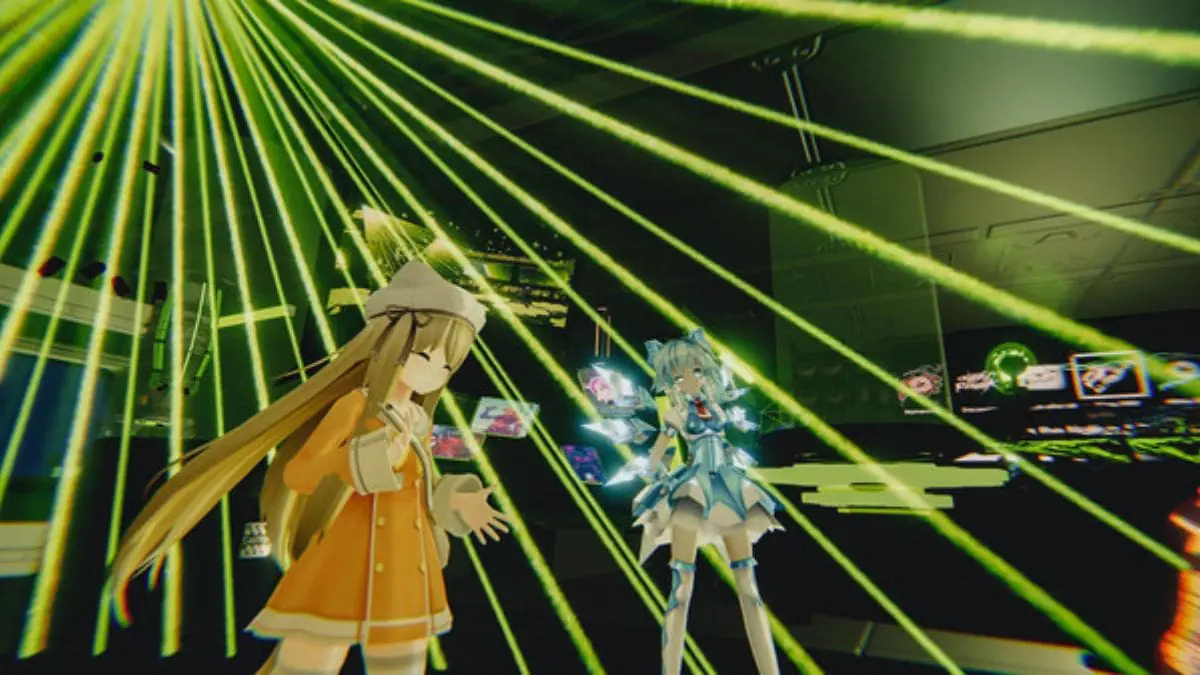
VRChat Bad Gateway Error
Image Source: VRChat

The first thing you must check when met with this error is whether the servers are online. You can check the server status from the official VRChat server status page in X (formerly Twitter). If you do not find any issues, then only you should move on to the next steps. 

So far, clearing your browser cache and cookies is the most successful method to sort out the problem. Clearing your cache will remove all the temporary files that clutter in your system, which might lead to these errors. However, we have also added other standard methods to fix the Bad Gateway errors below.

Related:

VRChat Commences Update 2023.1.2 Patch Notes

1. Clear Your Browser’s Cache and Cookies

As mentioned above, clearing your browser’s cache and cookies can help resolve the Bad Gateway error. By doing this, you are essentially eliminating any old or corrupt data that might be causing the issue. Remember, as per the user experience in various threads, this method does not always work.

2. Update the Graphic Driver

VRChat uses Unity’s built-in Renderer Pipeline (Legacy Renderer) to render the visuals. If you have an outdated version of your graphic driver, it might cause issues with rendering, leading to Bad Gateway errors. Make sure to update your graphic drivers regularly.

3. Check for Any Firewall or Antivirus Restrictions

Sometimes, your firewall or antivirus software might prevent the VRChat application from connecting to their servers. This could result in Bad Gateway errors. Check your settings and make sure that VRChat is allowed to access the internet.

Related:

Best 5 VR Games Coming in September 2023

Most often, the VRChat Bad Gateway Error comes from the server side. That’s why few workable fixes exist for Bad Gateway Errors in VRChat. However, you can contact the VRChat support team for further assistance if the issue persists.

Related Topics
Guide
Share. Facebook Twitter LinkedIn Reddit Email
Asanga Wijeratne
  • Website

SUGGESTED READS

007 First Light Launch Trailer
Gaming

007 First Light Celebrates the Long-Awaited Return of James Bond With Its Launch Trailer

Destiny 2 Final Update
Features

Destiny 2 Is Dead: Bungie’s Divisive Franchise Going on Maintenance Mode With Its Last Update Launching on June 9

GTA Studio's Secrets Stay Buried Forever as Rockstar Reportedly Enforces 'Lifetime NDAs' on Ex-Developers
Gaming

GTA Studio’s Secrets Stay Buried Forever as Rockstar Reportedly Enforces ‘Lifetime NDAs’ on Ex-Developers

Warhammer 40,000 Boltgun 2 Hands-On Preview
Features

Warhammer 40,000: Boltgun 2 Hands-On Preview – Retro-Shooting for the Emperor

Warhammer Age of Sigmar Deathmaster Reveal
Features

The Skaven Take the Spotlight in Warhammer Age of Sigmar: Deathmaster

Your PlayStation Account Could Be Compromised: Sony's Security Flaw Lets Anyone Easily Disable 2FA
Gaming

Your PlayStation Account Could Be Compromised: Sony’s Security Flaw Lets Anyone Easily Disable 2FA

The Nerd Stash
Facebook X (Twitter) Instagram YouTube LinkedIn
  • About Us
  • Join Our Team
  • Meet the Team
  • Privacy Policy
  • DMCA Policy
  • Contact Us
  • Terms of Use
  • Sitemap
  • Editorial Guidelines
  • Advertising Policy
© 2026 The Nerd Stash. All Rights Reserved.

Type above and press Enter to search. Press Esc to cancel.