Close Menu
  • Gaming
    • Platforms
      • Nintendo
      • PC
      • PlayStation
      • Xbox
  • Entertainment
    • Movies
    • TV
    • Royals
  • Celebrity
    • Hollywood
  • Human Interest
  • Astrology
  • More
    • Reviews
Facebook X (Twitter) Instagram LinkedIn YouTube
  • About Us
  • Join Our Team
  • Meet the Team
  • Privacy Policy
  • DMCA Policy
  • Contact Us
  • Terms of Use
  • Sitemap
  • Editorial Guidelines
  • Advertising Policy
The Nerd Stash
  • Gaming
  • Celebrity
  • Hollywood
  • Human Interest
The Nerd Stash
Home»Gaming»How To Fix the “Failed to Join Lobby” Error in Helldivers 2

How To Fix the “Failed to Join Lobby” Error in Helldivers 2

Fighting for democracy will have to wait.

Julio La PineBy Julio La PineFebruary 8, 20243 Mins Read
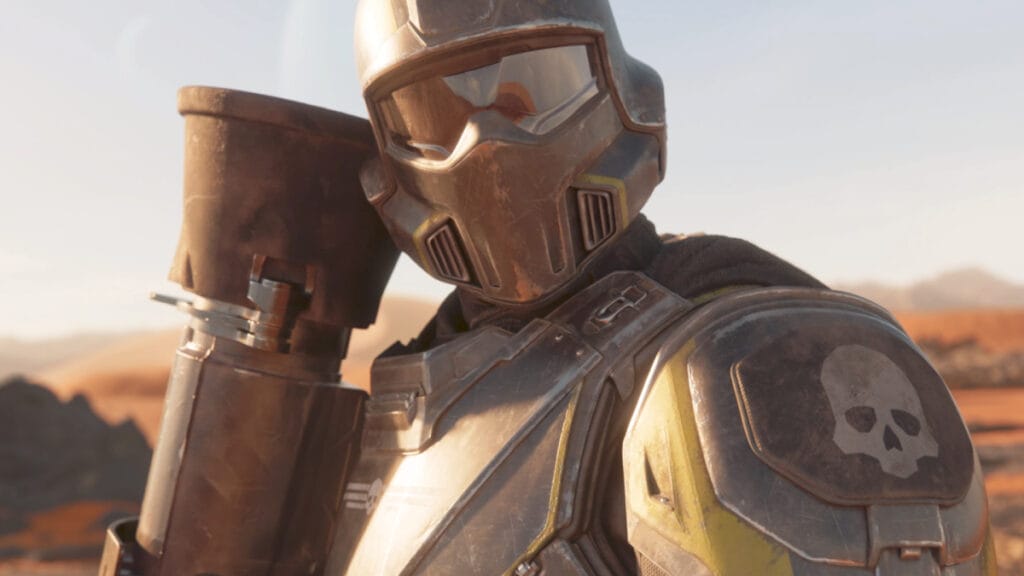
Helldivers 2 Lobby Error
Image Source: Arrowhead Game Studios
This article is over 2 years old and may contain outdated information.

While everyone wants to jump into Super Earth and start squashing bugs, you might encounter the “Failed to Join Lobby” error in Helldivers 2. This is disappointing because, while you can play a few missions alone, you require more democratic soldiers to tackle some objectives. And, since the game focuses a lot on multiplayer, having this error around will become annoying for those new gamers trying to earn their spot in the Galactic War. But, as always, you can try a few workarounds to join the fight with your fellow compatriots.

Helldivers 2: “Failed to Join Lobby” Error Explained

Helldivers 2 Loading Screen
Image Source: Arrowhead Game Studios

Since the game’s official launch, players have encountered this error and reported it as one of the most common ones. Given how we also experienced this, we tried a few things and found out it is mostly tied to crossplay functionality. However, even after disabling that, you might encounter it again. Here are some steps you can take to get rid of this pesky error:

  1. Restart the game.
    • We noticed that restarting the game several times fixed this, even if crossplay was still on.
  2. Disable crossplay.
    • For whatever reason, having crossplay tends to have lobby errors. Disable this option before joining a Quickplay match.
  3. Verify the game.
    • If you’re on PC, verify the game files; this has worked as well.
  4. Add your game’s folder to your firewall’s exceptions.
    • Find your game’s folder on your PC and add it as an exception to your firewall.
  5. Restart your router.
    • If anything else fails, try restarting your router to discard any connection issues on your side.
  6. Reinstall the game.
    • Doing a clean reinstall also helps, so do this as a last resort.

For us, the thing that fixed it on the spot was disabling crossplay, but this can vary depending on the player. However, we can say that the above solutions work, so try them all in order until you can join the fight.

Related:

5 Most Exciting Remakes Coming in 2024

If you cannot fix the “Failed to Join Lobby” error in Helldivers 2, the developers already announced they are working on a fix. Given how this is a big third-person shooter for PlayStation Studios, we’re hopeful for it and imagine the developers will tackle errors sooner rather than later. But, if you’re one of the lucky few to be inside the fight already, remember to check the community’s progress and become a member of the Galactic War to reap the rewards.


Related Topics
Guide Helldivers 2
Share. Facebook Twitter LinkedIn Reddit Email
Julio La Pine
  • Website

News/Guide Writer for The Nerd Stash. When not working, you'll find him playing Final Fantasy 14, any good JRPG, and modding Project Zomboid.

SUGGESTED READS

XBOX is Giving Away 13 Ubisoft Games on PC for Free
Gaming

XBOX is Giving Away 13 Ubisoft Games on PC for Free

Endless Ragnarok PC Review
9
Gaming

Granblue Fantasy Relink: Endless Ragnarok Review – Once More Into Zegagrande

CS2 weapon skin collection
Gaming

The Smartest Ways to Start a CS2 Collection from Scratch

007 First Light Story Review
Gaming

007 First Light Launches Its Update #1 With New TacSim Content

XBOX Backward Compatibility on PC Could Support Xbox 360 Games Too, Dataminers Confirm
Gaming

XBOX Backward Compatibility on PC Could Support Xbox 360 Games Too, Dataminers Confirm

Aliens Fireteam Elite 2 Release Date
Gaming

Aliens: Fireteam Elite 2 Launches on August 25 With Movie-inspired DLC Packs

The Nerd Stash
Facebook X (Twitter) Instagram YouTube LinkedIn
  • About Us
  • Join Our Team
  • Meet the Team
  • Privacy Policy
  • DMCA Policy
  • Contact Us
  • Terms of Use
  • Sitemap
  • Editorial Guidelines
  • Advertising Policy
© 2026 The Nerd Stash. All Rights Reserved.

Type above and press Enter to search. Press Esc to cancel.