
Close Menu
  • Gaming
    • Platforms
      • Nintendo
      • PC
      • PlayStation
      • Xbox
  • Entertainment
    • Movies
    • TV
    • Royals
  • Celebrity
    • Hollywood
  • Human Interest
  • Astrology
  • More
    • Reviews
Facebook X (Twitter) Instagram LinkedIn YouTube
  • About Us
  • Join Our Team
  • Meet the Team
  • Privacy Policy
  • DMCA Policy
  • Contact Us
  • Terms of Use
  • Sitemap
  • Editorial Guidelines
  • Advertising Policy
The Nerd Stash
  • Gaming
  • Celebrity
  • Hollywood
  • Human Interest
The Nerd Stash
Home»Gaming»How To Invite Your Friends to the ARC Raiders Tech Test 2

How To Invite Your Friends to the ARC Raiders Tech Test 2

Extract together

Julio La PineBy Julio La PineApril 30, 20252 Mins Read
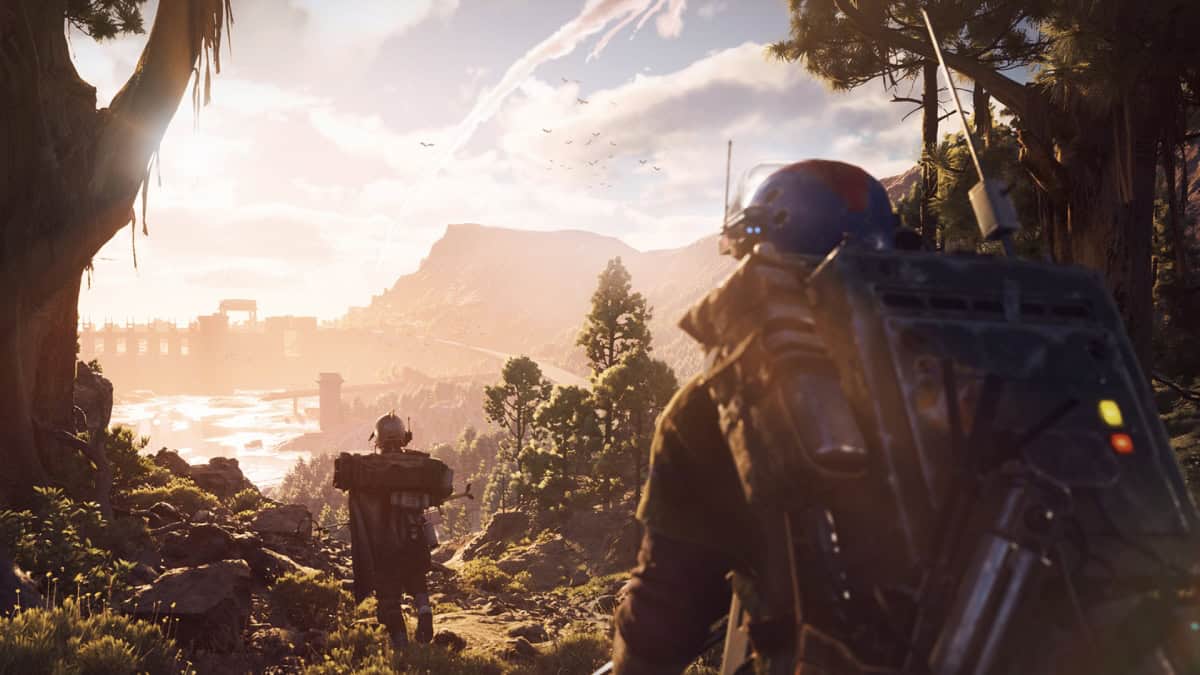
ARC Raiders Friend Code Tech Test 2
Image Source: Embark Studios

After so much time of waiting for news about ARC Raiders, the Tech Test 2 is finally here, and the lucky few to get into it won’t have to do it alone. Assuming you’ve been graced with a Tech Test 2 code for ARC Raiders, you can also invite two of your friends to join you in this extraction shooter. However, you must meet a few requirements first. Here, we’ll tell you how to invite your friends to play ARC Raiders.

How To Get a Friend Code for ARC Raiders Tech Test 2

To invite a friend to the Tech Test 2, you must fulfill the following requirements:

  • Play for at least 30 minutes
  • Play at least four rounds

Once you meet those requirements, you can head to the Embark ID Playtesting site to redeem the codes.

If the button does not appear for you to claim the codes, that means you haven’t met the above criteria. If that’s the case, just get inside the Tech Test and play a few rounds.

Some players have even reported that you don’t need to extract for the round to count. If you die, it still counts as a round and as the overall playtime, so don’t worry about winning.

Can Your Friends Choose a Different Platform?

So far, it seems that the referral link allows players to pick their preferred platform. However, some might be unavailable due to the number of requests, so keep that in mind. Still, the platform shouldn’t matter much, as this Tech Test has cross-play enabled, meaning you can join the action together regardless of the platform.

As usual, there are a few limitations and rules when it comes to friend codes for ARC Raiders:

  • Limit 2 keys per person while supplies last. Only invite friends who are 16 years or older.
  • It is prohibited to sell or otherwise trade these links – doing so will result in being removed from the playtest and any future Embark testing.
ARC Raiders Hands-Off Impressions: A Colorful and Bombastic Take on Extraction Shooters
Related: ARC Raiders Hands-Off Impressions: A Colorful and Bombastic Take on Extraction Shooters

They are pretty straightforward, but still worth mentioning. So, if you have a code, start playing and then open the doors for the rest of your squad.


Related Topics
Arc Raiders Guide
Share. Facebook Twitter LinkedIn Reddit Email
Julio La Pine
  • Website

News/Guide Writer for The Nerd Stash. When not working, you'll find him playing Final Fantasy 14, any good JRPG, and modding Project Zomboid.

SUGGESTED READS

Palworld 1.0: All 72 New Pals and Where You Can Find Them
Gaming

Palworld 1.0: All 72 New Pals and Where You Can Find Them

The player looks at an Oil Well in Palworld
Gaming

How to Find and Extract Oil in Palworld 1.0 (Best Locations Guide)

Where to Get Corrosive Solvent in Palworld 1.0
Gaming

Where to Get Corrosive Solvent in Palworld 1.0

Where to Find All Echobones & Catch Panthalus in Palworld 1.0
Gaming

Where to Find All Echobones & Catch Panthalus in Palworld 1.0

Transport Fever 3 Features
Gaming

Transport Fever 3 Is Gearing Up for Launch With New Footage Showcasing Several Features for Transport Tycoon Fans

9.5
Gaming

Rhythm Heaven Groove Review – Harmonic Perfection

The Nerd Stash
Facebook X (Twitter) Instagram YouTube LinkedIn
  • About Us
  • Join Our Team
  • Meet the Team
  • Privacy Policy
  • DMCA Policy
  • Contact Us
  • Terms of Use
  • Sitemap
  • Editorial Guidelines
  • Advertising Policy
© 2026 The Nerd Stash. All Rights Reserved.

Type above and press Enter to search. Press Esc to cancel.