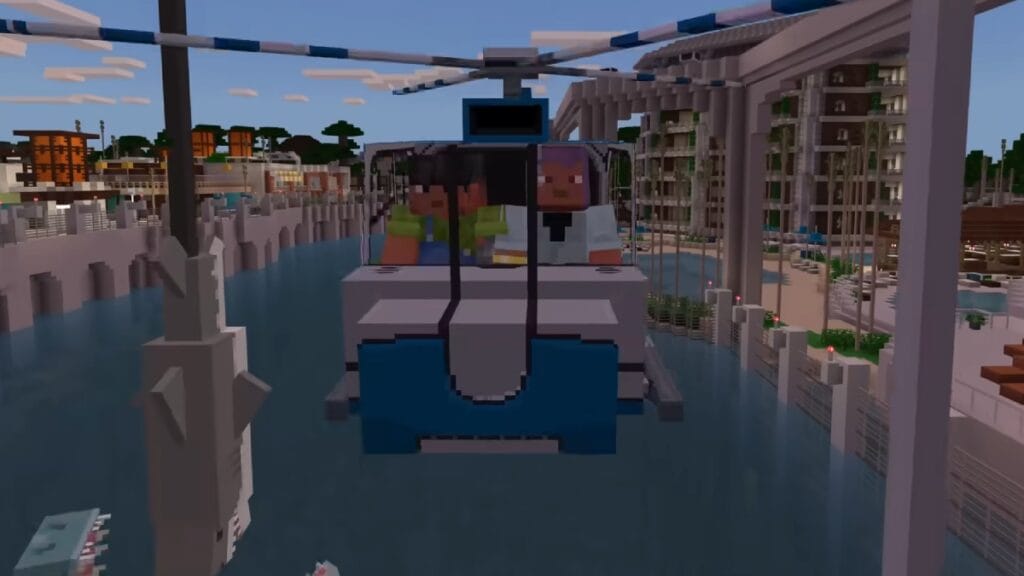
The seeds of Minecraft are immense and even endless, so the developers have been looking for practical ways to cross the distances in less time. One of the best solutions for Minecraft is to learn how to make a flying machine without spending your life getting all the materials. Thanks to the in-game technology and the wonder of Redstone, players can create all kinds of useful gadgets for their game. Besides flying machines, there are also watering systems or automatic doors to make your life easier.
Minecraft: Flying Machine Materials
Since you’ll be doing an elaborate contraption, Redstone is one of the most important materials you’ll need. As you know, this little reagent makes many things in Minecraft move and function more dynamically. The materials required to create the flying machine are simple to find; they are a mix of common Minecraft objects and other raw ingredients. These are the things you’ll need to build your flying machine:
- Block of Redstone x3
- Smooth Stone x2
- Slime Block x2
- Piston x2
- Sticky Piston x1
- Boat x1
If you’re playing on survival, the most challenging materials to obtain will be the Slime Block and the Pistons. However, you can do this by checking some of the seeds with spawn points close to the biomes where these materials are.
Building the Machine
The next part will be the easiest once you have all the necessary materials. You need to follow these simple steps to shape your flying machine:
- Place a Smooth Stone, leave a space, and place the next Smooth Stone horizontally.
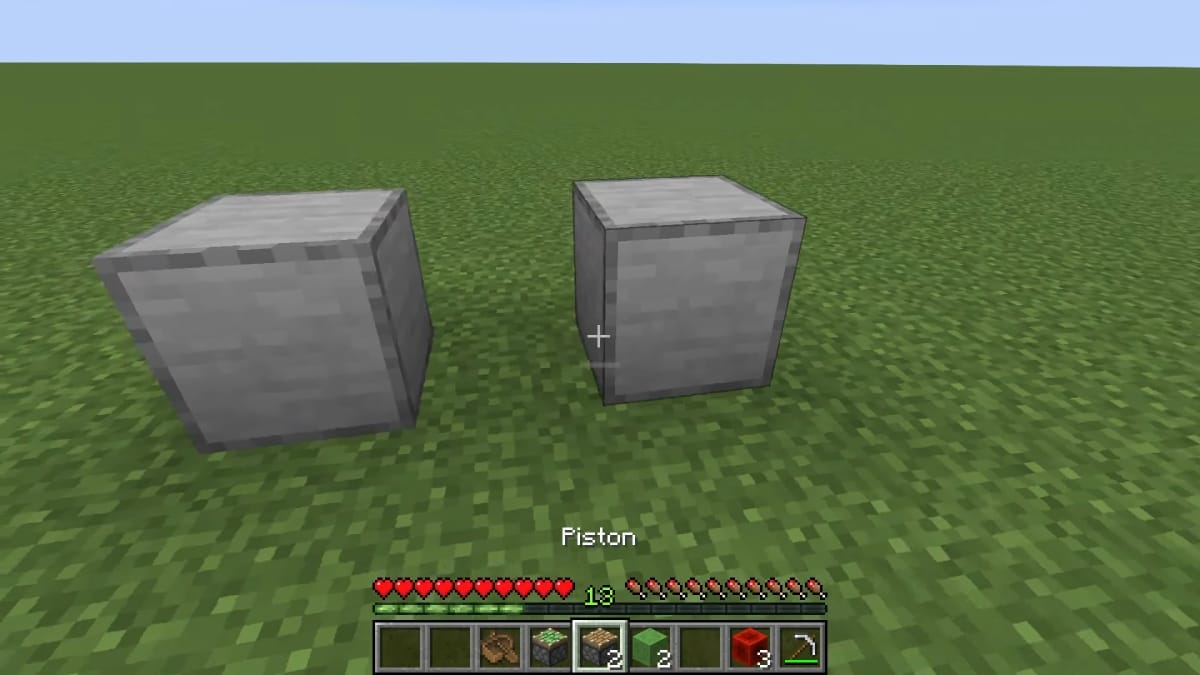
2. On the first Smooth Stone, put a Piston.
3. On the second Smooth Stone, place the Sticky Piston. The wooden part of the pistons should be in the middle.
4. Place another Piston next to the Sticky Piston. You should put the stone part together.
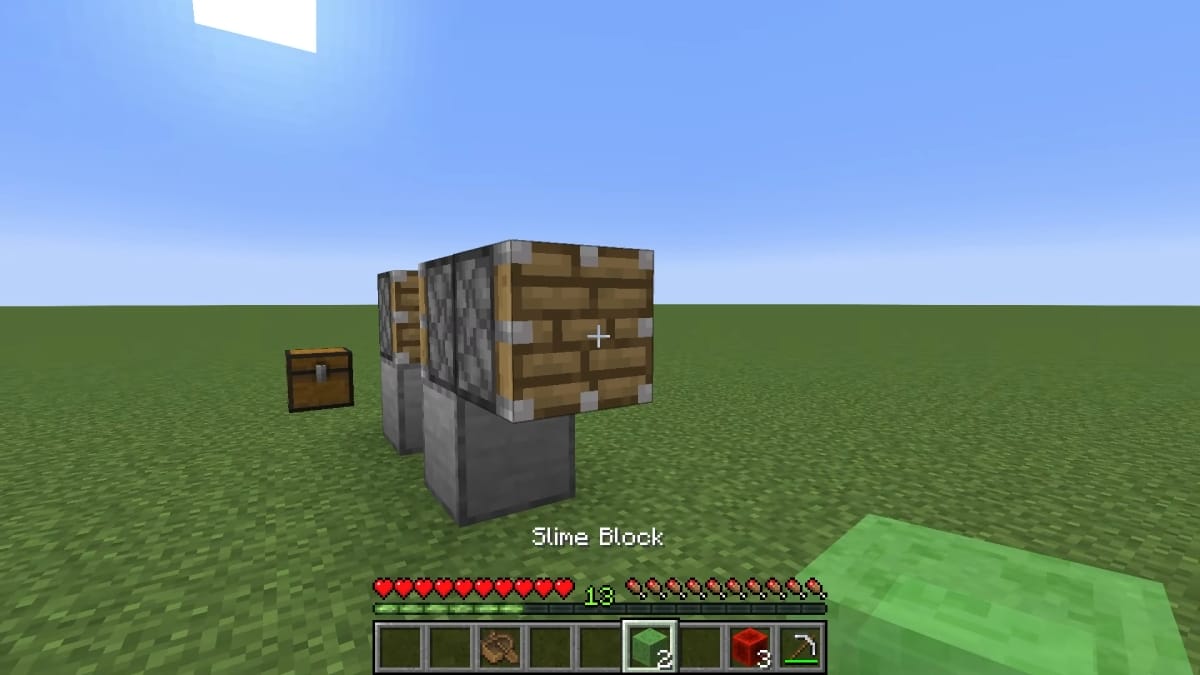
5. Where the wooden part of the third Piston is, place a Slime Block.
6. Place another Slime Block where the space between the Smooth Stone blocks was. This Slime Block remains “floating”.
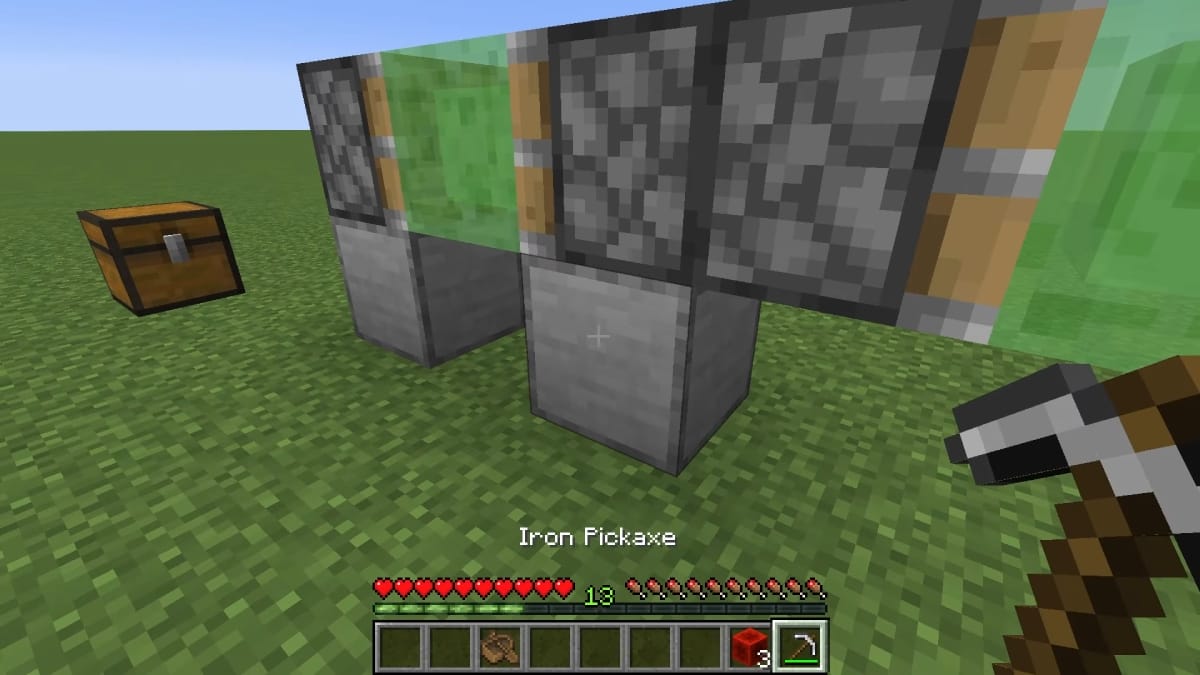
7. Break both Smooth Stone blocks.
8. Place a Block of Redstone on top of both Slime Blocks.
9. Between the Blocks of Redstone, place the Boat.
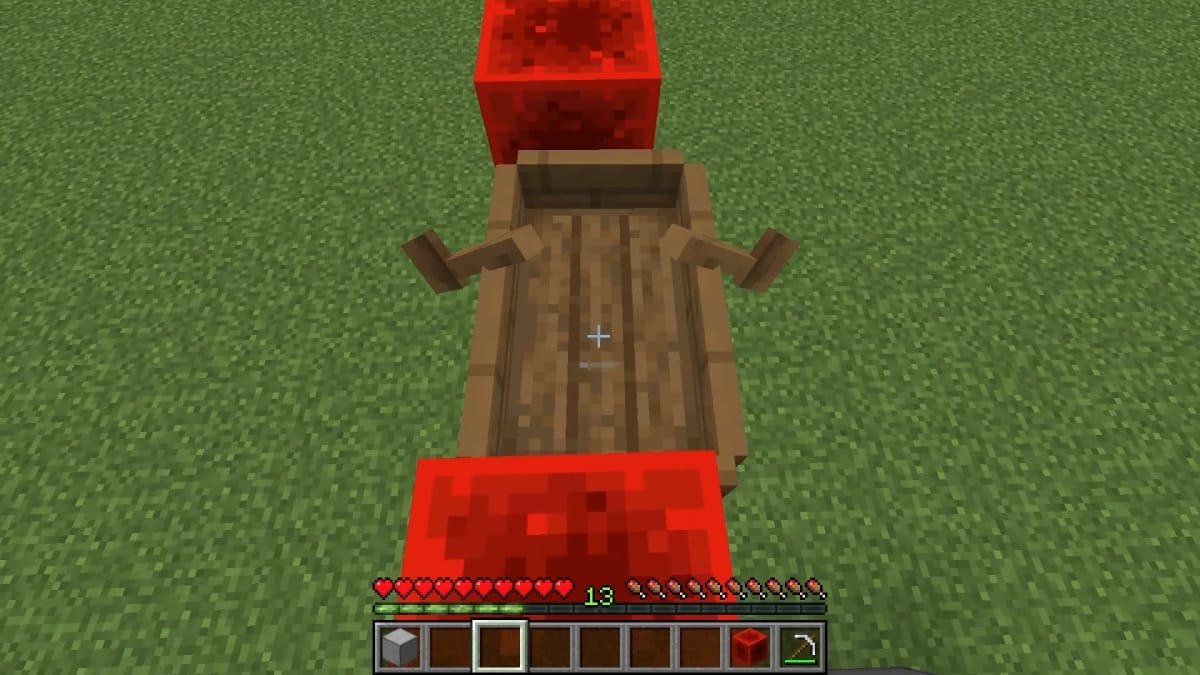
9. Under the Sticky Piston, you must place a Block of Redstone to activate the mechanism. You can break the last Block of Redstone as soon as it works.
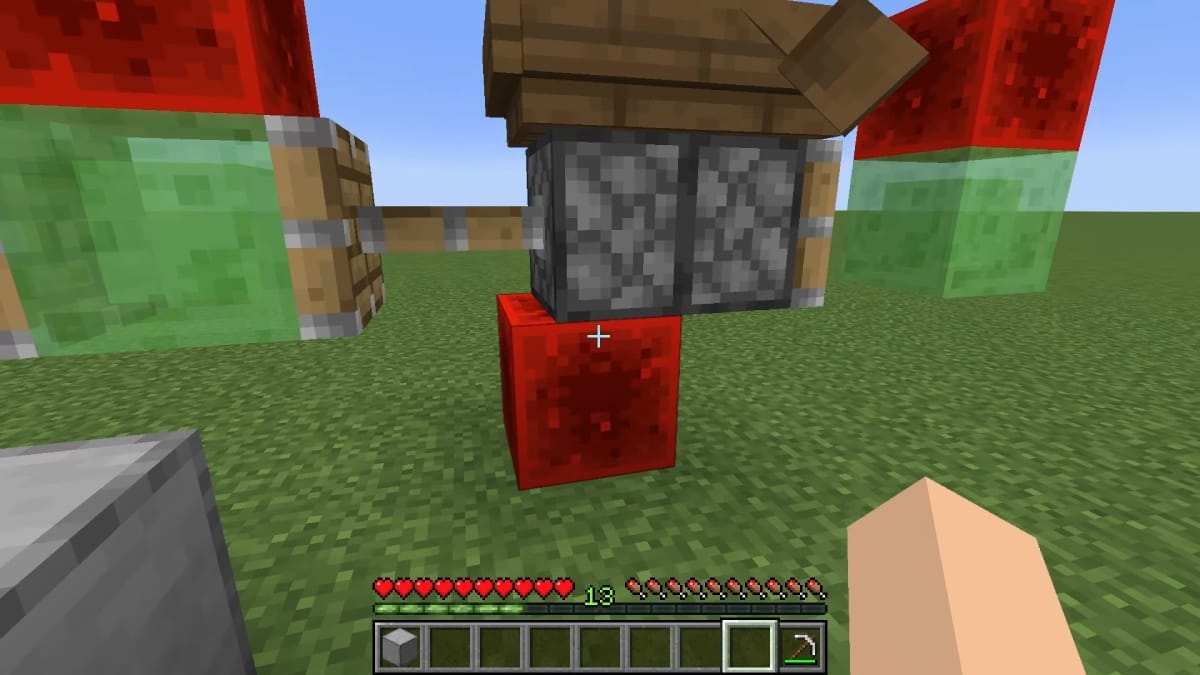
10. Get on your Flying Machine.
You need to know that your flying machine will go in the direction you have built it in a straight line. Also, this mechanism will fly as high as you make it, meaning it is important to plan your trip ahead. You can put more blocks under your machine to raise it or build it on a mountain for a higher altitude.
If building this flying machine on Minecraft isn’t your cup of tea, we have other guides that showcase the usefulness of Redstone and its contraptions. And if you want to take a break from all that building, Minecraft Legends is still receiving updates that add several mobs and things for players to discover in this RTS title.