Close Menu
  • Gaming
    • Platforms
      • Nintendo
      • PC
      • PlayStation
      • Xbox
  • Entertainment
    • Movies
    • TV
    • Royals
  • Celebrity
    • Hollywood
  • Human Interest
  • Astrology
  • More
    • Reviews
Facebook X (Twitter) Instagram LinkedIn YouTube
  • About Us
  • Join Our Team
  • Meet the Team
  • Privacy Policy
  • DMCA Policy
  • Contact Us
  • Terms of Use
  • Sitemap
  • Editorial Guidelines
  • Advertising Policy
The Nerd Stash
  • Gaming
  • Celebrity
  • Hollywood
  • Human Interest
The Nerd Stash
Home»Gaming»How To Move Stuff in Lethal Company (Furniture & Ship Decor)

How To Move Stuff in Lethal Company (Furniture & Ship Decor)

Ready to get your move on?

Patrick ArmstrongNat CollazoBy Patrick Armstrong and Nat CollazoNovember 17, 20232 Mins Read
How To Move Stuff in Lethal Company (Furniture & Ship Decor)
Image Source: Zeekerss via CaRtOoNz YouTube
This article is over 2 years old and may contain outdated information.

Your ship is your safe space in Lethal Company. Here, you can do a multitude of things including not getting killed by enemies as well as get the Teleporter, Inverse Teleporter, and the Loud Horn. Sometimes, you’ll want to move things around on your ship to make it a little more homely. However, before you can move stuff like furniture, or what the game calls ship decor, you’ll need to know how to move stuff in Lethal Company.

How To Move Furniture in Lethal Company

(Updated on August 9, 2024 – updated links and formatting)
How To Move Stuff in Lethal Company (Furniture & Ship Decor)
Image Source: Zeekerss via CaRtOoNz YouTube

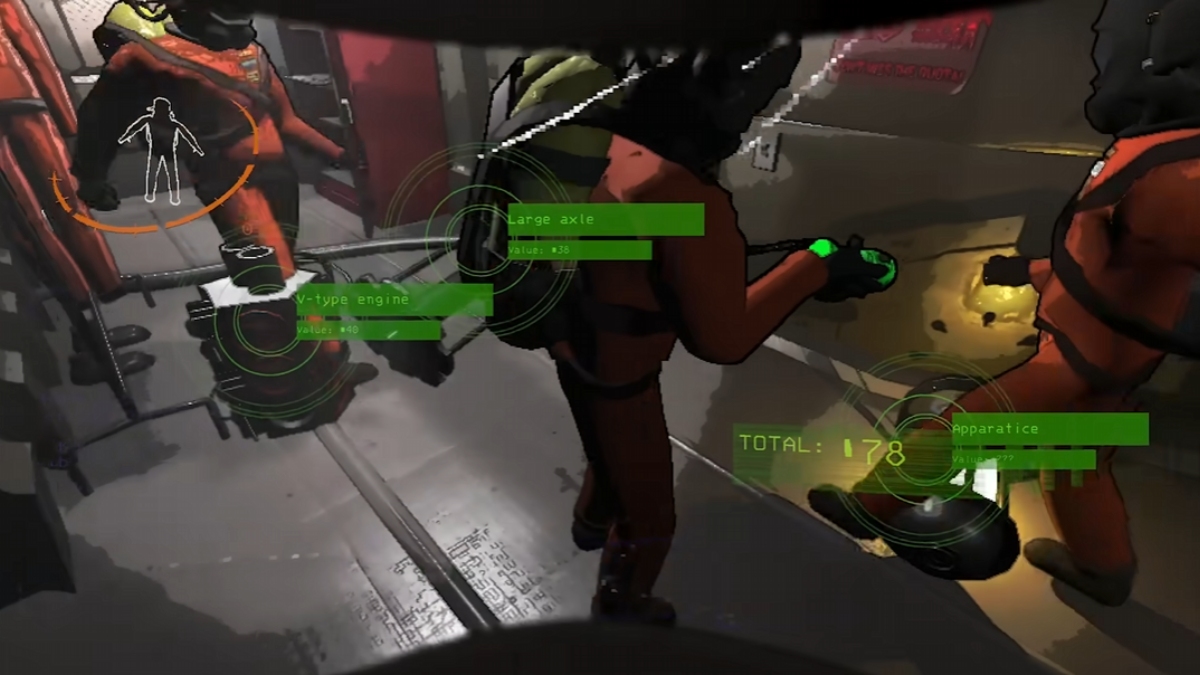
As we mentioned above, the game calls furniture ‘ship decor’. It’s no different, but we wanted to let readers know that we will be referring to it as furniture. To move stuff in Lethal Company, you need to do the following:

  • On PC, press the B key to pick up and move furniture and the R key to rotate.
  • On Xbox, press the X button to pick up and place furniture and the B button to send it to storage.
  • On PlayStation, press the Triangle button to pick up and place furniture and the Circle to send it to storage.
  • On a Nintendo Switch Pro Controller, press the Y button to pick up and place furniture and the B button to send it to storage.

How To Get Items Out Of Storage

Getting items out of storage if you accidentally put something there is easy to do:

  • Head to the Terminal.
  • Type in “storage” and press the Enter key.
  • Type in the name of whatever it is you’d like to take out of storage and it will spawn on the ship.

Related:

Lethal Company: Starter Guide

If you don’t actually need it, then follow the above instructions to just put it back into storage.


Related Topics
Guide Lethal Company
Share. Facebook Twitter LinkedIn Reddit Email
Patrick Armstrong, Nat Collazo
  • Website

Artist and writer with a lifelong love of video games. Their favorite games include Dead by Daylight, Meet Your Maker, and Project Zomboid.

Patrick Armstrong, Nat Collazo
  • Website

Artist and writer with a lifelong love of video games. Their favorite games include Dead by Daylight, Meet Your Maker, and Project Zomboid.

SUGGESTED READS

DC white house MAGA game
Gaming

Trump’s MAGA Video Games Feature Immigrant Hunts and Tetris Walls in Bold New Vision for DC: ‘It’s Like the White House is Being Run by Evil 12 Year Olds’

Can Blood of Dawnwalker Run on Steam Deck? Best Settings & Performance Guide
Gaming

Can Blood of Dawnwalker Run on Steam Deck? Best Settings & Performance Guide

The Blood of Dawnwalker Scouting Towers
Gaming

The Blood of Dawnwalker: How to Clear Scouting Towers and Reveal Map Locations

How to Fast Travel and Activate Shrines in Blood of Dawnwalker
Gaming

How to Fast Travel and Activate Shrines in Blood of Dawnwalker

State of Play September 2026 Announcements
Gaming

PlayStation State of Play (September 2026): All Major Announcements

CS2 float values
Gaming

How to Read Float Before Buying a Skin

The Nerd Stash
Facebook X (Twitter) Instagram YouTube LinkedIn
  • About Us
  • Join Our Team
  • Meet the Team
  • Privacy Policy
  • DMCA Policy
  • Contact Us
  • Terms of Use
  • Sitemap
  • Editorial Guidelines
  • Advertising Policy
© 2026 The Nerd Stash. All Rights Reserved.

Type above and press Enter to search. Press Esc to cancel.