
Close Menu
  • Gaming
    • Platforms
      • Nintendo
      • PC
      • PlayStation
      • Xbox
  • Entertainment
    • Movies
    • TV
    • Royals
  • Celebrity
    • Hollywood
  • Human Interest
  • Astrology
  • More
    • Anime
    • Reviews
Facebook X (Twitter) Instagram LinkedIn YouTube
  • About Us
  • Join Our Team
  • Meet the Team
  • Privacy Policy
  • DMCA Policy
  • Contact Us
  • Terms of Use
  • Sitemap
  • Editorial Guidelines
  • Advertising Policy
The Nerd Stash
  • Gaming
  • Celebrity
  • Hollywood
  • Human Interest
The Nerd Stash
Home»Gaming»How to Play 2 Players on NBA 2K23 Switch

How to Play 2 Players on NBA 2K23 Switch

Basketball fun on the Switch

Monica NjeriBy Monica NjeriApril 9, 20233 Mins Read
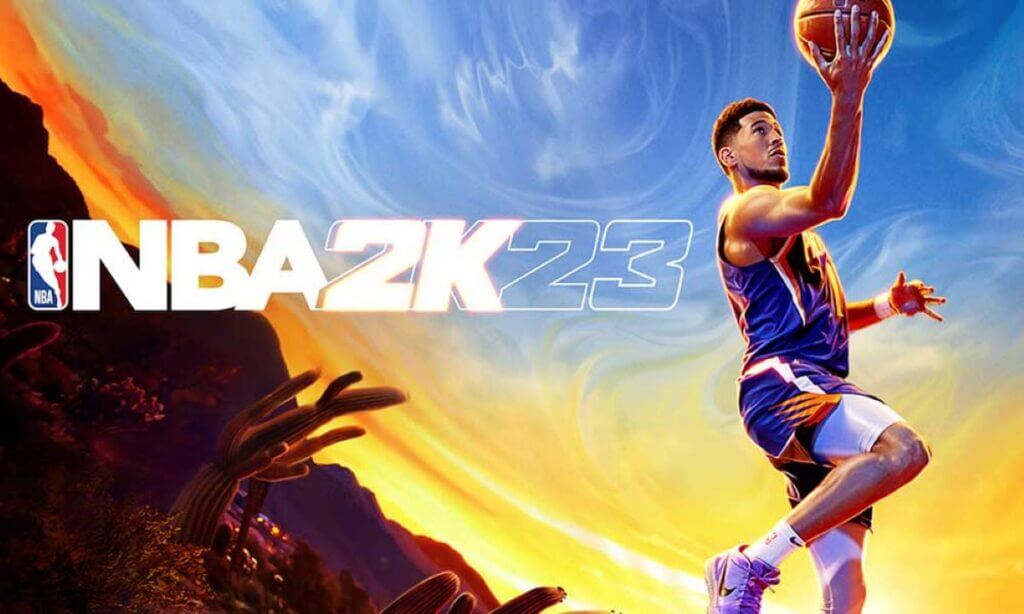
Players on NBA 2K23 Switch
Photo: Get Droid Tip
This article is over 3 years old and may contain outdated information.

[Updated on August 23, 2024, to revise outdated formatting and improve readability.]

Do you know how to play 2 players on NBA 2k23 Switch? Playing NBA 2K23 Switch with a friend can be a fun and exciting experience. The game allows two players to compete against each other on the same console, with each player controlling their team. It can be somewhat daunting for beginners. The reason being it might be hard to determine where to focus attention and energy at first. To play on your console, you must set up at least two users, each with their controller. 

Step 1: Remove the joy-con controllers. 

To remove the Joy-Con controllers, flip the Switch over and lift it. Press and hold the round button next to the ZL and ZR buttons on the rear of the Joy-Con controller, then slide it up to detach it. 

Step 2: Attach the joy-con straps. 

The straps consist of thin sections that have two buttons and a wrist strap attached to them. The top of the Joy-Con straps is engraved with either a “+” or a “-.” Align it with the “+” and “-” buttons on the Joy-Con controller. Slide the opening at the bottom of the strap over the track on the side of the Joy-Con controller and snap it into place to secure the strap.

Step 3: Select the joy-con icon.

An icon resembling a joy-con on the home screen represents the controller settings menu. Users can set up the controller for two players. Switch users have two options for selecting items, either tapping them on the screen or moving the controller to them and pressing “A.”

Step 4: Press R+L on both controllers. 

To play two-player in NBA 2k23 Switch games with both Joy-cons, turn them sideways and move the analog stick to the left. Then, press the R and L buttons on the top of the strap. Additionally, If you’re using a pro controller or another controller setup, press the R and L buttons on both controllers you want to use.

Related:

All VC Prices and Microtransactions in NBA 2K23

In conclusion, to play NBA 2K23 Switch with two players, each one must have a Joy-con or a separate controller setup. Once the controllers are set up, launch the NBA 2K23 Switch game and select the “Play Now” option. Choose the teams you want to play with and set up the game options. After that, both players can select their preferred team and start playing.


Related Topics
Guide
Share. Facebook Twitter LinkedIn Reddit Email
Monica Njeri
  • Website
  • Facebook
  • X (Twitter)

Hello there,  My name is Monica Njeri; I am 29 years old, and I reside in Kenya. I am a writer and am passionate about exploring new topics and trends. In addition, I try to make a positive impact in my writing. I am excited to connect with like-minded individuals and learn from their experiences.

SUGGESTED READS

Path of Exiles 2 Build Planner Guide
Gaming

How To Use the Build Planner in Path of Exile 2

Adopt Me Kicks Off Summer With Journey to Summer Camp Update, Here's All The New Week 1 Pets & Rewards
Gaming

Roblox Adopt Me Launches Journey to Summer Camp Update, Here’s All the Week 1 Pets & Rewards

LEGO Batman Legacy of the Dark Knight PC Review
9
Gaming

LEGO Batman: Legacy of the Dark Knight Review – A Hero Rises

Call of Duty: Modern Warfare 4 Launching This October on Next-Gen Consoles & Switch 2, But Not Game Pass
Gaming

Call of Duty: Modern Warfare 4 Launching This October on Next-Gen Consoles & Switch 2, But Not Game Pass

Hideo Kojima Teams Up With Prada for an AI Film, And Fans Aren't Happy: 'Beyond Incredibly Disappointing'
Gaming

Hideo Kojima Teams Up With Prada for an AI Film, And Fans Aren’t Happy: ‘Beyond Incredibly Disappointing’

The Witcher 3 Songs of the Past expansion
Gaming

A Witcher 3 Leak Just Forced CD Projekt Red to Announce a Brand-New Expansion: Songs of the Past

The Nerd Stash
Facebook X (Twitter) Instagram YouTube LinkedIn
  • About Us
  • Join Our Team
  • Meet the Team
  • Privacy Policy
  • DMCA Policy
  • Contact Us
  • Terms of Use
  • Sitemap
  • Editorial Guidelines
  • Advertising Policy
© 2026 The Nerd Stash. All Rights Reserved.

Type above and press Enter to search. Press Esc to cancel.




