

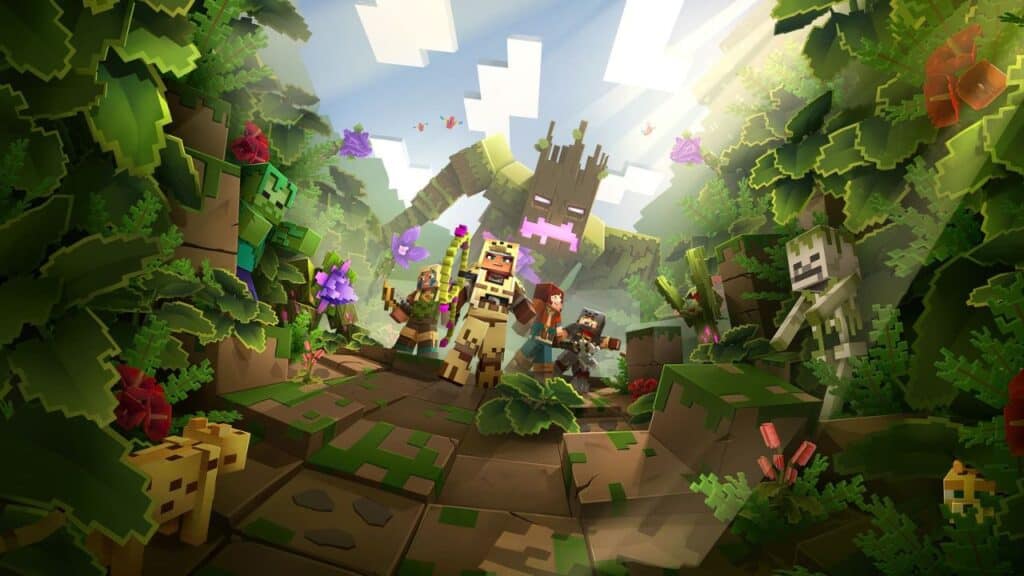
Do you want to know how to play Minecraft on a browser with Slope Unblocked? Minecraft is a popular sandbox video game that has been around since 2009. It has gained immense popularity over the years, and more recently, it has become available to play on a browser with Slope Unblocked. This guide will tell you how to play Minecraft on a browser with Slope Unblocked.
What is Playing Minecraft on a browser with Slope Unblocked?
For users looking for a quick and easy way to access the world of Minecraft, Slope Unblocked may be the perfect solution. By providing browser-based access to its server, players can enjoy the classic features of Minecraft and newer content without needing any extra setup. Even better, users who wish to take their game sessions to their friends or family can do so with Slope Unblocked’s multiplayer capability.
This method lets you play your favorite game while working or at school. Slope Unblocked has a list of characters for you to choose from, and also you can upload a custom skin for playtime. Both single and multiplayer options are available with this mode. Also, this method is excellent for people who do not have enough space in their devices or have compatible problems. With this feature, no matter the location, gamers can enjoy all that Minecraft has to offer.
How To Play Minecraft on a browser with Slope Unblocked?
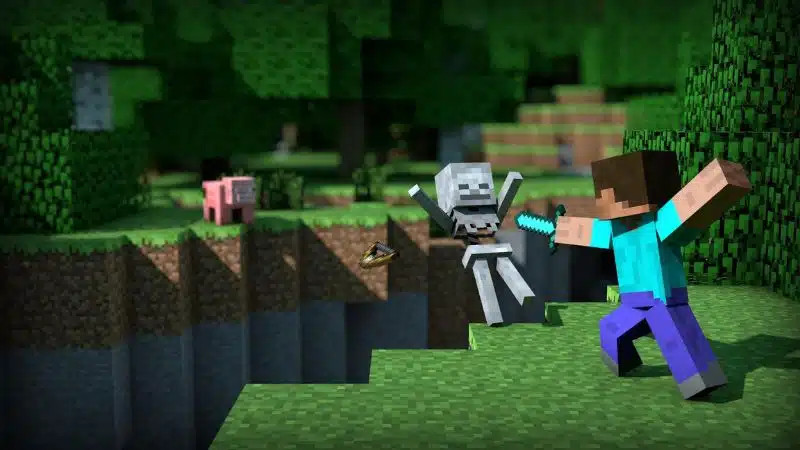
You can play Minecraft on a browser with Slope Unblocked by clicking the Slope Unblocked Website and the play full-screen button. The game will appear on your browser. You will then be directed to the game from another tab. There is not any requirement to log in or register. You can start playing right away.
Once you are in the Minecraft Slope Unblocked Browser, you can choose different worlds and explore the vast expanse of the game. You can also create your world and customize it to your liking. And start crafting weapons, tools, armor, and other items. You can also explore different biomes, fight monsters, and harvest resources for your creations.
Finally, you can join a multiplayer server and interact with other players worldwide to enjoy all the game offers. You can also enter your friend or create a team to take on opponents.
So, what are you waiting for? Try it now! Play Minecraft on your browser with Slope Unblocked and start exploring the fascinating world of Minecraft. Have fun!
Also, Minecraft is available on PC, Android, iOS, Xbox One, Xbox Series X|S, Nintendo Switch, and PlayStation platforms.






