

Close Menu
  • Gaming
    • Platforms
      • Nintendo
      • PC
      • PlayStation
      • Xbox
  • Entertainment
    • Movies
    • TV
    • Royals
  • Celebrity
    • Hollywood
  • Human Interest
  • Astrology
  • More
    • Anime
    • Reviews
Facebook X (Twitter) Instagram LinkedIn YouTube
  • About Us
  • Join Our Team
  • Meet the Team
  • Privacy Policy
  • DMCA Policy
  • Contact Us
  • Terms of Use
  • Sitemap
  • Editorial Guidelines
  • Advertising Policy
The Nerd Stash
  • Gaming
  • Celebrity
  • Hollywood
  • Human Interest
The Nerd Stash
Home»Gaming»How to Play Roblox on Your School’s Google Chromebook

How to Play Roblox on Your School’s Google Chromebook

We won’t tell anyone

Brady Klinger-MeyersBy Brady Klinger-MeyersNovember 18, 20242 Mins Read
how to play roblox on your school google chromebook
Image Source: Roblox

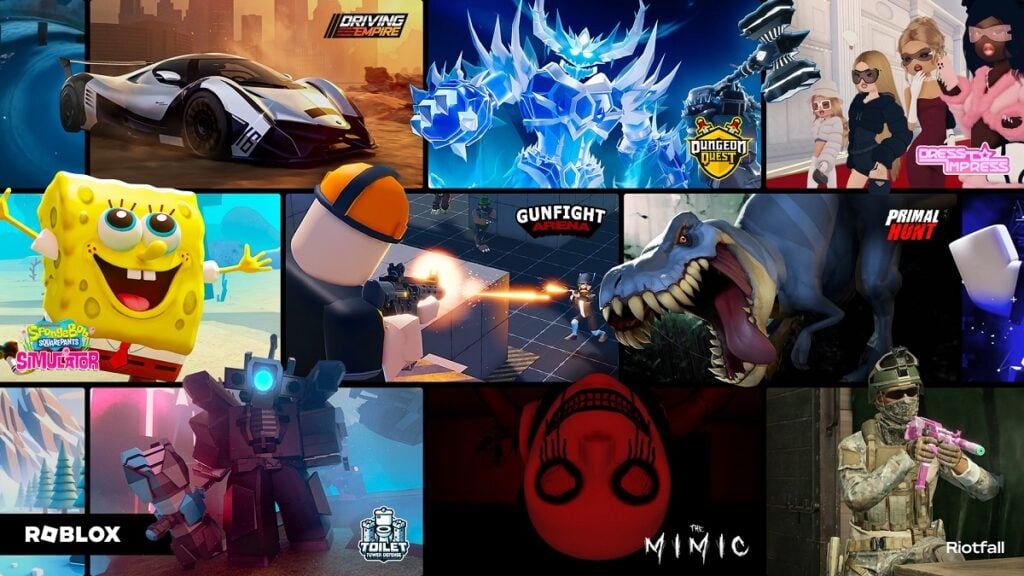
If your school has graciously handed you a Google Chromebook, it can be used to play Roblox—ideally when your homework is done. It isn’t as surprising as it sounds, considering Google Chromebooks have the uncanny ability to connect with the Google Play Store. In fact, that’s the main way of getting Roblox to work on a Chromebook, to begin with, giving you access to games like Dress To Impress. However, this option isn’t available by default. You’ll have to activate it first before you can install Roblox!

How to Play Roblox on Your School Chromebook

As I’ve mentioned before, getting Roblox on your school Chromebook hinges on the Google Play Store. The problem is that it’s usually disabled, mainly for the same reason: you can’t just visit any website on a school computer.
enabling google play store on google chromebook
Image Source: Google

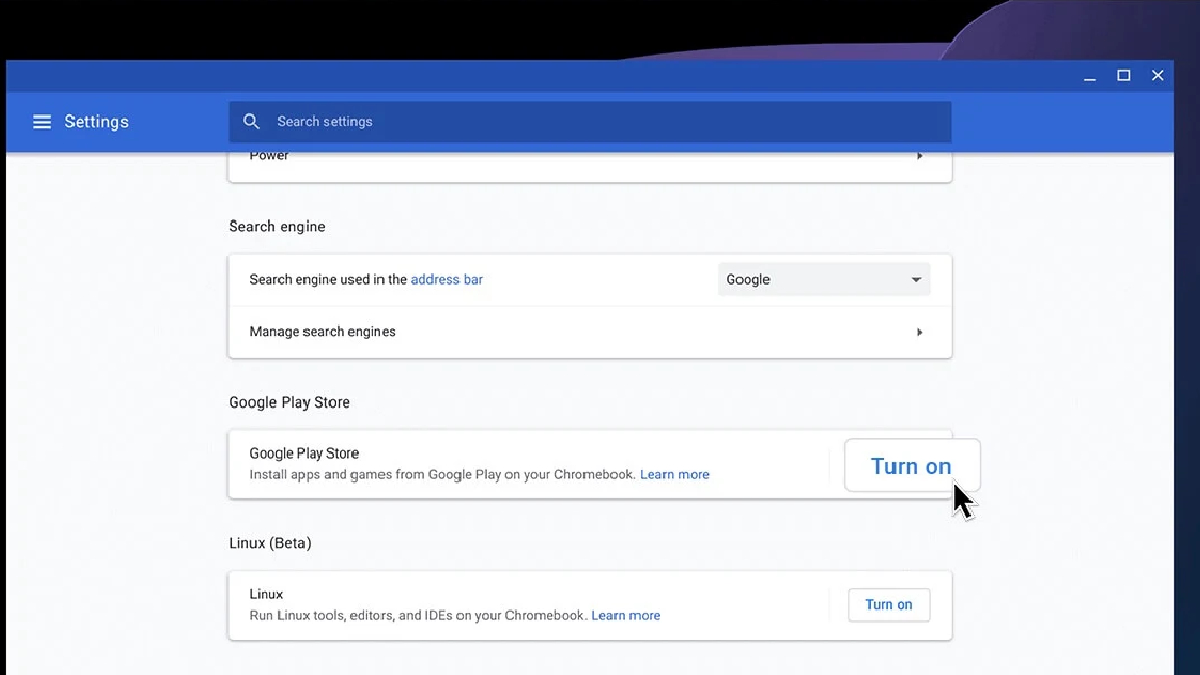
With that said, we can get around it by enabling the Google Play Store from the Settings menu. It’s just a few short clicks, though keep in mind it may not work if the option is blocked. Don’t worry, I’ve got an alternative just in case! Meanwhile, let’s try the best way first:

  1. Open the Quick Menu on your school Chromebook. It’s the system tray in the bottom-right corner, right next to the clock.
  2. Right in the very bottom-right corner of the Quick Menu, select the tiny cog icon to open your Chromebook’s Settings menu.
  3. Along the left, choose Apps.
  4. Now locate Google Play Store in the Apps menu. It’s under the aptly named Google Play Store subsection. Select Turn On, then accept the terms of service.

If everything works out well for you, the Google Play Store can be launched, and you can download Roblox just like you would on an Android device.

Since this is a school Chromebook, it’s likely that it isn’t exactly a powerhouse in terms of performance. I recommend dropping the graphics down as far as they’ll go, then bumping them up until Roblox is running at a framerate that’s bearable.

In the event the Google Play Store can’t be enabled, then your best bet is to play Roblox using Now.gg. It isn’t the best experience, but at least you can play Roblox from a browser instead.


Share. Facebook Twitter LinkedIn Reddit Email
Brady Klinger-Meyers
  • Website

Brady has been writing about video games for the better part of four years. When he isn't obsessing over RPGs or games from his childhood, there's a good chance he's working on another short story.

SUGGESTED READS

Where to Find the Secret Fall Shop in Roblox Adopt Me
Gaming

Where to Find the Secret Fall Shop in Roblox Adopt Me

Diablo 4 Lord of Hatred Review
10
Features

Diablo 4: Lord of Hatred Review – Breaking the Cycle

Shuhei Yoshida Says He Was Fired From Playstation Studios for Saying 'No' to Jim Ryan: 'He Asked For Ridiculous Things'
Gaming

Shuhei Yoshida Says He Was Fired From Playstation Studios for Saying ‘No’ to Jim Ryan: ‘He Asked For Ridiculous Things’

Splinter Cell Remake Shows Signs of Life Despite Recent Layoffs at Ubisoft Toronto
Gaming

Splinter Cell Remake Shows Signs of Life Despite Recent Layoffs at Ubisoft Toronto

Fastest Ways to Get a Purrowl in Roblox Adopt Me
Gaming

Fastest Ways to Get a Purrowl & Trade Value in Roblox Adopt Me

Fatal Fury City of the Wolves Krauser Hands-On Preview
Gaming

Fatal Fury: City of the Wolves Wolfgang Krauser Hands-On Preview – A Regal Fighter

The Nerd Stash
Facebook X (Twitter) Instagram YouTube LinkedIn
  • About Us
  • Join Our Team
  • Meet the Team
  • Privacy Policy
  • DMCA Policy
  • Contact Us
  • Terms of Use
  • Sitemap
  • Editorial Guidelines
  • Advertising Policy
© 2026 The Nerd Stash. All Rights Reserved.

Type above and press Enter to search. Press Esc to cancel.



