

Close Menu
  • Gaming
    • Platforms
      • Nintendo
      • PC
      • PlayStation
      • Xbox
  • Entertainment
    • Movies
    • TV
    • Royals
  • Celebrity
    • Hollywood
  • Human Interest
  • Astrology
  • More
    • Anime
    • Reviews
Facebook X (Twitter) Instagram LinkedIn YouTube
  • About Us
  • Join Our Team
  • Meet the Team
  • Privacy Policy
  • DMCA Policy
  • Contact Us
  • Terms of Use
  • Sitemap
  • Editorial Guidelines
  • Advertising Policy
The Nerd Stash
  • Gaming
  • Celebrity
  • Hollywood
  • Human Interest
The Nerd Stash
Home»Gaming»How To Restore the Library Tower in Dying Light: The Beast

How To Restore the Library Tower in Dying Light: The Beast

The top of the hour

Julio La PineBy Julio La PineSeptember 18, 20253 Mins Read
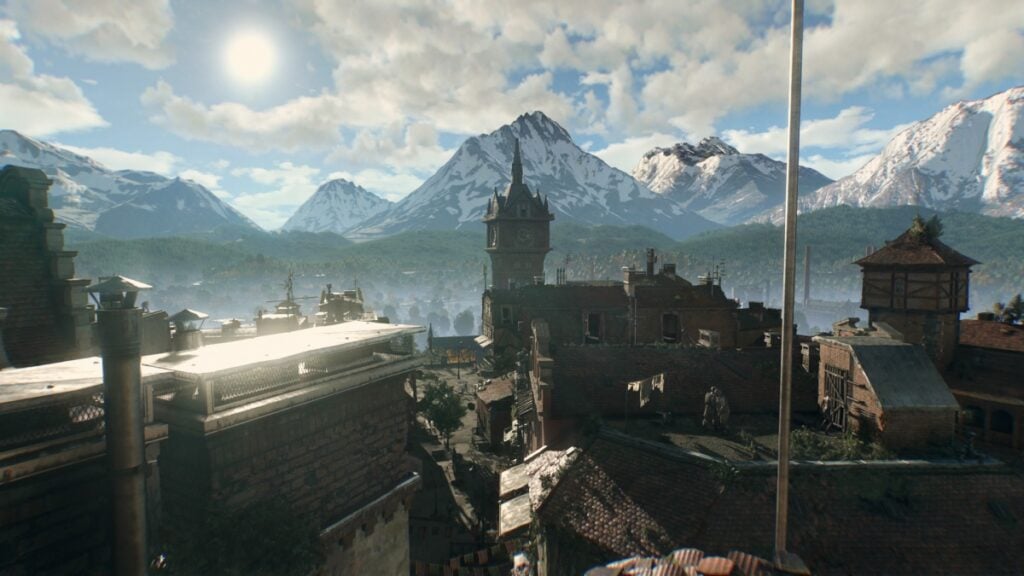
Dying Light The Beast Library Tower Safe House
Image Source: Techland via The Nerd Stash

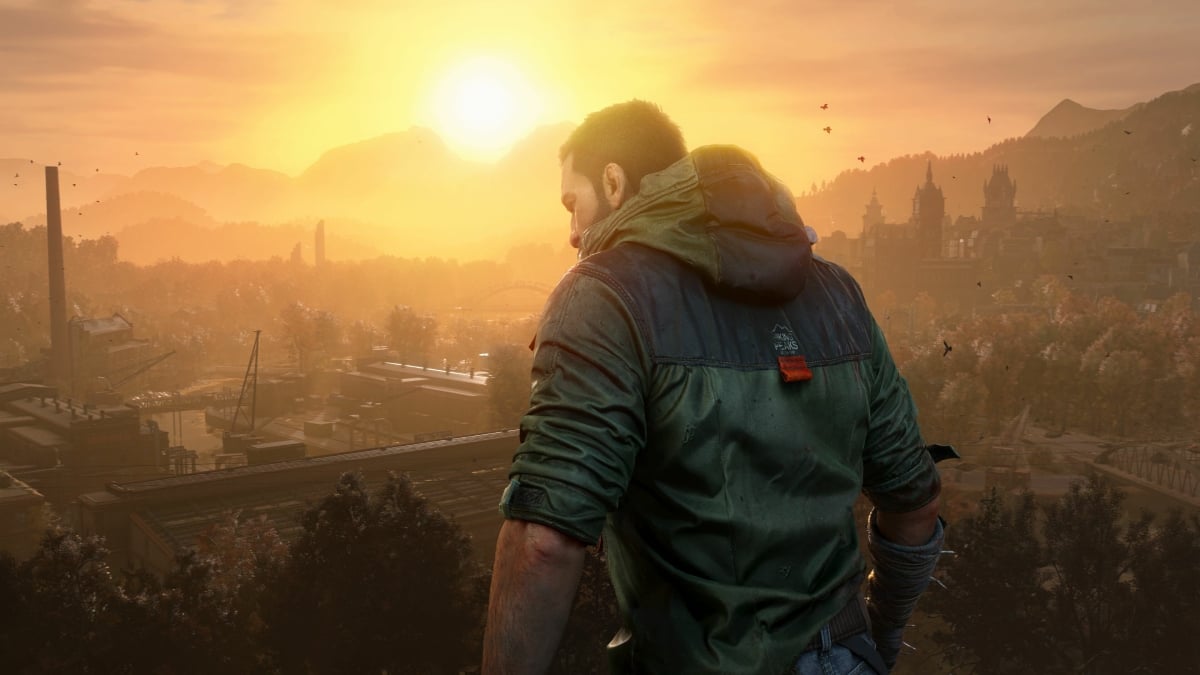
By progressing through the main story of Dying Light: The Beast, you’ll unlock the feature that lets you claim safe zones that serve as a spawn point. While sticking to the ones the story gives you, having a few around Castor Woods will make exploring easier, but most importantly, will let you have a place to escape those pesky Volatiles. The Library Tower is one of the first safehouses you’ll be able to unlock in Dying Light: The Beast, and below is how you can restore its power and claim it.

Where To Find the Library Tower Safe Zone

To locate the Library Tower in Dying Light: The Beast, you can either explore on your own until you reach the eastern side of Old Town or continue through the main story until you get out of the tunnels. The latter will put you closer to the Library Tower, and will even mark it on your map if you’ve already discovered it. If you’re still struggling to find it, you can find it close to the Library Square Apartment dark zone and the Nate Market dark zone.
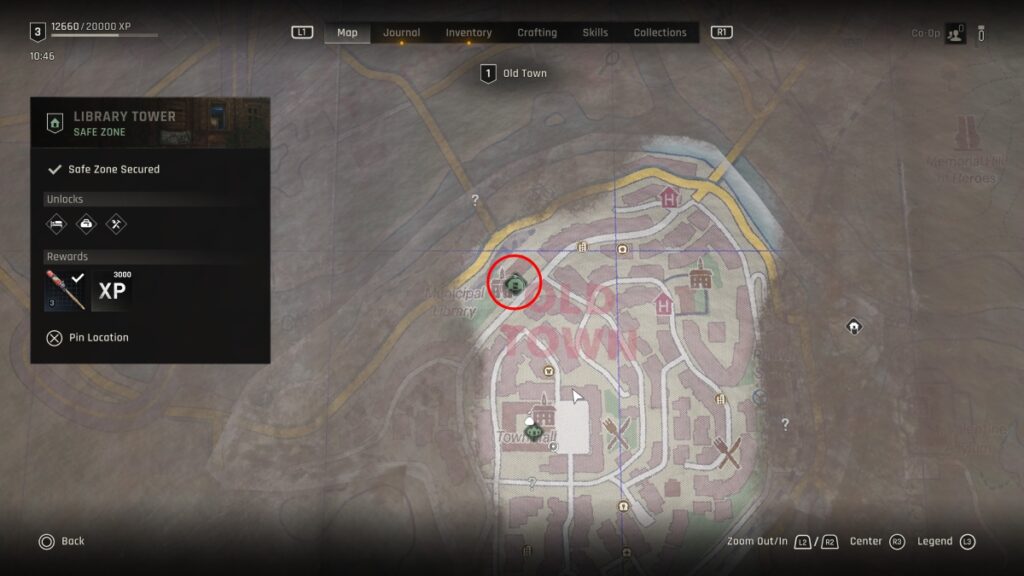
Old Town Map
Image Source: Techland via The Nerd Stash

If you need a visual guide, you can look at the above image for the exact location. For those struggling to climb the Library Tower, the easiest way to reach the top is by heading to any of its corners and grabbing the ledges coming out of the building. There are a few zombies around, but you can safely ignore them, assuming you’re exploring during the day, that is.

Library Tower Puzzle

While not the most challenging puzzle in Dying Light: The Beast, restoring power to the Library Tower can be a bit difficult for a few players. Once you enter the tower where the clock mechanism is, head to where the power cable is and bring it across from the cable box. Plug it in and wait until the lever-like mechanism starts moving. Grab on to it and jump to the wall to climb to the next floor.
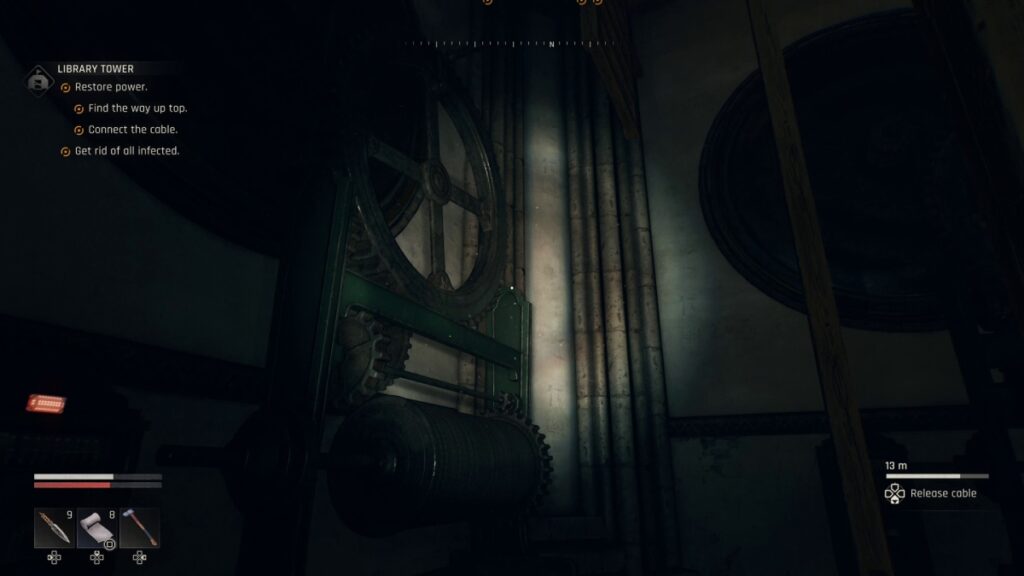
Library Tower Puzzle
Image Source: Techland via The Nerd Stash

Once there, be sure to defeat all the infected and grab the loot. You’ll find the blueprint to create an Extinguisher weapon, which can be quite useful later in the game. After that, look behind you and drop the ladder down.
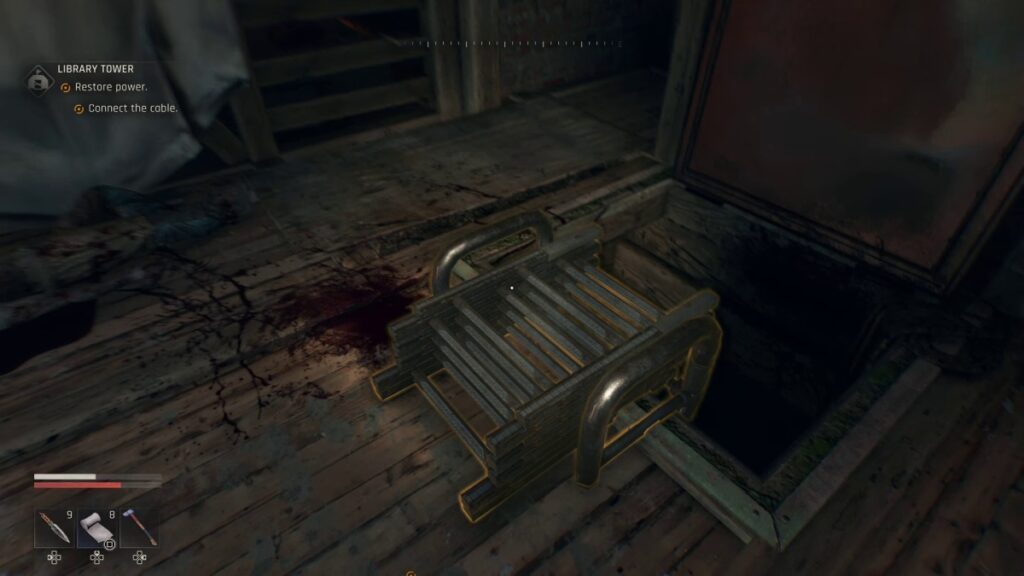
Deployable ladder
Image Source: Techland via The Nerd Stash

Climb down and unplug the cable. Grab it again, climb back on the ladder you just dropped, and plug the cable into the power box to restore power.
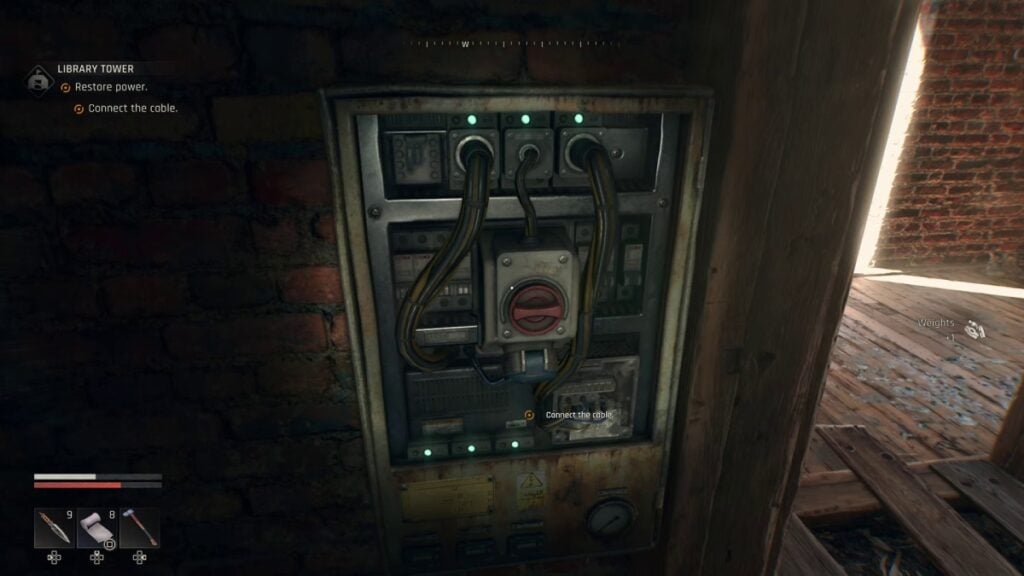
Dying Light Library Tower Energy Box
Image Source: Techland via The Nerd Stash
5 Reasons to Be Excited for Dying Light: The Beast
Related: 5 Reasons to Be Excited for Dying Light: The Beast

After that, you’ll get your new safe zone, which includes a crafting station, a stash, and a bed to rest up and change the time of the day. It is also an excellent respawn location, as this area can become pretty dangerous at night.


Related Topics
Dying Light: The Beast Guide
Share. Facebook Twitter LinkedIn Reddit Email
Julio La Pine
  • Website

Been gaming since '99! I am a huge JRPG fan and my favorite franchise is Final Fantasy. I love writing about games and I hope I can do it for the rest of my days!

SUGGESTED READS

Diablo 4 Season 13 Tier List
Gaming

Class Tier List for Diablo 4 Season 13 (Best Classes for Endgame & Leveling)

Take-Two Boss Finally Explains Why GTA 6 Is Skipping PC at Launch: 'We'll See How It Works Out'
Gaming

Take-Two Boss Finally Explains Why GTA 6 Is Skipping PC at Launch: ‘We’ll See How It Works Out’

Rockstar Employee Review Claims 'Unrealistic' Crunch as GTA 6 Development Intensifies: 'Had to Work Till 3AM'
Gaming

Rockstar Employee Review Claims ‘Unrealistic’ Crunch as GTA 6 Development Intensifies: ‘Had to Work Till 3AM’

All Rewards from Admin Abuse Eggs & Box in Roblox Adopt Me
Gaming

All Rewards from Admin Abuse Eggs & Box in Roblox Adopt Me

Gaming

World Heroes Perfect Reminds Me of the Golden Age of Fighting Games

Fatal Fury City of the Wolves Mr Karate Reveal
Gaming

Fatal Fury: City of the Wolves Unveils Its Next Season 2 Fighter, and It’s a Classic

The Nerd Stash
Facebook X (Twitter) Instagram YouTube LinkedIn
  • About Us
  • Join Our Team
  • Meet the Team
  • Privacy Policy
  • DMCA Policy
  • Contact Us
  • Terms of Use
  • Sitemap
  • Editorial Guidelines
  • Advertising Policy
© 2026 The Nerd Stash. All Rights Reserved.

Type above and press Enter to search. Press Esc to cancel.



