Close Menu
  • Gaming
    • Platforms
      • Nintendo
      • PC
      • PlayStation
      • Xbox
  • Entertainment
    • Movies
    • TV
    • Royals
  • Celebrity
    • Hollywood
  • Human Interest
  • Astrology
  • More
    • Reviews
Facebook X (Twitter) Instagram LinkedIn YouTube
  • About Us
  • Join Our Team
  • Meet the Team
  • Privacy Policy
  • DMCA Policy
  • Contact Us
  • Terms of Use
  • Sitemap
  • Editorial Guidelines
  • Advertising Policy
The Nerd Stash
  • Gaming
  • Celebrity
  • Hollywood
  • Human Interest
The Nerd Stash
Home»Gaming»How to See Your FPS on Roblox

How to See Your FPS on Roblox

More frames and blocks per second

Patrick ArmstrongBy Patrick ArmstrongNovember 5, 20242 Mins Read
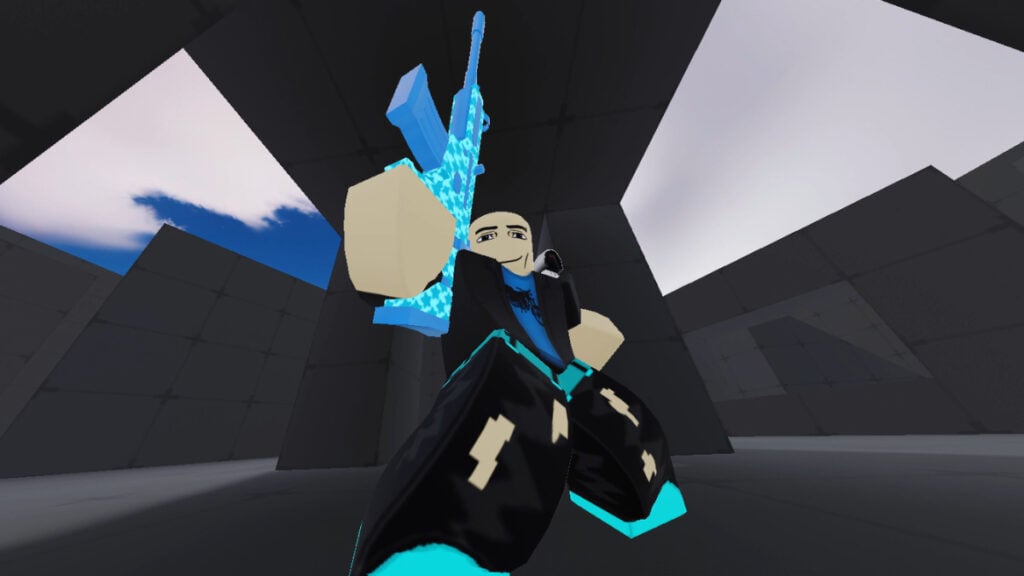
A player poses with their gun raised in Roblox Rivals
Image Source: Nosniy Games via The Nerd Stash
This article is over 1 years old and may contain outdated information.

Most of the time we don’t care about frames unless something’s going wrong. When gameplay starts to get choppy, however, something needs to change. There are several reasons you might be having framerate issues, but before you can fix the problem, you need to understand it. The first step is to see your FPS so that you know what you’re working with. Depending on the platform you’re using, that might be easy or outright impossible. Here’s how to see your FPS in Roblox.

Roblox FPS Tracker Guide
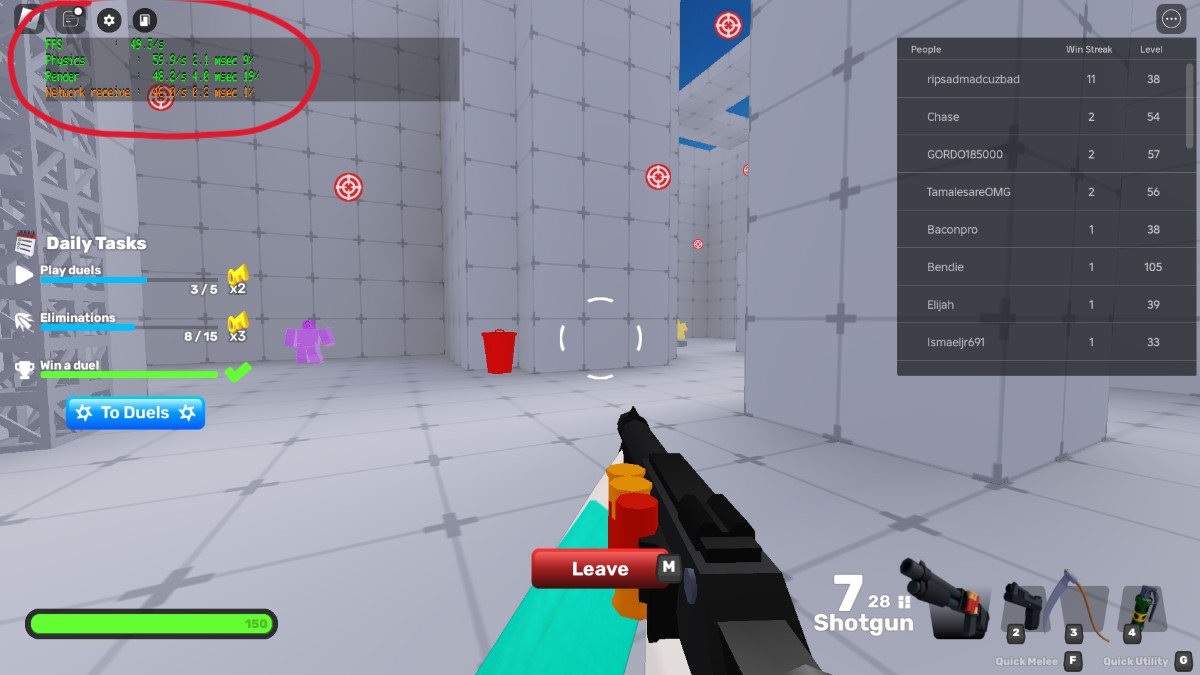
The player tracks their FPS in Roblox Rivals
Image Source: Nosniy Games via The Nerd Stash

It’s easy to get gobbled up in Color or Die or blasted in Rivals when you keep dropping frames. Although being able to see your frames in Roblox won’t improve them by itself, it’s the first step to getting choppy games under control (or making sure your smooth gameplay stays buttery). Roblox graphics may be blocky by design, but they still deserve to look their best. Here’s what you need to do to see your FPS on Roblox:

  1. Press Shift + F5
  2. If your device doesn’t have F5, press Shift + FN and then select F5 from the touch bar
  3. Look for “FPS” in the stat box that appears to see your current frames
  4. An FPS of 60 or so is typically good
Roblox Anime Vanguards: Best Unit Tier List
Related: Roblox Anime Vanguards: Best Unit Tier List

If you aren’t playing on PC, unfortunately, you may be out of luck. It appears that there’s no default way to track your frames in Roblox on mobile or console. Unless you want to use third-party applications, you’ll need to sign into your Roblox account on a PC to see your FPS. As always, vet the safety and security of any third-party software before downloading or using it. The highest FPS in the world won’t help you if your account gets hacked.


Related Topics
Guide Roblox
Share. Facebook Twitter LinkedIn Reddit Email
Patrick Armstrong
  • Website

Artist and writer with a lifelong love of video games. Their favorite games include Dead by Daylight, Meet Your Maker, and Project Zomboid.

SUGGESTED READS

Aliens Fireteam Elite 2 Horde Mode
Gaming

Aliens: Fireteam Elite 2 Has Revamped Its Horde Mode In the Best Possible Way

BioShock Creator's FPS-RPG Judas May 'Never Come Out,' Says Insider
Gaming

BioShock Creator’s FPS-RPG Judas May Never ‘Actually Come Out,’ Says Insider

BlizzCon 2026 Bundles
Gaming

Blizzard Has Unveiled All of Its BlizzCon 2026 Digital Bundles For WoW, Diablo, And More

Honkai: Nexus Anima Beta Preview
Gaming

Honkai: Nexus Anima Preview – The Next Step in the Honkai Universe

Aniimo Closed Beta Preview
Gaming

Aniimo Hands-On Preview – A Gorgeous Creature Collector

Final Fantasy X/X-2 Remaster Review
8
Gaming

Final Fantasy X/X-2 Remaster Review – The Full Package

The Nerd Stash
Facebook X (Twitter) Instagram YouTube LinkedIn
  • About Us
  • Join Our Team
  • Meet the Team
  • Privacy Policy
  • DMCA Policy
  • Contact Us
  • Terms of Use
  • Sitemap
  • Editorial Guidelines
  • Advertising Policy
© 2026 The Nerd Stash. All Rights Reserved.

Type above and press Enter to search. Press Esc to cancel.