

Close Menu
  • Gaming
    • Platforms
      • Nintendo
      • PC
      • PlayStation
      • Xbox
  • Entertainment
    • Movies
    • TV
    • Royals
  • Celebrity
    • Hollywood
  • Human Interest
  • Astrology
  • More
    • Anime
    • Reviews
Facebook X (Twitter) Instagram LinkedIn YouTube
  • About Us
  • Join Our Team
  • Meet the Team
  • Privacy Policy
  • DMCA Policy
  • Contact Us
  • Terms of Use
  • Sitemap
  • Editorial Guidelines
  • Advertising Policy
The Nerd Stash
  • Gaming
  • Celebrity
  • Hollywood
  • Human Interest
The Nerd Stash
Home»Gaming»How To Use Controlled Sprint in EA FC 24, Explained

How To Use Controlled Sprint in EA FC 24, Explained

Channel your inner Leo Messi with the new move.

Nikola PajticBy Nikola PajticSeptember 28, 20233 Mins Read
How To Use Controlled Sprint in EA FC 24 Featured Image
Image Source: Electronic Arts
This article is over 2 years old and may contain outdated information.

[Updated on August 21, 2024, to revise outdated formatting and improve readability.]

The beloved sports franchise has changed its name, and that isn’t the only change. Players will get to enjoy plenty of new additions to the standard gameplay. One of the additions in EA FC 24 is Controlled Sprint. This particular mechanic can provide game-changing moments, such as quickly avoiding defenders in last-minute attacks with your agile poachers. However, there is no tutorial for Controlled Sprint, and you might need a few tries to perfect the move. We will help you master the Controlled Sprint in EA FC 24 and, in the process, reveal a few secrets.

What Is Controlled Sprint in EA FC 24
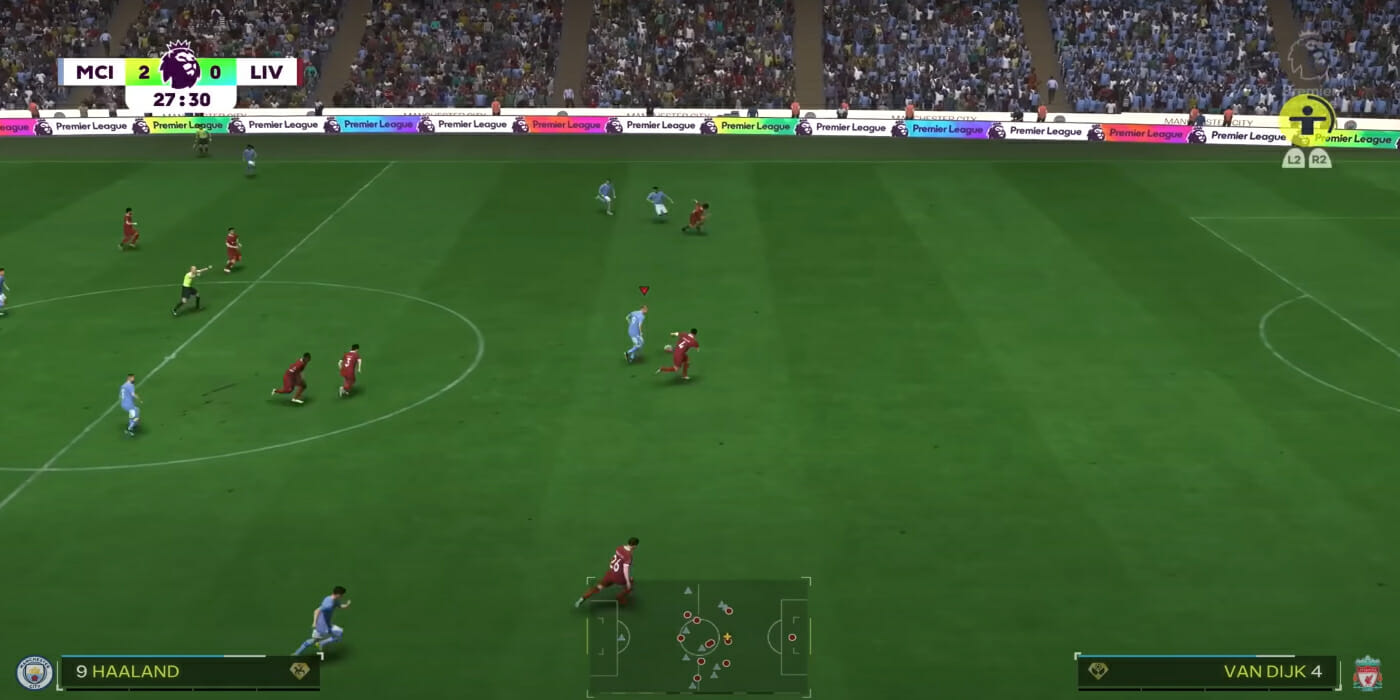
Controlled Sprint FC 24
Image Source: Electronic Arts

Controlled Sprint in EA FC 24 is a game-changing mechanic that allows players to maintain control of the ball while sprinting. The ball will stay close to the player’s feet, making it hard for defenders to snatch it away and interrupt the attack. Even if an opponent is sprinting, this move will allow you to outrun it and avoid it by quickly changing directions with the ball almost glued to your feet.

EA FC 24: How To Use Controlled Sprint
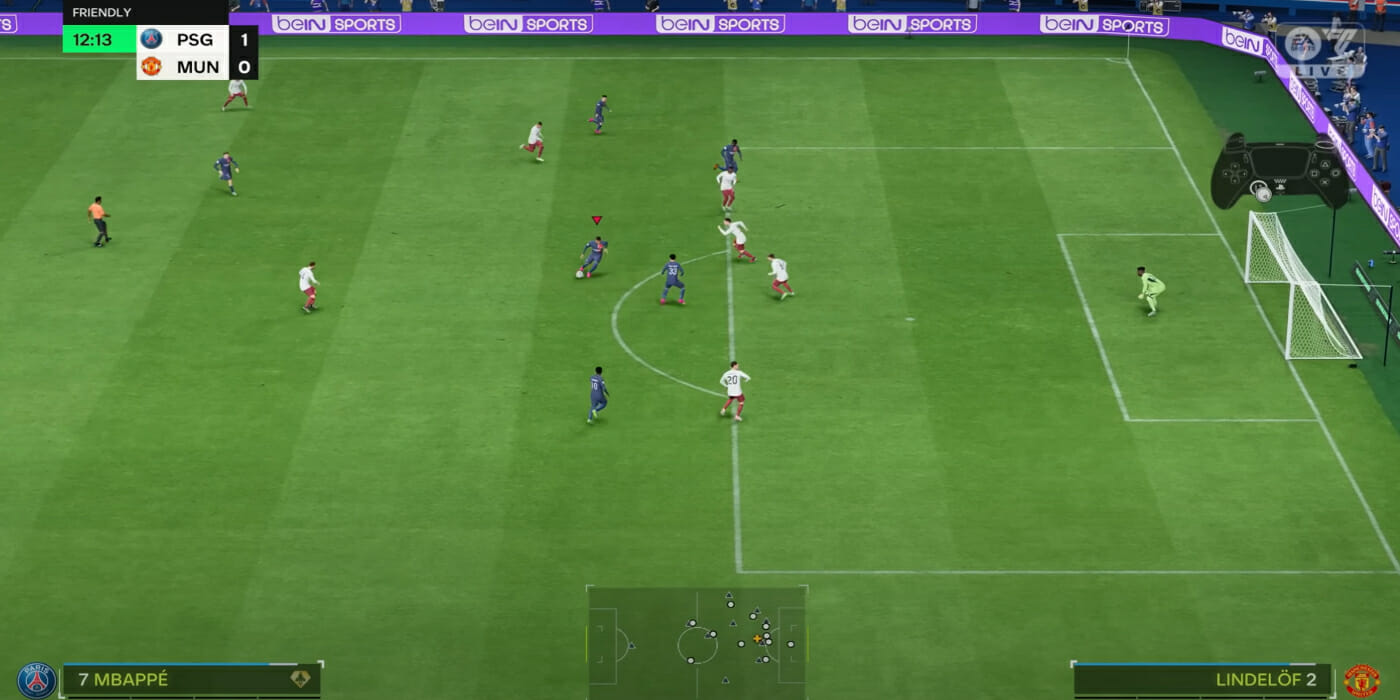
Image Source: Electronic Arts via Ovvy FC YouTube Screenshot

To use the Controlled Spring in EA FC 24 is pretty easy. While in possession of the ball, press and hold the R1 button if you are on PlayStation or RB if your chosen console is Xbox. Now, to steer the player into the desired direction simply use the left analog stick. The move can come in handy in several situations. For instance, if you are back against the defender and just got the ball, it is great to use the Controlled Sprint as you can turn on him to either side and quickly face the goal.

Importantly, you don’t need to hold the standard sprint button (RT/R2) simultaneously when using Controlled Sprint, making it easier to use this mechanic.

Best Player Traits and PlayStyle for Controlled Sprint

There are a few secrets with which you can maximize the effectiveness of Controlled Sprint in EA FC 24. This is where player traits and PlayStyle come in:

  • First Touch Control: Players with this trait can improve the precision of Controlled Sprint.
  • Speed Dribbler: Players with this PlayStyle can use their speed and control to their advantage when using this technique.
  • Fast Break: This playstyle provides an extra boost of speed and control during a Controlled Sprint.

This is everything that you need to know about the new move. Go out on the field and try your best to get the move on the first try, as it will give you an advantage over your opponent.


Related Topics
EA FC 24 Guide
Share. Facebook Twitter LinkedIn Reddit Email
Nikola Pajtic
  • Website

Nikola has been a gamer his whole life, and you can find him playing AAA titles but also unknown indie games.

SUGGESTED READS

Honkai Star Rail Version 4.3 Announcements
Gaming

Honkai: Star Rail Version 4.3 Unveils Blade’s New Form and More Fate Collab Characters

Take-Two CEO Reveals Fans Will Be Forced To Wait a Bit Longer for GTA 6 News 'This Summer,' But Insiders Disagree
Gaming

Take-Two CEO Reveals Fans Will Be Forced To Wait a Bit Longer for GTA 6 News ‘This Summer,’ But Insiders Disagree

007 First Light Launch Trailer
Gaming

007 First Light Celebrates the Long-Awaited Return of James Bond With Its Launch Trailer

Destiny 2 Final Update
Features

Destiny 2 Is Dead: Bungie’s Divisive Franchise Going on Maintenance Mode With Its Last Update Launching on June 9

GTA Studio's Secrets Stay Buried Forever as Rockstar Reportedly Enforces 'Lifetime NDAs' on Ex-Developers
Gaming

GTA Studio’s Secrets Stay Buried Forever as Rockstar Reportedly Enforces ‘Lifetime NDAs’ on Ex-Developers

Warhammer 40,000 Boltgun 2 Hands-On Preview
Features

Warhammer 40,000: Boltgun 2 Hands-On Preview – Retro-Shooting for the Emperor

The Nerd Stash
Facebook X (Twitter) Instagram YouTube LinkedIn
  • About Us
  • Join Our Team
  • Meet the Team
  • Privacy Policy
  • DMCA Policy
  • Contact Us
  • Terms of Use
  • Sitemap
  • Editorial Guidelines
  • Advertising Policy
© 2026 The Nerd Stash. All Rights Reserved.

Type above and press Enter to search. Press Esc to cancel.




