Close Menu
  • Gaming
    • Platforms
      • Nintendo
      • PC
      • PlayStation
      • Xbox
  • Entertainment
    • Movies
    • TV
    • Royals
  • Celebrity
    • Hollywood
  • Human Interest
  • Astrology
  • More
    • Anime
    • Reviews
Facebook X (Twitter) Instagram LinkedIn YouTube
  • About Us
  • Join Our Team
  • Meet the Team
  • Privacy Policy
  • DMCA Policy
  • Contact Us
  • Terms of Use
  • Sitemap
  • Editorial Guidelines
  • Advertising Policy
The Nerd Stash
  • Gaming
  • Celebrity
  • Hollywood
  • Human Interest
The Nerd Stash
Home»Gaming»Roblox: Darkdivers Codes (May 2024)

Roblox: Darkdivers Codes (May 2024)

The bloxy version of Helldivers 2 is here.

Nat CollazoBy Nat CollazoMay 14, 20242 Mins Read
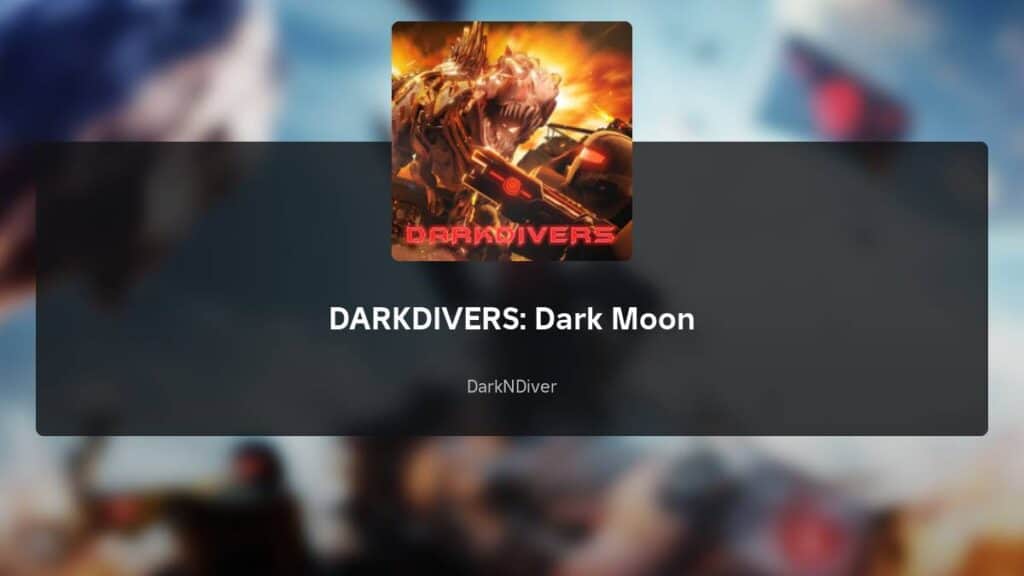
Roblox Darkdivers Codes
Image Source: DarkNDiver via The Nerd Stash
This article is over 1 years old and may contain outdated information.

After the worldwide success of Helldivers 2, it’s no wonder that Roblox developers decided to create a similar experience. Darkdivers is still in beta mode, but it’s undeniable how much fun it already is. Codes help make the experience even better with new rewards to help you when out on the space battlefield. Let’s dive into which Darkdivers codes are available this month and what you can get from them!

All Working Codes For Darkdivers

[Updated on 14 May – Looked for new active codes and added two new working codes]
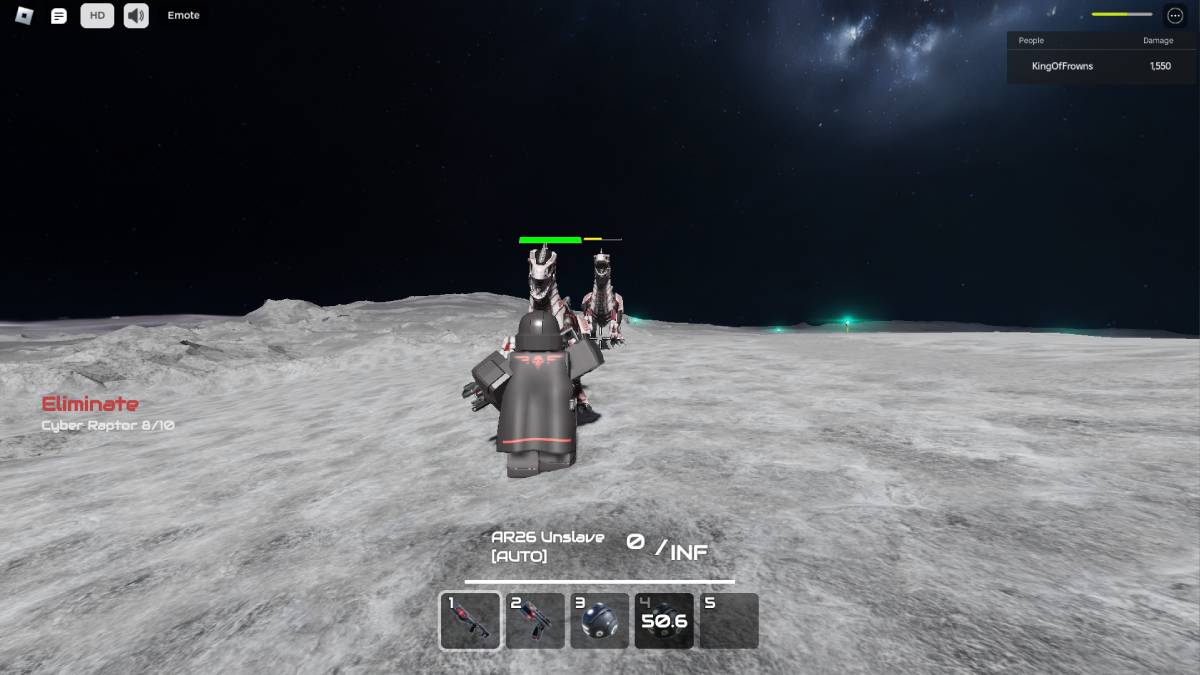
Roblox Darkdivers Codes
Image Source: DarkNDiver via The Nerd Stash

All of the below Darkdivers codes have been tried and tested in-game to ensure that they work. The codes are all case-sensitive, so I recommend copying and pasting them into the redemption text box.

CodesRewards
DARKDIVERS10 Points
theAllF4th3r10 Points
thelightningDG10 Points

You can find more codes when you join the official Darkdivers group on the Roblox website. Group creator theAllF4th3r keeps the group updated on all of the most recent and working codes via Darkdivers group Shout for better visibility. Some players will write codes in the comments of the group, but those have not been valid as we’ve scrolled through and checked them all.

How to Redeem Darkdivers Codes
Roblox Darkdivers Codes
Image Source: DarkNDiver via The Nerd Stash

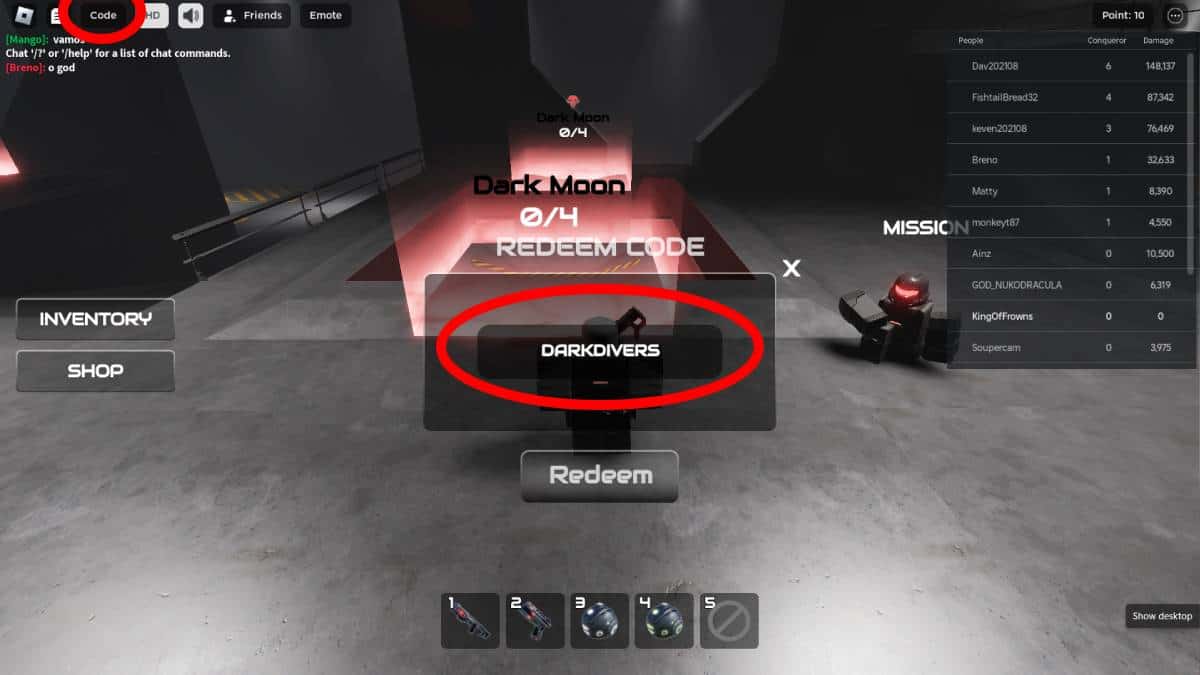
To redeem the above codes, follow these instructions:

  1. Within Darkdivers, select the Codes button on the top left-hand corner of the screen.
  2. In the new textbox window, type in any of the above codes.
  3. Select the Redeem button to redeem the typed-in code.
  4. Just below the Redeem button, you’ll be notified of whether or not the code was valid.

Unfortunately, you aren’t told what the reward is for any of the codes you type in. However, all of the codes above have been valid when tested.

Related:

Roblox: Blox Fruits Codes (May 2024)

Roblox is available to play on mobile devices, Xbox, PlayStation, and PC.

Related Topics
Guide Roblox
Share. Facebook Twitter LinkedIn Reddit Email
Nat Collazo
  • Website
  • X (Twitter)
  • Instagram

I am a game journalist and guide writer with ten years of experience as well as the CEO/ Founder of Frowns Marketing, a marketing company that caters to indie games, tabletop games, and board games to help developers get more wishlists, backers, and players!

SUGGESTED READS

Vampire Survivors Developer Goes Wild With Over 15 New Games, Expands to Japan and Italy: 'Profit Is Not a Priority'
Gaming

Vampire Survivors Developer Goes Wild With Over 15 New Projects, Expands to Japan and Italy: ‘Profit Is Not a Priority’

Gaming

The Expanse: Osiris Reborn Is Owlcats Most Ambitious Leap Yet ‘A stunning jump forward’

World of Tanks HEAT Closed Beta Preview
Features

World of Tanks HEAT Hands-On Preview – Faster, Flashier, and Just as Tactical

Where to Find the Secret Fall Shop in Roblox Adopt Me
Gaming

Where to Find the Secret Fall Shop in Roblox Adopt Me

Diablo 4 Lord of Hatred Review
10
Features

Diablo 4: Lord of Hatred Review – Breaking the Cycle

Shuhei Yoshida Says He Was Fired From Playstation Studios for Saying 'No' to Jim Ryan: 'He Asked For Ridiculous Things'
Gaming

Shuhei Yoshida Says He Was Fired From Playstation Studios for Saying ‘No’ to Jim Ryan: ‘He Asked For Ridiculous Things’

The Nerd Stash
Facebook X (Twitter) Instagram YouTube LinkedIn
  • About Us
  • Join Our Team
  • Meet the Team
  • Privacy Policy
  • DMCA Policy
  • Contact Us
  • Terms of Use
  • Sitemap
  • Editorial Guidelines
  • Advertising Policy
© 2026 The Nerd Stash. All Rights Reserved.

Type above and press Enter to search. Press Esc to cancel.