Close Menu
  • Gaming
    • Platforms
      • Nintendo
      • PC
      • PlayStation
      • Xbox
  • Entertainment
    • Movies
    • TV
    • Royals
  • Celebrity
    • Hollywood
  • Human Interest
  • Astrology
  • More
    • Anime
    • Reviews
Facebook X (Twitter) Instagram LinkedIn YouTube
  • About Us
  • Join Our Team
  • Meet the Team
  • Privacy Policy
  • DMCA Policy
  • Contact Us
  • Terms of Use
  • Sitemap
  • Editorial Guidelines
  • Advertising Policy
The Nerd Stash
  • Gaming
  • Celebrity
  • Hollywood
  • Human Interest
The Nerd Stash
Home»Gaming»Roblox: Project Smash Codes (July 2024)

Roblox: Project Smash Codes (July 2024)

Smash’em and bag’em

Sidharta F. RasidiBy Sidharta F. RasidiJuly 6, 20242 Mins Read
Roblox: Project Smash Codes
Image source: Project Smash, Roblox via The Nerd Stash
This article is over 1 years old and may contain outdated information.

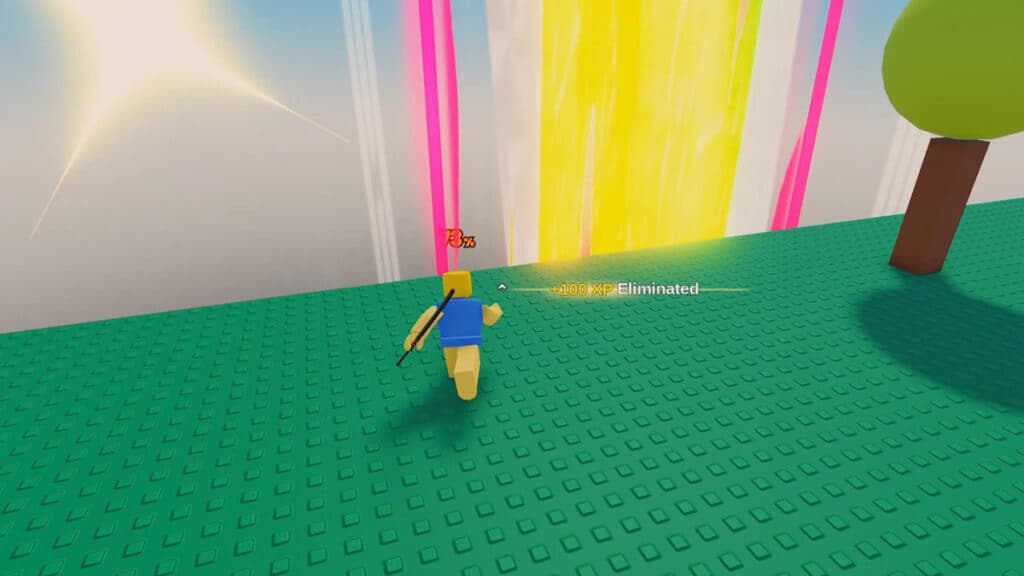
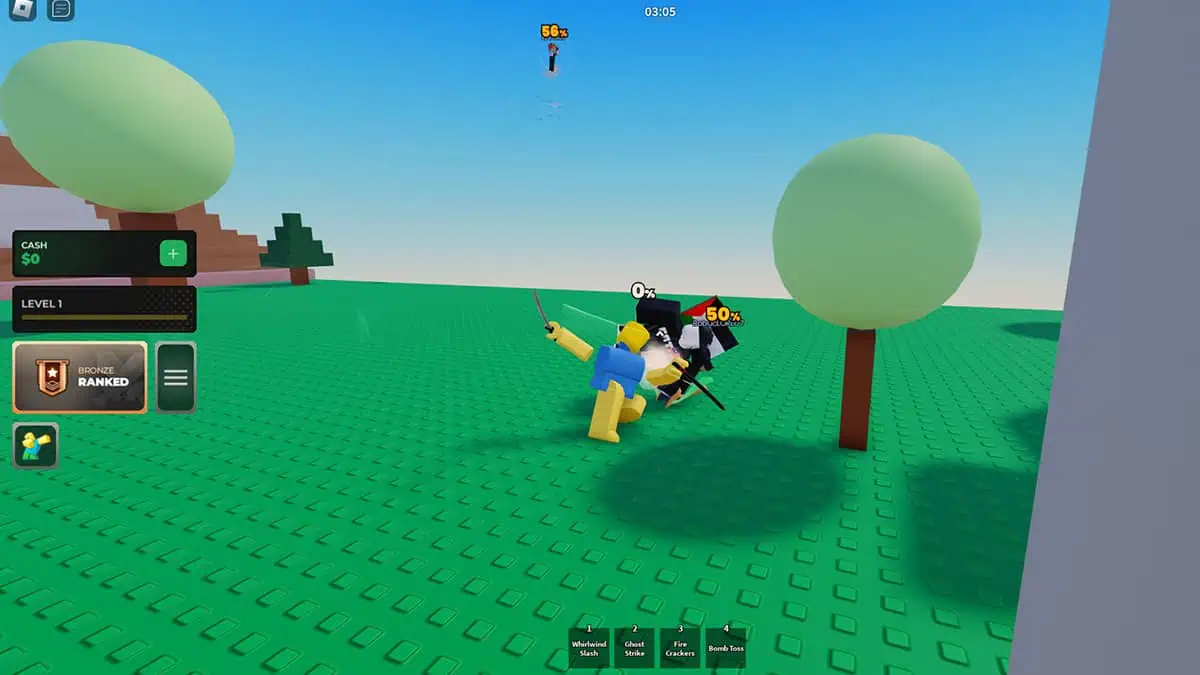
Free-for-all, battle royale-type games are a common experience in Roblox. But, have you ever wanted to try a Smash Bros-like brawler on the gaming platform? Well, you’re in luck because this wonderful release is a thing. Beat up your opponents and then smash them out of the arena with various flashy moves. Don’t forget to smash that redeem button too so you can get bountiful rewards from Roblox Project Smash gift codes.

All Active Roblox Project Smash Codes
All Active Roblox Project Smash Codes
Image source: Project Smash, Roblox via The Nerd Stash

Currently, the Project Smash team has not yet provided any redeemable gift code in the game. However, the system for code redemption has been put in place, and back in June, the team made a huge announcement regarding gift codes. They said that if they hit a Ninja Plushie milestone, they would release “the first ever” limited character code in Project Smash.

As of now though, no code has been posted; we will update this article once one finally appears. For now, you can keep an eye on Roblox Project Smash‘s official Discord server.

How Do I Redeem the Promotional Gift Codes?
How Do I Redeem the Promotional Gift Codes?
Image source: Project Smash, Roblox via The Nerd Stash

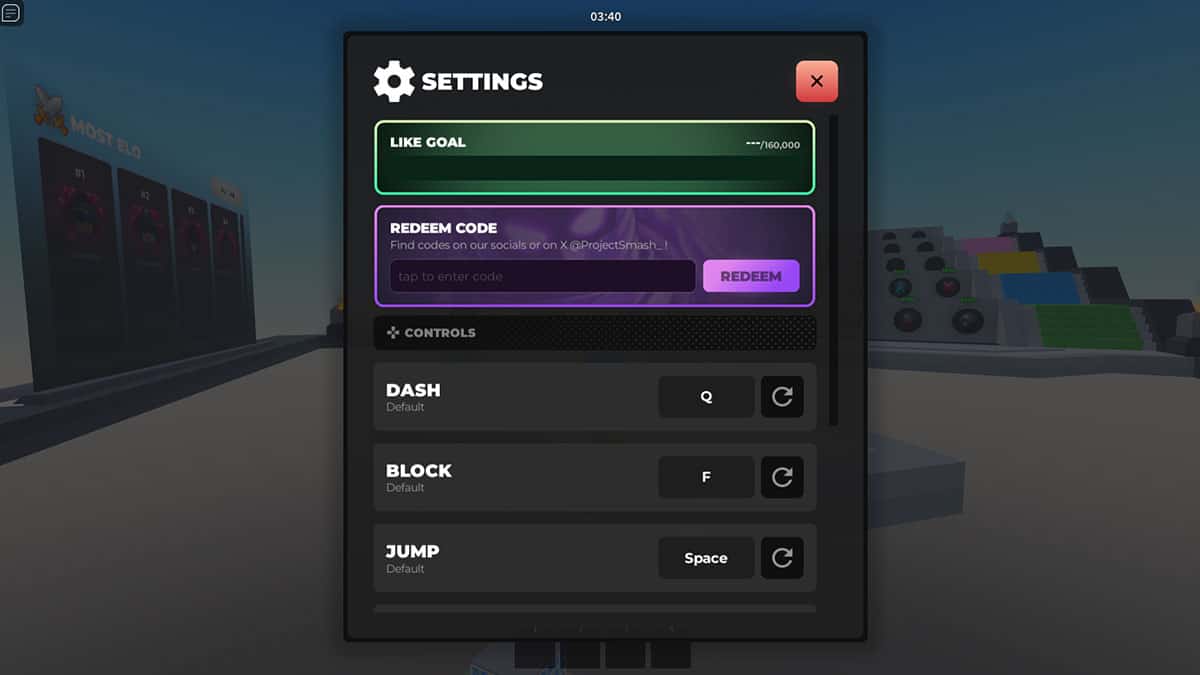
After the Roblox Project Smash team has released a gift code, you can redeem it through the in-game menu:

  1. Run the game.
  2. Select the three-stripes menu icon to your left.
  3. Type in the code in the “Redeem Code” section of the menu.
  4. Press the purple “Redeem” button.

Roblox Project Smash is available on Mobile, PC, PlayStation, and Xbox.
Related Topics
Guide Roblox
Share. Facebook Twitter LinkedIn Reddit Email
Sidharta F. Rasidi
  • Website

An ordinary Indonesian who enjoys playing and talking about video games. His favorite games are Monster Hunter: World, Space Invader Extreme 2, THE iDOLM@STER SP, Road Trip Adventure, Halo series, and KOEI Tecmo's Warriors series.

SUGGESTED READS

LEGO Batman Legacy of the Dark Knight PC Review
9
Gaming

LEGO Batman: Legacy of the Dark Knight Review – A Hero Rises

Call of Duty: Modern Warfare 4 Launching This October on Next-Gen Consoles & Switch 2, But Not Game Pass
Gaming

Call of Duty: Modern Warfare 4 Launching This October on Next-Gen Consoles & Switch 2, But Not Game Pass

Hideo Kojima Teams Up With Prada for an AI Film, And Fans Aren't Happy: 'Beyond Incredibly Disappointing'
Gaming

Hideo Kojima Teams Up With Prada for an AI Film, And Fans Aren’t Happy: ‘Beyond Incredibly Disappointing’

The Witcher 3 Songs of the Past expansion
Gaming

A Witcher 3 Leak Just Forced CD Projekt Red to Announce a Brand-New Expansion: Songs of the Past

CDPR Announces The Witcher 3 'Special Anniversary Stream' Amid New Massive DLC Rumor
Gaming

CDPR Announces The Witcher 3 ‘Special Anniversary Stream’ Amid New Massive DLC Expansion Rumor

007 First Light All Challenges
Gaming

All Challenges in 007 First Light

The Nerd Stash
Facebook X (Twitter) Instagram YouTube LinkedIn
  • About Us
  • Join Our Team
  • Meet the Team
  • Privacy Policy
  • DMCA Policy
  • Contact Us
  • Terms of Use
  • Sitemap
  • Editorial Guidelines
  • Advertising Policy
© 2026 The Nerd Stash. All Rights Reserved.

Type above and press Enter to search. Press Esc to cancel.