
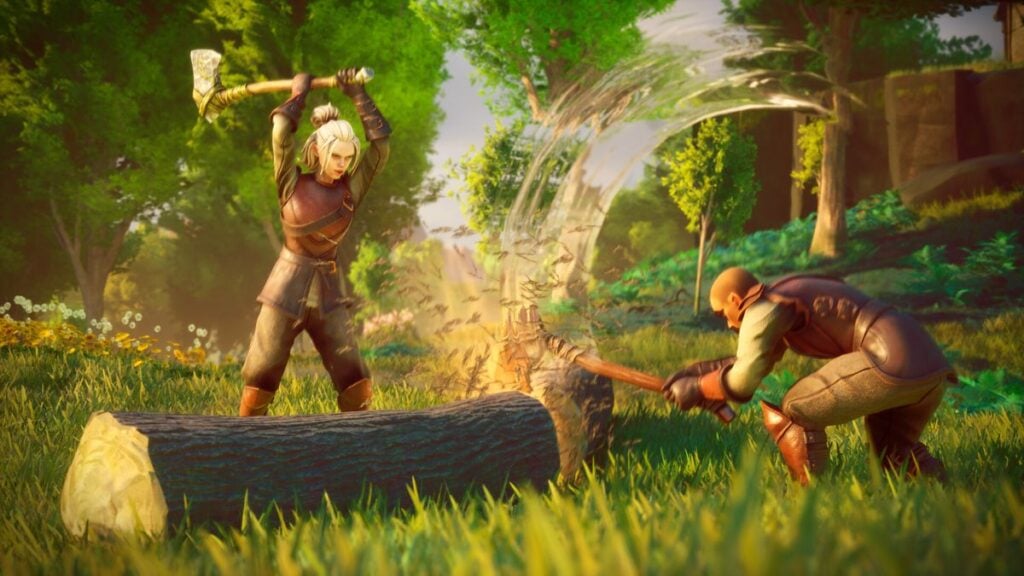
Surviving Ashenfall is possible alone, but gathering supplies, constructing a settlement, and fighting its largest creatures become much more manageable with friends. RuneScape: Dragonwilds 1.0 supports traditional player-hosted co-op alongside persistent dedicated servers, giving groups two different ways to share a world.
How To Host a Co-Op World in RuneScape: Dragonwilds
From the main menu, select Play and create a new world. When choosing its multiplayer setting, select Friends if you only want people on your friends list to find it. Alternatively, select Public to make the world visible through the public browser.
During creation, you can name the world, add a password, and decide whether friendly fire should be active. A password is strongly recommended for public worlds unless you are comfortable allowing unfamiliar players into your settlement.
Standard player-hosted co-op supports groups of up to four. Once the host enters the world, friends can locate it through the appropriate tab or join through their platform’s invitation system. Because the save belongs to the host, everyone else will lose access when that player leaves the session.
How To Join Friends
To enter another player’s world:
- Select Play from the main menu.
- Open the Friends or Public tab.
- Locate the host’s world by its assigned name.
- Select Enter World.
- Type the world password when prompted.
If a friend’s world does not appear, confirm that the host is already inside the world and that it was created with Friends or Public access. Also make sure everyone is running the same version of the game.
Characters are separate from world saves, allowing players to carry their equipped items and inventory between compatible worlds. However, buildings, stored resources, and world progression remain attached to the host’s save. This passcode system also allows for full cross play between all four major platforms.
Using a Dedicated Server
Groups that do not want their progress tied to one player can use a dedicated server. Unlike a regular hosted world, a dedicated world can remain available while its owner is offline.
According to Jagex’s dedicated-server instructions, you can rent servers through a hosting provider or run them on a personal Windows or Linux computer. Dedicated servers currently support up to six players.
Players can find a dedicated world by opening the Public tab and searching for its exact, case-sensitive name. If it doesn’t appear, update the server and every connected game client to the same version.

A regular Friends world is the simplest choice for occasional sessions with a small group. Dedicated hosting requires more preparation, but it is much better for groups that want an always-accessible settlement without waiting for one player to come online.