Close Menu
  • Gaming
    • Platforms
      • Nintendo
      • PC
      • PlayStation
      • Xbox
  • Entertainment
    • Movies
    • TV
    • Royals
  • Celebrity
    • Hollywood
  • Human Interest
  • Astrology
  • More
    • Reviews
Facebook X (Twitter) Instagram LinkedIn YouTube
  • About Us
  • Join Our Team
  • Meet the Team
  • Privacy Policy
  • DMCA Policy
  • Contact Us
  • Terms of Use
  • Sitemap
  • Editorial Guidelines
  • Advertising Policy
The Nerd Stash
  • Gaming
  • Celebrity
  • Hollywood
  • Human Interest
The Nerd Stash
Home»Gaming»Shroud Valorant Settings (January 2023)

Shroud Valorant Settings (January 2023)

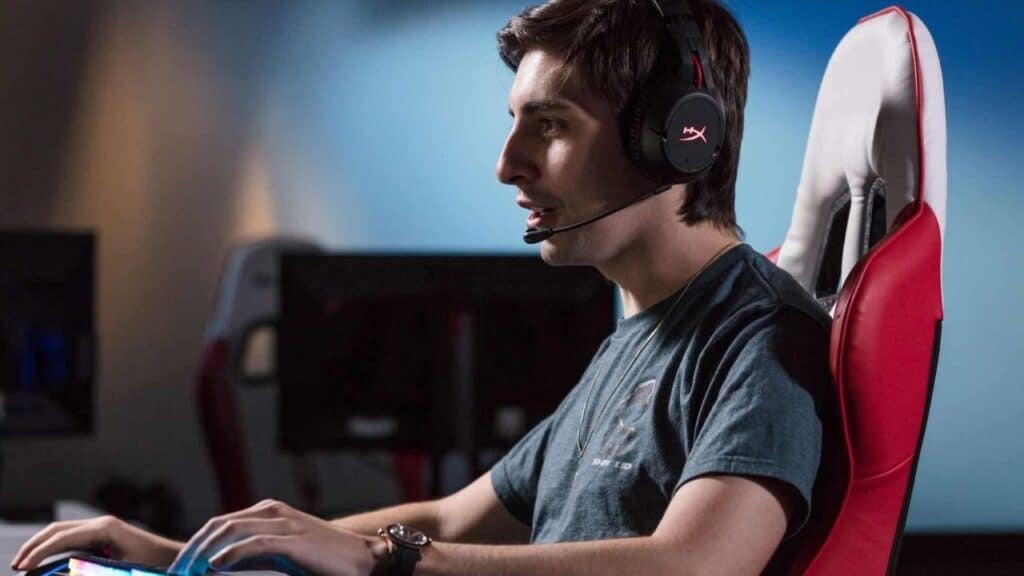
One of the best Valorant streamers out there is Michael “Shroud” Grzesiek, so it’s no surprise that his January 2023 game settings are widely sought after.…

Jordan MoyerBy Jordan MoyerJanuary 21, 20233 Mins Read
Shroud Valorant Settings (January 2023)
Screenshot via The SportsRush
This article is over 3 years old and may contain outdated information.

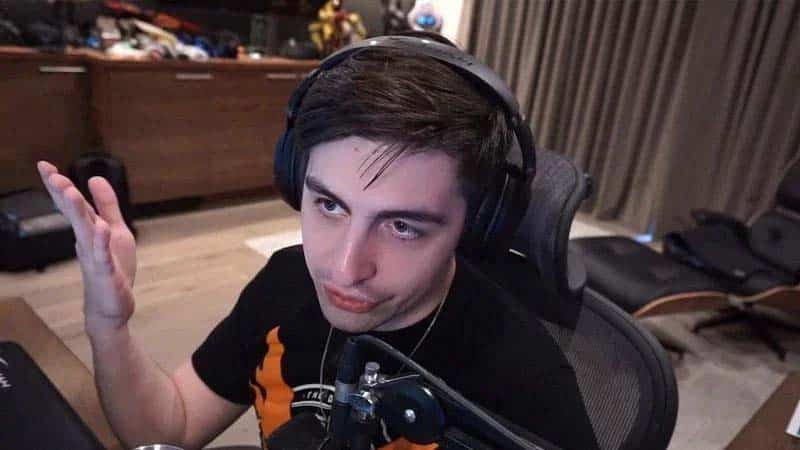
One of the best Valorant streamers out there is Michael “Shroud” Grzesiek, so it’s no surprise that his January 2023 game settings are widely sought after. The impressive 27-year-old streamer has won several tournaments throughout his time playing the game, signed to Sentinels’ Valorant roster, and is now surprising us all with a return to esports. Learning Shroud’s settings for the month is a big deal to loads of players everywhere. So, without wasting any more time, let’s take a look at Shroud’s Valorant settings in January 2023.
Shroud Valorant Settings (January 2023)
Screenshot via Sportskeeda

January 2023: Shroud’s Valorant Settings

Shroud’s Mouse Settings:

Shroud uses a Logitech G303 mouse

  • DPI: 450
  • In-Game Sens: 0.78
  • Scoped Sens: 1
  • Polling Rare: 1,000
  • eDPI: 351
  • Windows Sens: 6

Shroud’s Keybinds:

For the most part, Shroud uses the default key binds for the game. They can be found below:

  • Walk: Left Shift
  • Crouch: Left Control
  • Jump: Space/ Mouse Down
  • Ability 1: E Key
  • Ability 2: Q Key
  • Ability 3: C Key
  • Ultimate Ability: X Key
  • Use Object Function: F Key
  • Equip Primary Weapon: 1 Key
  • Equip Secondary Weapon: 2 Key
  • Equip Melee Weapon: 3 Key
  • Interact with Spike: 4 Key

Shroud’s Crosshair Settings:

In games like Valorant, your Crosshair Settings are extremely important and depend quite a bit on your play style. Below is Shroud’s Crosshair Settings for Valorant:

  • Color: Yellow
  • Outlines: Off/ 1/ 2
  • Center Dot: Off/ 1/ 2
  • Inner Lines: 1/ 5/ 2/ 0
  • Outer Lines: 0.35/ 2/ 2/ 10
  • Fade: Off
  • Movement: Off
  • Firing Error: Off

Shroud’s Radar Settings:

The radar settings in Valorant give you a look at the info on the map through the mini-map. Find Shroud’s Radar Settings below:

  • Rotate: On
  • Fixed Orientation: Based on Side
  • Keep Player Centered: Off
  • Minimap Size: 1.028
  • Minimap Zoom: 1
  • Minimap Vison Cones: On
  • Show Map Region Names: Always

Shroud’s Video Settings:

With Shroud’s powerful gaming setup, featuring 4k resolution, he has to limit his frame rate to 240 FPS so that his gameplay is smooth and he doesn’t face screen tearing issues. Check out Shroud video settings below:

  • Display Mode: Fullscreen
  • Resolution: 2560 x 1440
  • Frame Rate Limit: 240 FPS
  • Material Quality: High
  • Texture Quality: High
  • Detail Quality: High
  • UI Quality: Low
  • Vignette: On
  • VSync: Off
  • Anti-Aliasing: 4x
  • Improve Clarity: Off
  • Bloom: On
  • First-Person Shadows: Off
  • Distortion: Off

Related:

How to Get the Heart Crosshair in Valorant

This is everything you need to know in order to replicate Shroud’s Valorant settings for January 2023 and hopefully play as flawlessly as he does! Be sure to check back for more useful and interesting guides, and as always, be safe and have fun!

Related Topics
Guide Valorant
Share. Facebook Twitter LinkedIn Reddit Email
Jordan Moyer
  • Website
  • X (Twitter)

Jordan is an experienced fantasy writer who spends hours behind her laptop, and lost in the pages of a book. She strives to be a successful gaming blogger, and has no complaint about the hours of game time she used to increase her knowledge of all things “geek”. She primarily writes gaming articles and fantasy novels. Ark: Survival Evolved is a favorite, along with Diablo 3, Warframe and Minecraft lately, though you can’t forget the good old Magic the Gathering card game! Writing about games truly gives her joy as it gives her another perspective to look at games from, a reason to really look into the mechanics of the game.

SUGGESTED READS

COD Modern Warfare 4 Free Open Beta Starts This August, Nintendo Switch 2 Included
Gaming

COD Modern Warfare 4 Free Open Beta Starts This August, Nintendo Switch 2 Included

All Wandering Merchant Locations in Palworld
Gaming

All Wandering Merchant Locations in Palworld

How to find Pure Quartz in Palworld 1.0
Gaming

Where To Find Pure Quartz in Palworld

Sicario Writer's Call of Duty Movie To Adapt 'Modern Warfare' Universe, Confirmed Paramount
Gaming

Sicario Writer’s Call of Duty Movie To Adapt ‘Modern Warfare’ Universe, Confirmed Paramount

Fatal Fury City of the Wolves Rick Strowd Hands-on Impressions
Gaming

Fatal Fury: City of the Wolves Rick Strowd Hands-On Impressions – A Strong Start

Zenless Zone Zero Version 3.1 Anniversary
Gaming

Zenless Zone Zero Celebrates Its 2-Year Milestone With Free S-Rank Agents and a Crossover Announcement

The Nerd Stash
Facebook X (Twitter) Instagram YouTube LinkedIn
  • About Us
  • Join Our Team
  • Meet the Team
  • Privacy Policy
  • DMCA Policy
  • Contact Us
  • Terms of Use
  • Sitemap
  • Editorial Guidelines
  • Advertising Policy
© 2026 The Nerd Stash. All Rights Reserved.

Type above and press Enter to search. Press Esc to cancel.