Close Menu
  • Gaming
    • Platforms
      • Nintendo
      • PC
      • PlayStation
      • Xbox
  • Entertainment
    • Movies
    • TV
    • Royals
  • Celebrity
    • Hollywood
  • Human Interest
  • Astrology
  • More
    • Reviews
Facebook X (Twitter) Instagram LinkedIn YouTube
  • About Us
  • Join Our Team
  • Meet the Team
  • Privacy Policy
  • DMCA Policy
  • Contact Us
  • Terms of Use
  • Sitemap
  • Editorial Guidelines
  • Advertising Policy
The Nerd Stash
  • Gaming
  • Celebrity
  • Hollywood
  • Human Interest
The Nerd Stash
Home»Gaming»STALKER 2: Can’t Sprint Bug Solution

STALKER 2: Can’t Sprint Bug Solution

Let me run

Gabriela JessicaBy Gabriela JessicaNovember 22, 20242 Mins Read
STALKER 2: Can't Sprint Bug Solution
Image Source: GSC Game World via The Nerd Stash
This article is over 1 years old and may contain outdated information.

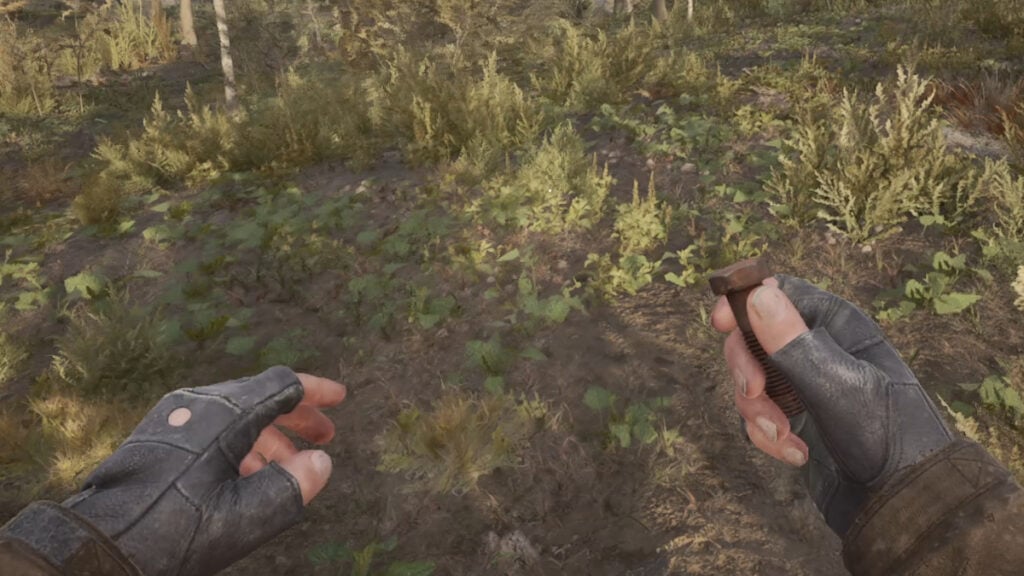
STALKER 2: Heart of Chornobyl still requires a lot of polish after being released with a lot of bugs and issues. Although most players are fine with shrugging off these problems, there are some bugs that are just too annoying or game-breaking to ignore. Some fans have reported that they can’t sprint while playing STALKER 2, and many have confirmed that this is a bug. Of course, you may also be unable to move properly due to encumbrance but it is not the case this time.

How To Fix Can’t Sprint Bug in STALKER 2
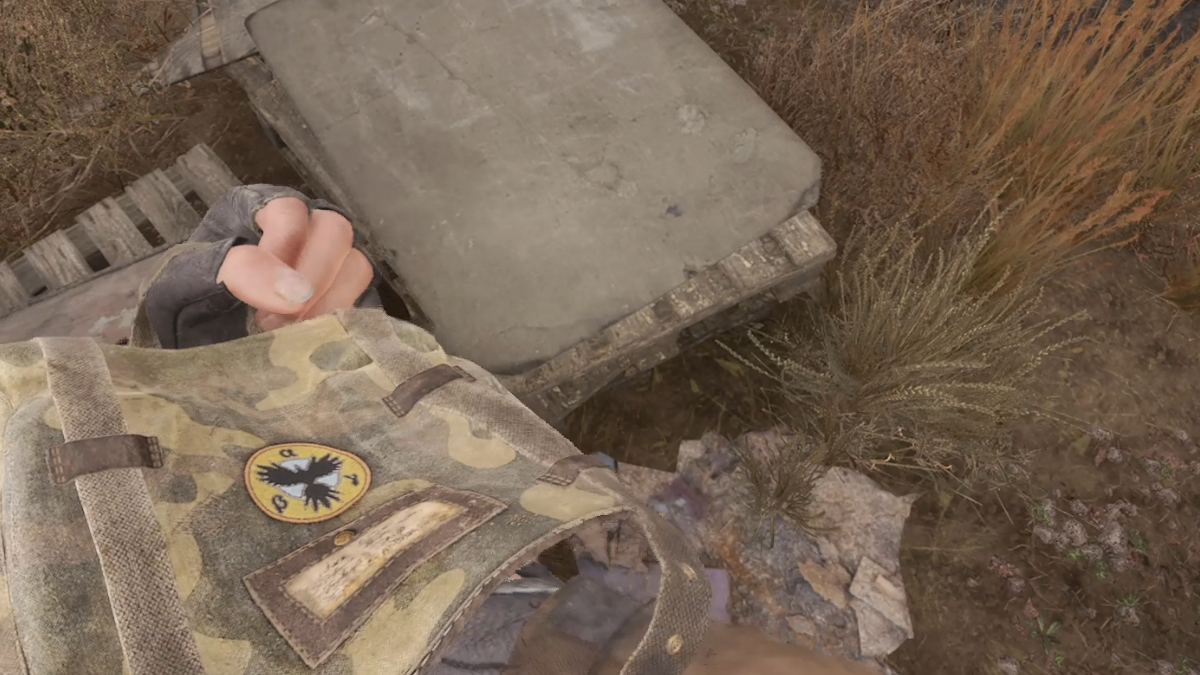
How To Fix Can't Sprint Bug in STALKER 2
Image Source: GSC Game World via The Nerd Stash

Before you start trying these methods below, you should make sure that the reason you can’t sprint in STALKER 2 is not because you are over-encumbered. Just open your inventory and check the weight meter at the bottom. As long as it’s not in red, you should be fine. If you still encounter this problem, you can try these solutions:

Check Your Control Settings

First of all, you may want to check your key bindings settings first. Perhaps you may accidentally change it, or maybe it’s the game that glitches out and changes the button that you need to hold to sprint. Either way, you need to go to the settings menu and select the controls section to see your key bindings. You may even try to change the sprint button to another one and see whether that fixes the issue.

Change Your Lean Setting

If you still can’t sprint in STALKER 2, then you can try to change your lean setting to fix this bug. Similar to changing your key binds, you also need to open the settings and look for the lean option in the control section. The game will set it to hold or toggle, but you must change it to toggle. Then, you need to change the key bindings to Q and E for left and right and see if it fixes the issue.

Restart the Game

The second method should be the final fix for the can’t sprint bug. However, if it still doesn’t work despite you already try leaning. You may want to restart the game and then try the lean trick again. Of course, these fixes are only temporary and you may encounter this issue again during your playthrough until the developer patches out this bug.

Related Topics
Guide stalker 2
Share. Facebook Twitter LinkedIn Reddit Email
Gabriela Jessica
  • Website

Gabriela has been writing game guides since 2023, mainly covering WuWa, Genshin Impact, and Honkai: Star Rail. She also loves exploring new titles, with favorites like Tears of the Kingdom, P5R, Stardew Valley, RDR2, The Witcher 3, WWM, and the RE4 Remake.

SUGGESTED READS

COD Modern Warfare 4 Free Open Beta Starts This August, Nintendo Switch 2 Included
Gaming

COD Modern Warfare 4 Free Open Beta Starts This August, Nintendo Switch 2 Included

All Wandering Merchant Locations in Palworld
Gaming

All Wandering Merchant Locations in Palworld

How to find Pure Quartz in Palworld 1.0
Gaming

Where To Find Pure Quartz in Palworld

Sicario Writer's Call of Duty Movie To Adapt 'Modern Warfare' Universe, Confirmed Paramount
Gaming

Sicario Writer’s Call of Duty Movie To Adapt ‘Modern Warfare’ Universe, Confirmed Paramount

Fatal Fury City of the Wolves Rick Strowd Hands-on Impressions
Gaming

Fatal Fury: City of the Wolves Rick Strowd Hands-On Impressions – A Strong Start

Zenless Zone Zero Version 3.1 Anniversary
Gaming

Zenless Zone Zero Celebrates Its 2-Year Milestone With Free S-Rank Agents and a Crossover Announcement

The Nerd Stash
Facebook X (Twitter) Instagram YouTube LinkedIn
  • About Us
  • Join Our Team
  • Meet the Team
  • Privacy Policy
  • DMCA Policy
  • Contact Us
  • Terms of Use
  • Sitemap
  • Editorial Guidelines
  • Advertising Policy
© 2026 The Nerd Stash. All Rights Reserved.

Type above and press Enter to search. Press Esc to cancel.