

Close Menu
  • Gaming
    • Platforms
      • Nintendo
      • PC
      • PlayStation
      • Xbox
  • Entertainment
    • Movies
    • TV
    • Royals
  • Celebrity
    • Hollywood
  • Human Interest
  • Astrology
  • More
    • Anime
    • Reviews
Facebook X (Twitter) Instagram LinkedIn YouTube
  • About Us
  • Join Our Team
  • Meet the Team
  • Privacy Policy
  • DMCA Policy
  • Contact Us
  • Terms of Use
  • Sitemap
  • Editorial Guidelines
  • Advertising Policy
The Nerd Stash
  • Gaming
  • Celebrity
  • Hollywood
  • Human Interest
The Nerd Stash
Home»Gaming»Vulkan vs. DirectX 11 for Baldur’s Gate 3: Which Is Better?

Vulkan vs. DirectX 11 for Baldur’s Gate 3: Which Is Better?

When it comes to Baldur’s Gate 3, you’ll want it to run the best introduction to Dungeons and Dragons in the best way possible. This…

Nat CollazoBy Nat CollazoAugust 4, 20233 Mins Read
Baldur's Gate 3 Recommended PC Specs
Image Source: Larian Studios via The Nerd Stash
This article is over 2 years old and may contain outdated information.

When it comes to Baldur’s Gate 3, you’ll want it to run the best introduction to Dungeons and Dragons in the best way possible. This can be done by updating it to the latest patch or playing it with the best applicable API or application programming interface. Without needing to be incredibly tech-savvy, the API is basically how your computer’s programs work and communicate. In the case of Baldur’s Gate 3, you can choose between DirectX 11 and Vulkan. If you don’t already know which in the argument of Vulkan vs. DirectX 11 for Baldur’s Gate 3 is better, then read on!

Is Vulkan or DirectX 11 Better for Baldur’s Gate 3?
Vulkan vs. DirectX 11 for Baldur's Gate 3: Which Is Better?
Image Source: Larian Studios

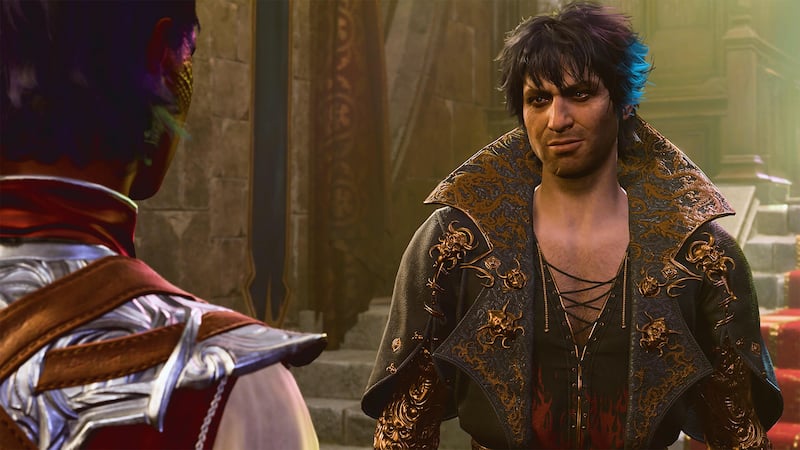
If you don’t already know what an API does, choosing one before running Baldur’s Gate 3 might seem like a more significant commitment than it is. To make things a little bit easier, Vulkan is Baldur Gate 3’s default API, making it the preferred API of choice as recommended by the developers. However, why is that?

Ideally, you would be playing Baldur’s Gate 3 on a high-end PC, making the game’s graphics and other aspects the best they possibly can be. Considering that, Vulkan’s API was designed with that aspect in mind. DirectX 11 is only used if your PC has difficulty with the Vulkan API. The game might not look as good as you were expecting, but you can at least play it without any issues. This might surprise some players as when the game was originally in early access, DirectX 11 was the preferred API as Vulkan was far too unstable.

Related: How to Equip Skills in Baldur’s Gate 3

Now, you might be wondering if either of the two makes any difference compared to the other. While the choice is yours, to say that one doesn’t make a difference concerning the other would be just wrong. How else will you see your character turn into a vampire unless you’re using the best API the game offers?

Does Using Vulkan or DirectX 11 Make A Difference?
Vulkan vs. DirectX 11 for Baldur's Gate 3: Which Is Better?
Image Source: Baldur’s Gate Website

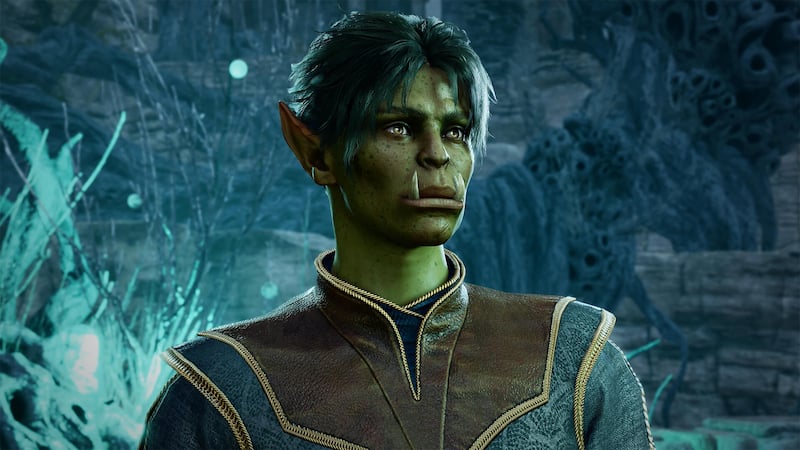
As we explained above, the Vulkan API was designed to be the default API for Baldur’s Gate 3. Considering this, you will want to select the run the game with this option because it will provide you with the best and most stable experience. DirectX 11 still lets you play the game, but not necessarily as it was intended to be played. You’ll find that the game will run smoother, but that is at the expense of its physical appearance when it comes to Vulkan vs. DirectX 11 for Baldur’s Gate 3.

Baldur’s Gate 3 is available on PC and PlayStation 5.

Related Topics
Baldur's Gate 3 Guide
Share. Facebook Twitter LinkedIn Reddit Email
Nat Collazo
  • Website
  • X (Twitter)
  • Instagram

I am a game journalist and guide writer with ten years of experience as well as the CEO/ Founder of Frowns Marketing, a marketing company that caters to indie games, tabletop games, and board games to help developers get more wishlists, backers, and players!

SUGGESTED READS

World of Tanks HEAT Closed Beta Preview
Features

World of Tanks HEAT Hands-On Preview – Faster, Flashier, and Just as Tactical

Where to Find the Secret Fall Shop in Roblox Adopt Me
Gaming

Where to Find the Secret Fall Shop in Roblox Adopt Me

Diablo 4 Lord of Hatred Review
10
Features

Diablo 4: Lord of Hatred Review – Breaking the Cycle

Shuhei Yoshida Says He Was Fired From Playstation Studios for Saying 'No' to Jim Ryan: 'He Asked For Ridiculous Things'
Gaming

Shuhei Yoshida Says He Was Fired From Playstation Studios for Saying ‘No’ to Jim Ryan: ‘He Asked For Ridiculous Things’

Splinter Cell Remake Shows Signs of Life Despite Recent Layoffs at Ubisoft Toronto
Gaming

Splinter Cell Remake Shows Signs of Life Despite Recent Layoffs at Ubisoft Toronto

Fastest Ways to Get a Purrowl in Roblox Adopt Me
Gaming

Fastest Ways to Get a Purrowl & Trade Value in Roblox Adopt Me

The Nerd Stash
Facebook X (Twitter) Instagram YouTube LinkedIn
  • About Us
  • Join Our Team
  • Meet the Team
  • Privacy Policy
  • DMCA Policy
  • Contact Us
  • Terms of Use
  • Sitemap
  • Editorial Guidelines
  • Advertising Policy
© 2026 The Nerd Stash. All Rights Reserved.

Type above and press Enter to search. Press Esc to cancel.




