Close Menu
  • Gaming
    • Platforms
      • Nintendo
      • PC
      • PlayStation
      • Xbox
  • Entertainment
    • Movies
    • TV
    • Royals
  • Celebrity
    • Hollywood
  • Human Interest
  • Astrology
  • More
    • Anime
    • Reviews
Facebook X (Twitter) Instagram LinkedIn YouTube
  • About Us
  • Join Our Team
  • Meet the Team
  • Privacy Policy
  • DMCA Policy
  • Contact Us
  • Terms of Use
  • Sitemap
  • Editorial Guidelines
  • Advertising Policy
The Nerd Stash
  • Gaming
  • Celebrity
  • Hollywood
  • Human Interest
The Nerd Stash
Home»Gaming»How To Gameshare on PS5, Explained

How To Gameshare on PS5, Explained

Sharing is caring.

Akın BilginBy Akın BilginOctober 24, 20233 Mins Read
how to gameshare on ps5
Image Source: Insomniac Games via MKIceAndFire
This article is over 2 years old and may contain outdated information.

Gameshare on PlayStation 5 allows you to share your games with a friend, just like Family Share on Steam. This is very economical for you and your friends because you know that PlayStation 5 games, especially new ones, can be a bit expensive. With this PS5 system, you and your friends can buy different games, and you can play each other’s games. However, in order to Gameshare on PS5, there are steps that both you and your Gameshare friend must follow.

How You Can Gameshare With Your Friend on PS5

playstation 5
Image Source: PlayStation via koba

Gameshare on PS5 lets you share PS5 games, PS4 games, and even PlayStation Plus with all users on another console. However, the games you share must be digital, not physical. Otherwise, you won’t be able to share them with your friends.

We will treat this guide as if you were going to share your games with your friend. So your friend will be able to play your games. If you want to play your friend’s games, you should send them this guide so that they can follow the same steps and share their games with you.

  • Turn on your PS5 to Gameshare, and go to Settings on the top right side.
  • Then select Users and Accounts.
  • Go to Other and click on Console Sharing and Offline Play.
  • Then select the Disable button on your screen. If it shows as Enable, do nothing.
  • Now open your friend’s PS5 and click Add User, then select Get Started, and finally log in using your PSN Account.
  • Now you need to do the same process as you did with your own account. Settings > Users and Accounts > Other > Console Sharing and Offline Play, but this time you need to select Enable button. This will make this PS5 the Home Console and Gameshare your games with all users.

Finally, to avoid problems with the games, select Restore Licenses under Console Sharing and Offline Play and check the licenses of the games.

When downloading the games your friend wants to play on their PS5, they need to be on your user. They can then switch to their own user and play the game.

Related:

PlayStation 5 Shipments in the US Increased By 400% Last Month

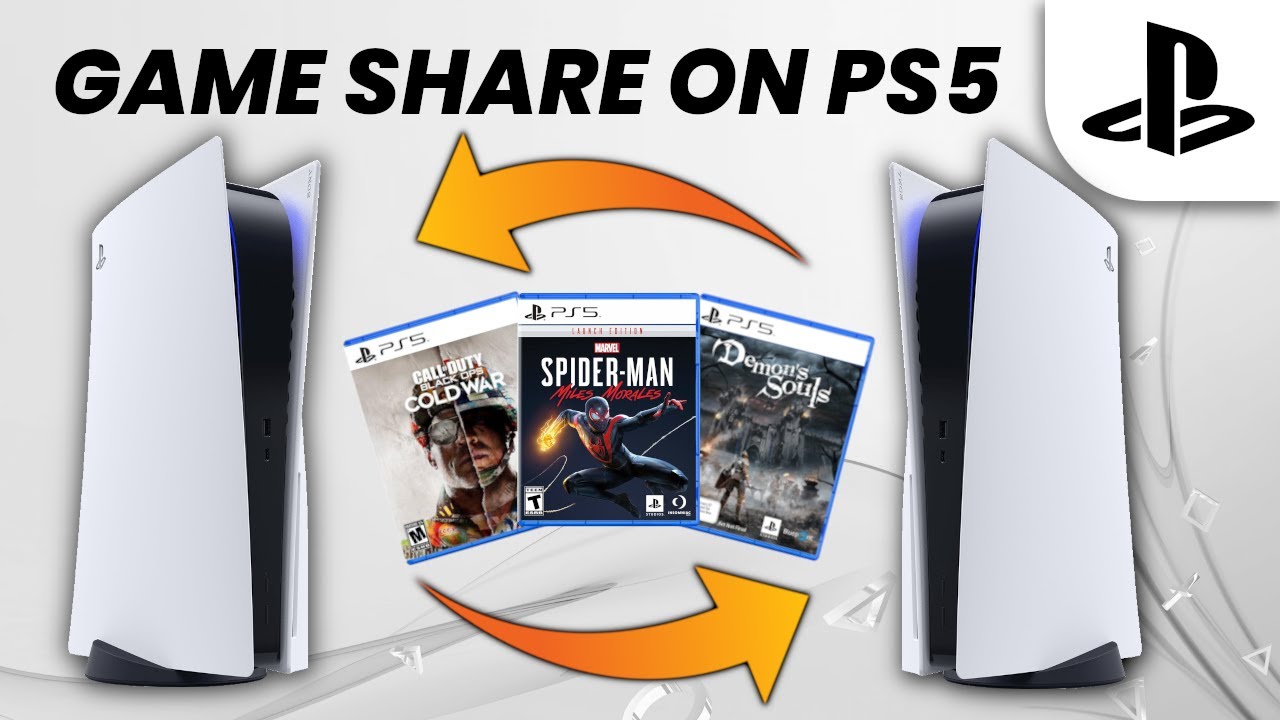
If you want some visual help with this “how to Gameshare on PS5” topic, the Semi-Comprehensive Guide YouTube channel has a very understandable guide on the subject, which you can watch below:
Related Topics
Guide PlayStation 5
Share. Facebook Twitter LinkedIn Reddit Email
Akın Bilgin
  • Website
  • X (Twitter)

Akın Bilgin loves colony simulators, survival, and souls-like games. He has been a freelance guide writer for two years and is studying English Language and Literature in Turkey.

SUGGESTED READS

Your PlayStation Account Could Be Compromised: Sony's Security Flaw Lets Anyone Easily Disable 2FA
Gaming

Your PlayStation Account Could Be Compromised: Sony’s Security Flaw Lets Anyone Easily Disable 2FA

Rune Dice PC Review
9
Features

Rune Dice Review – A Magnificent Take on Roguelikes

PlayStation Plus Prices Are Going Up as Sony Tightens First-Party Exclusives
Gaming

PlayStation Plus Prices Are Going Up as Sony Tightens First-Party Exclusives Once More

Marvel Cosmic Invasion DLC Review
Features

Marvel Cosmic Invasion: Cyclops & The Thing Hands-On Impressions – Between a Rock and an Optic Blast

GTA 6's $115 Price Tag Already Has Fans Worried, Now Rockstar Might Skip Review Codes Too
Gaming

GTA 6’s $115 Price Tag Already Has Fans Worried, Now Rockstar Might Skip Review Codes Too

AMD's 'AI-Based' Game Engine Patent Sounds Like DLSS5 on Steroids
Gaming

AMD’s ‘AI-Based’ Game Engine Patent Sounds Like DLSS5 on Steroids

The Nerd Stash
Facebook X (Twitter) Instagram YouTube LinkedIn
  • About Us
  • Join Our Team
  • Meet the Team
  • Privacy Policy
  • DMCA Policy
  • Contact Us
  • Terms of Use
  • Sitemap
  • Editorial Guidelines
  • Advertising Policy
© 2026 The Nerd Stash. All Rights Reserved.

Type above and press Enter to search. Press Esc to cancel.