Close Menu
  • Gaming
    • Platforms
      • Nintendo
      • PC
      • PlayStation
      • Xbox
  • Entertainment
    • Movies
    • TV
    • Royals
  • Celebrity
    • Hollywood
  • Human Interest
  • Astrology
  • More
    • Reviews
Facebook X (Twitter) Instagram LinkedIn YouTube
  • About Us
  • Join Our Team
  • Meet the Team
  • Privacy Policy
  • DMCA Policy
  • Contact Us
  • Terms of Use
  • Sitemap
  • Editorial Guidelines
  • Advertising Policy
The Nerd Stash
  • Gaming
  • Celebrity
  • Hollywood
  • Human Interest
The Nerd Stash
Home»Gaming»Can You Gift Pals to Other Players in Palworld? Answered

Can You Gift Pals to Other Players in Palworld? Answered

Sharing is caring.

Julio La PineBy Julio La PineJanuary 23, 20242 Mins Read
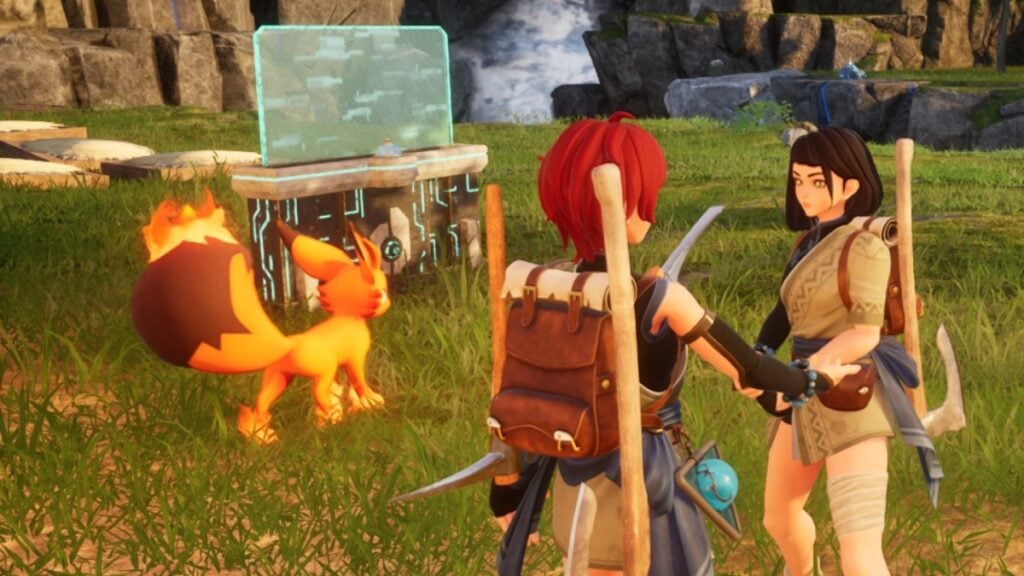
How to Gift Pals in Palworld
Image Source: Pocketpair via The Nerd Stash
This article is over 2 years old and may contain outdated information.

One of the most important features in every creature collection game is the ability to trade critters with other players, and thankfully, Palworld has a few ways to let you exchange Pals. However, like many early access titles, there isn’t an official feature to do so, and players need to do a few workarounds. Luckily for all Pal trainers, the process is quite easy and doesn’t take a lot of time, meaning you’ll be filling that Paldeck in no time.

How To Trade Pals in Palworld

Right now, there are two ways to gift Pals to other players in Palworld. None of them are an official function, and they are more like a workaround, but they do the job as intended. Here are the two options you have to give your critters to other trainers.

Dropping Them On the Ground
Palworld Trading
Image Source: Pocketpair via The Nerd Stash

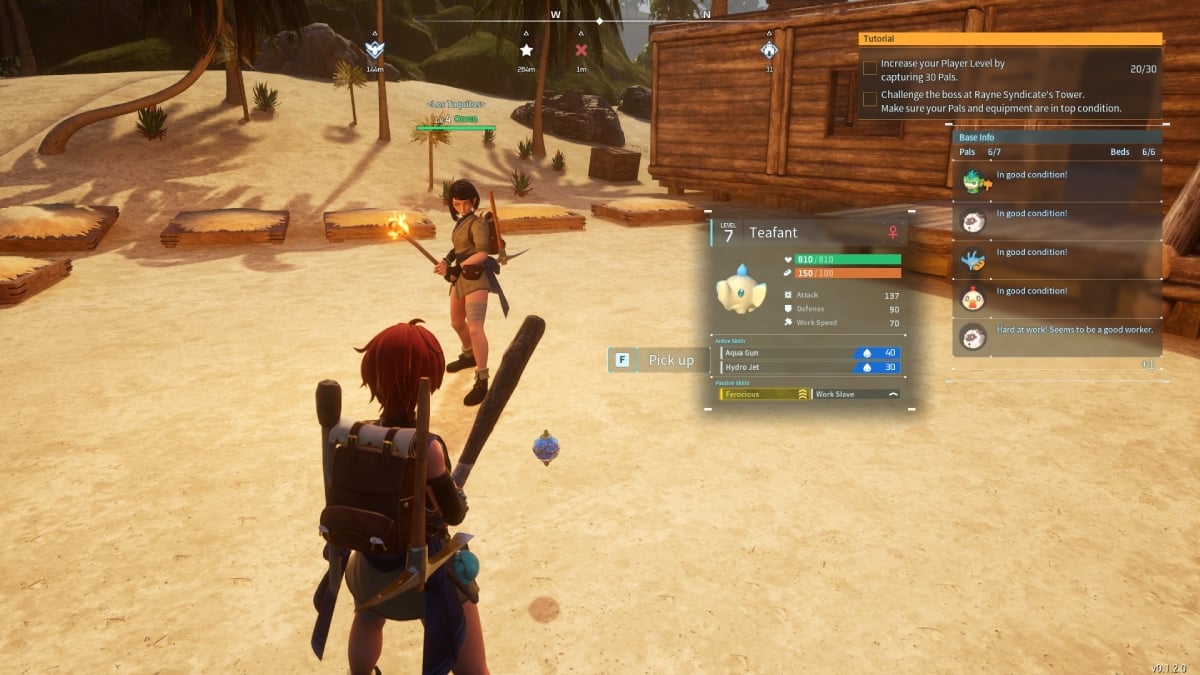
The first and easiest way to give Pals to others in Palworld is by dropping them. You must do the following:

  1. Head to your Party tab.
  2. Select the Pal you want to give away.
  3. Press R or the Right Stick to drop it.

Be aware that any player can pick your Pal, so make sure to only drop them in front of the person who really needs them, or else someone else might grab them.

Through the Palbox

Palbox Menu
Image Source: Pocketpair via The Nerd Stash

Another way that takes a bit longer to perform but is safer is by transferring Pals via the Palbox. It isn’t as elaborate as other games of this type, but it works and makes things much easier for everyone. Here’s what you have to do:

  1. Place the Pal you want to trade as a worker at your base.
  2. Have another player interact with the Palbox and move the Pal from the base workers to their box.
  3. They can now collect the Pal as if it were theirs.

Related:

All Console Commands in Palworld (& How To Use Them)

We think this is the safest option of the two and a good way for them to check the future Pal they are about to adopt. Hopefully, the developers will add an official function in Palworld to gift Pals to others. But in the meantime, it is nice to know there’s a way to trade ’em all.


Related Topics
Guide Palworld
Share. Facebook Twitter LinkedIn Reddit Email
Julio La Pine
  • Website

News/Guide Writer for The Nerd Stash. When not working, you'll find him playing Final Fantasy 14, any good JRPG, and modding Project Zomboid.

SUGGESTED READS

Resonance A Plague Tale Legacy PC Review
8
Gaming

Resonance: A Plague Tale Legacy Review – Bold Ideas, Predictable Story

Heroes of Might and Magic 3 Remake Preview
Gaming

Heroes of Might & Magic 3 Remake Hands-On Preview – Bigger, Bolder, and Better

9.5
Gaming

Star Wars Zero Company Review – My Turn Is One With the Force, and the Force Is With My Turn

Blue Prince and Amir Satvat Among Winners at gamescom dev Awards 2026
Gaming

Blue Prince and Amir Satvat Among Winners at gamescom dev Awards 2026

Gamescom 2026 Game Reveals
Gaming

5 Biggest Reveals of Gamescom 2026

Silver Palace Gamescom
Gaming

Silver Palace Debuts New Trailer During Gamescom 2026

The Nerd Stash
Facebook X (Twitter) Instagram YouTube LinkedIn
  • About Us
  • Join Our Team
  • Meet the Team
  • Privacy Policy
  • DMCA Policy
  • Contact Us
  • Terms of Use
  • Sitemap
  • Editorial Guidelines
  • Advertising Policy
© 2026 The Nerd Stash. All Rights Reserved.

Type above and press Enter to search. Press Esc to cancel.