
Close Menu
  • Gaming
    • Platforms
      • Nintendo
      • PC
      • PlayStation
      • Xbox
  • Entertainment
    • Movies
    • TV
    • Royals
  • Celebrity
    • Hollywood
  • Human Interest
  • Astrology
  • More
    • Reviews
Facebook X (Twitter) Instagram LinkedIn YouTube
  • About Us
  • Join Our Team
  • Meet the Team
  • Privacy Policy
  • DMCA Policy
  • Contact Us
  • Terms of Use
  • Sitemap
  • Editorial Guidelines
  • Advertising Policy
The Nerd Stash
  • Gaming
  • Celebrity
  • Hollywood
  • Human Interest
The Nerd Stash
Home»Gaming»Is Minecraft Realms Down or Just Me? How To Check the Server Status

Is Minecraft Realms Down or Just Me? How To Check the Server Status

Find out if the servers are swallowed into the realms of darkness or not

Sidharta F. RasidiBy Sidharta F. RasidiAugust 18, 20243 Mins Read
Is Minecraft Realms Down? How To Check Server Status
Image source: Mojang via The Nerd Stash
This article is over 1 years old and may contain outdated information.

Subscribing to Realms is a great way to play Mojang’s voxel game with friends and family. It’s easy to set up, the dedicated server minimizes the risk of lag, and updates can be done in a breeze. However, just like other services that rely on online connectivity, you’re often at the mercy of the game’s server. If the server is having problems, then the game becomes inaccessible. In case you have trouble connecting to Minecraft Realms, here’s how you can check the server status and see if it’s down.

Is the Minecraft Realms Server Down Right Now?

Is the Minecraft Realms Server Down Right Now?
Image source: Mojang via The Nerd Stash

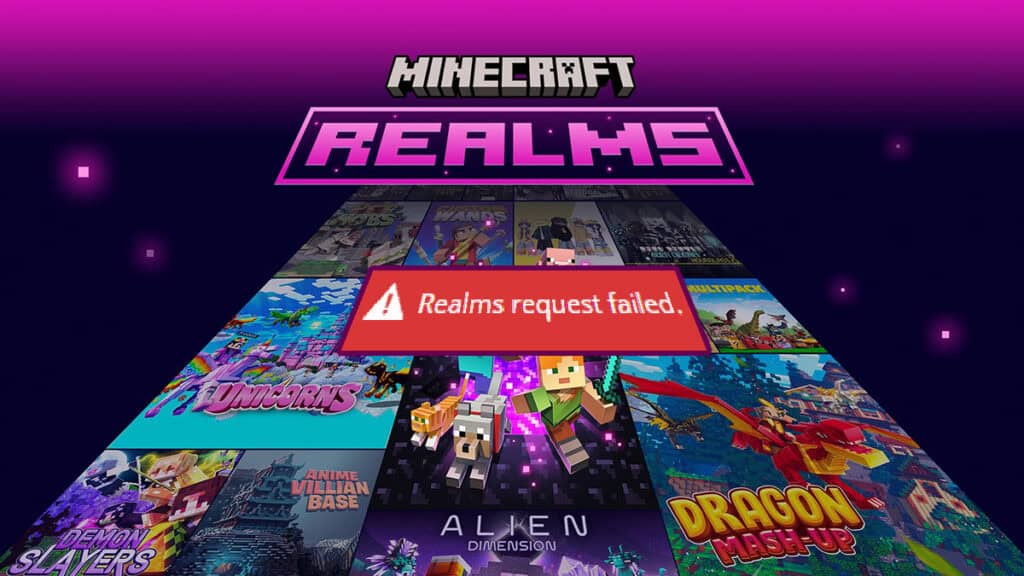
Yes, the Minecraft Realms server is down and inaccessible at the time of writing (August 18, 2024, 00:59 EST). We tested it on a Windows 10 PC on Minecraft Launcher version v2.28. It seems the issue is caused by the release of Update 1.21.20, which aimed to fix some Realms bugs and invite link system. Ever since then, however, the players reported they’re having trouble connecting to the subscription-based servers.

Nevertheless, the developer team is still “hard at work” to bring Realms back online. Mojang xweeted on X (previously Twitter) that “roughly 70%” of players should have access to the service. They had to block traffic to Realms on version 1.21.20 on all platforms– other than Switch until the console gets the hotfix.

How to Confirm Minecraft Realms Down or Not and Its Server Status

1. Look Into or Contact The Game’s Official Support Channels

The Realms team is still hard at work to restore the service globally. We appreciate your continued patience as we are doing everything we can to get you all playing on Realms again.-DK

— Mojang Status (@MojangStatus) August 17, 2024

Minecraft Realms does not have a dedicated server status page. Nevertheless, Mojang is quick to report any known issues to the community. Because of that, it’s always worth a shot to keep an eye on the game’s official channels:

  • Follow the official X social media account of @MojangStatus for any news on server issues.
  • Join the official Discord server and Subreddit to chat with fellow players and community managers.
  • Open a Support Ticket on Help.minecraft.net if you encounter an issue that doesn’t seem to affect anyone else.

Related:

How to Play Modded Minecraft With Friends (2024)

Although it’s an unofficial, third-party service, Downdetector.com is also a quite reliable source of server status. It logs players’ problems and complaints during a certain period and it offers a timeline chart of said issue.

2. Check Your Gaming Platform’s Server Status

Check Your Gaming Platform's Server Status
Image source: Xbox, PlayStation, Nintendo via The Nerd Stash

Remember that your devices’ online connectivity depends on PlayStation, Xbox, and Nintendo servers if you’re on console. Even if the Minecraft Realms server status is up and running, your console’s server might be down. Therefore, it’s important to monitor the links below to check your console’s server availability:

  • PlayStation Network.
  • Xbox Live.
  • Nintendo.

That’s the condition of Minecraft Realms server status and whether it’s currently down or not. If you’re still having problems connecting to paid servers, how about taking a trip to the best Cave seeds in offline mode?


Related Topics
Guide Minecraft
Share. Facebook Twitter LinkedIn Reddit Email
Sidharta F. Rasidi
  • Website

Since middle school, Sidharta has used his video game blog as a handy excuse to avoid studying. After graduating with a degree in Management Information Systems from Bina Nusantara University, he spent years honing his skills as a games journalist, working as an editor for a local gaming site and freelancing elsewhere. Nowadays, when he’s not busy crafting outrageous plots for his serialized comic, Sidharta covers niche games on his personal blog, StoPlayinGame.com. His favorite game series includes Monster Hunter, Earth Defense Force, THE iDOLM@STER, Road Trip Adventure, and KOEI Tecmo's Warriors.

SUGGESTED READS

Fire Emblem Fortune's Weave Nintendo Direct
Gaming

Everything Announced at the Fire Emblem: Fortune’s Weave Direct

SEGA Gamescom Line-Up 2026
Gaming

SEGA Unveils Its Gamescom 2026 Line-up

Leaked Microsoft Documents Reveal Xbox 360 Games Are Indeed Coming to PC Alongside Disc-to-Digital Plans
Gaming

Leaked Microsoft Documents Reveal Xbox 360 Games Are Indeed Coming to PC Alongside Disc-to-Digital Plans

Beast of Reincarnation Crafting Guide
Gaming

How to Unlock Crafting in Beast of Reincarnation

Beast of Reincarnation Increase Rapport with Koo
Gaming

How to Increase Rapport With Koo in Beast of Reincarnation

Beast of Reincarnation Keys Locations
Gaming

Where to Find All 3 Keys in Beast of Reincarnation

The Nerd Stash
Facebook X (Twitter) Instagram YouTube LinkedIn
  • About Us
  • Join Our Team
  • Meet the Team
  • Privacy Policy
  • DMCA Policy
  • Contact Us
  • Terms of Use
  • Sitemap
  • Editorial Guidelines
  • Advertising Policy
© 2026 The Nerd Stash. All Rights Reserved.

Type above and press Enter to search. Press Esc to cancel.