

Close Menu
  • Gaming
    • Game Guides
    • Codes
    • Game News
    • Game Previews
    • Game Reviews
    • Game Features
    • Game Lists
    • Platforms
      • Nintendo
      • PC
      • PlayStation
      • Xbox
      • Mobile
  • Entertainment
    • Movies
    • Movie Features
    • Movie Reviews
    • TV
    • Reality TV
    • Royals
  • Celebrity
    • Hollywood
  • Human Interest
  • Astrology
  • More
    • Anime
    • Lists
    • Podcasts
    • Reviews
Facebook X (Twitter) Instagram LinkedIn YouTube
  • About Us
  • Join Our Team
  • Meet the Team
  • Privacy Policy
  • DMCA Policy
  • Contact Us
  • Terms of Use
  • Sitemap
  • Editorial Guidelines
  • Advertising Policy
The Nerd Stash
  • Gaming
  • Celebrity
  • Hollywood
  • Human Interest
The Nerd Stash
Home»Game Guides»How to Spectate a Trade in Adopt Me on Roblox

How to Spectate a Trade in Adopt Me on Roblox

I spy with my little eyes, Ultra Rare Neons!

Sidharta F. RasidiBy Sidharta F. RasidiFebruary 18, 20263 Mins Read
How to Spectate a Trade in Adopt Me on Roblox
Image source: Roblox, Uplift Games via The Nerd Stash

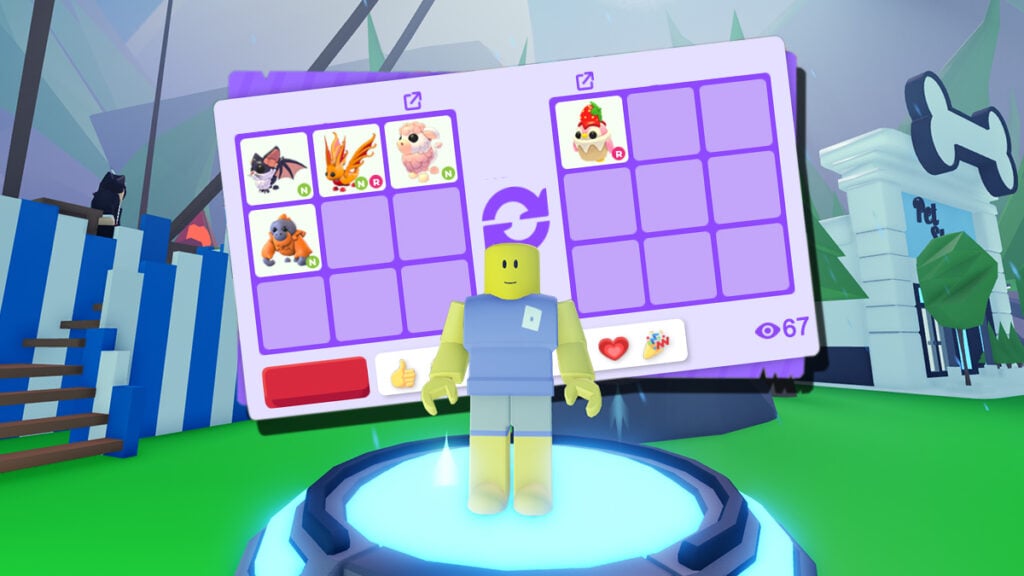
Trading is an essential system in many of Roblox collecting simulators. After all, many pets and items are only available for a limited time. Once they leave the Egg pool, the only way to get them back is by asking around other players for one. Sometimes, though, you’re not looking to trade at all, you might just want to see what people are offering or searching for. Adopt Me lets anyone nearby spectate a trade, and you can do it too, with just a couple of clicks or taps.

How Can You Spectate a Trade in Adopt Me? Answered
How Can You Spectate a Trade in Adopt Me!? Answered
Image source: Roblox, Uplift Games via The Nerd Stash

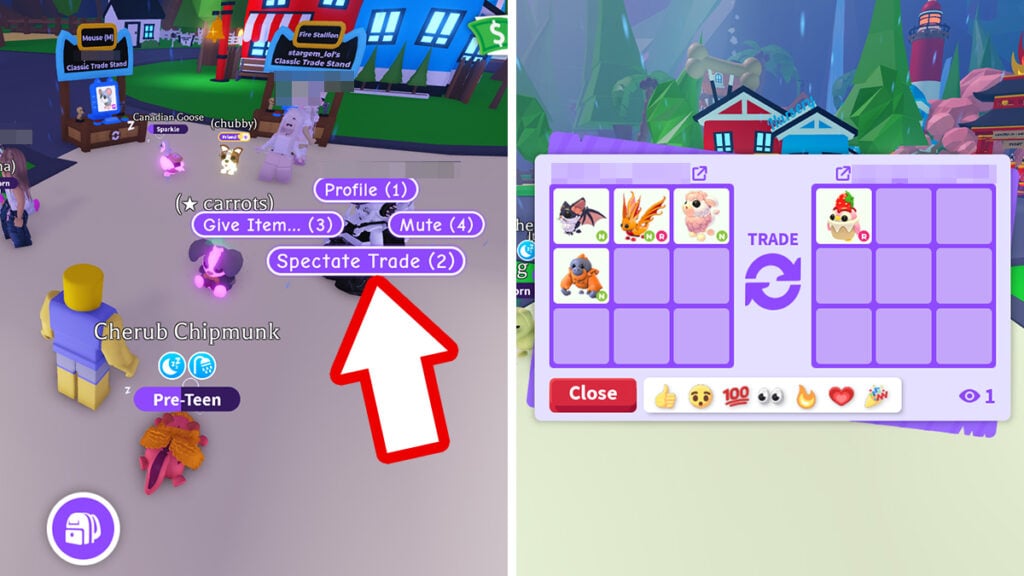
Spectating a trade in this game is extremely straightforward:

  1. Find two people currently actively Trading Pets.
  2. Walk up to one of them, then click on their avatar.
  3. If they’re in trade, you should see the ‘Spectate Trade’ option.
  4. Click the button.

If the player isn’t trading, you’ll only see the standard ‘Trade’ option to offer a trade instead. Finding active trades outside of trade servers can be hard. But just keep clicking, sometimes you really do just have to click around until you catch someone mid-deal.

Once inside, you’ll see every Pets and/or items being added or removed in real time. There’s also a small spectator indicator at the bottom-right of the trade window showing how many people are watching. However, both traders and spectator cannot see exactly who is spectating, only the number of watchers. Spectators can also react with emojis during the trade.
What Does ‘LF’ Mean in Adopt Me on Roblox? Trading Terms Explained
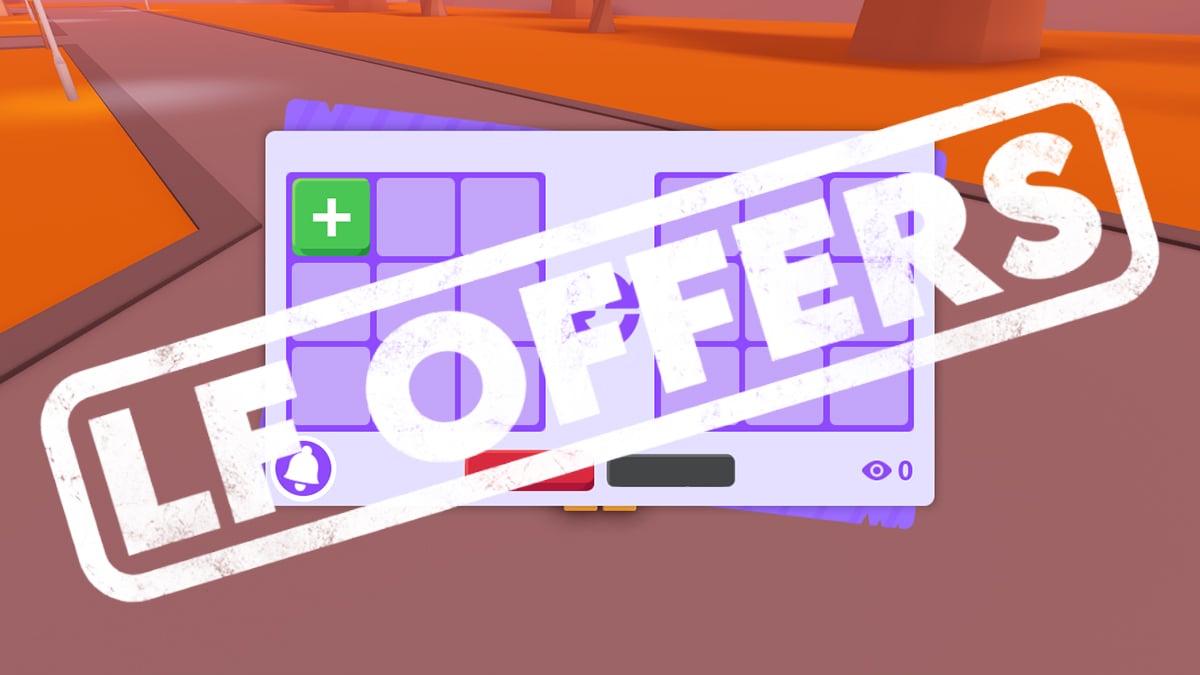
Related: What Does ‘LF’ Mean in Adopt Me on Roblox? Trading Terms Explained

The unique Classic Trade Stand can attract ‘spectators’ for an open trade as well. By spending 95 Robux on the Gamepass, players can display a Pet or item, letting everyone know exactly what the stand’s owner is offering. Click on the Stand and anyone can send trade requests directly through it.

In busy servers, a single stand can function like a mini marketplace where multiple traders and spectators watch deals happen back-to-back in the open.

Why Sometimes There are People Spectating Your Trade?
Why Sometimes There are People Spectating Your Trade?
Image source: Roblox, Uplift Games via The Nerd Stash

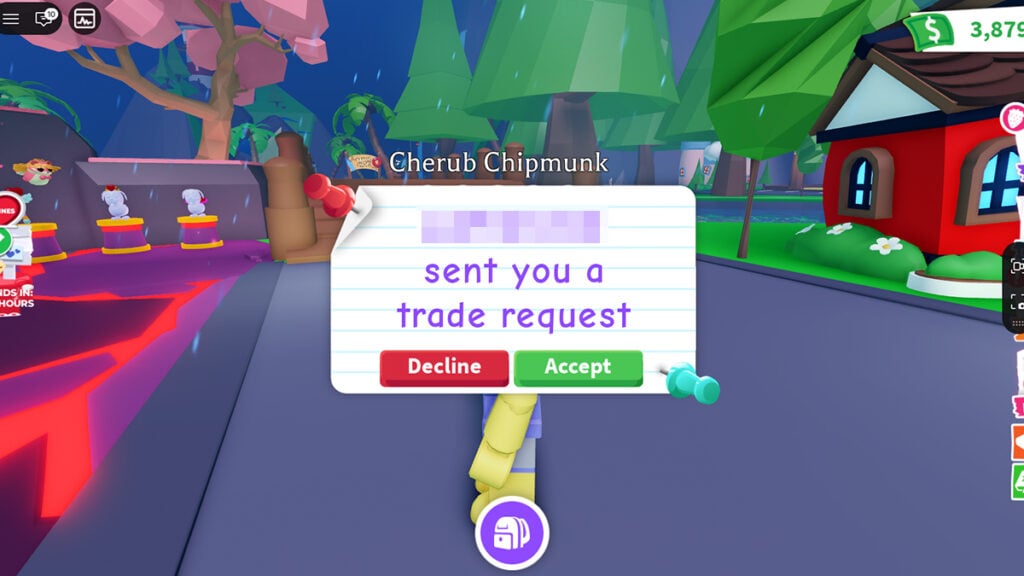
This is one of the most common questions asked in Discord servers and social media posts. Seeing that spectator count tick up to one — or 10 — definitely can feel awkward. There is no option to disable trading spectators to boot. The reason, however, is quite simple.

More often than not, many Adopt Me players likes to spectate a Trade as a live Pet value indicator. Instead of trusting value websites, they watch real trades to see and gauge what people actually want and accept. It helps them quickly understand underpays, overpays, and current Pet demand much faster than guessing or using out-of-date trade websites’ information.

Others might spectate to decide whether they should offer their Pets next after your trade ends. So if someone’s watching your trade, don’t panic; they are just studying the Pet market.


Related Topics
Guide Roblox
Share. Facebook Twitter LinkedIn Reddit Email
Sidharta F. Rasidi
  • Website

An ordinary Indonesian who enjoys playing and talking about video games. His favorite games are Monster Hunter: World, Space Invader Extreme 2, THE iDOLM@STER SP, Road Trip Adventure, Halo series, and KOEI Tecmo's Warriors series.

SUGGESTED READS

How to Subscribe & Cancel Adopt Me Pet Plus Subscription
Game Guides

How to Subscribe & Cancel Adopt Me Pet Plus Subscription

Saros Outlets Previews
Game Features

Saros Previews Round-Up: Refining What Was Already Flawless

Crimson Desert Community Tips and Tricks
Game Guides

I Played Crimson Desert for 90 Hours and STILL Learned These 10 Tricks From Social Media

Doom Co-creator and Wife Say The Current Game Industry Is 'Crashier' Than the '80s Crash: 'It Can't Stay Like This Forever'
Game News

Doom Co-Creator and Wife Say the Current Game Industry Is ‘Crashier’ Than the ’80s Crash: ‘It Can’t Stay Like This Forever’

Marathon PC Review
9.5
Game Features

Marathon Review – Bungie’s Finest

XBox Partner Preview November 2025 Announcements
Game Features

Every Major Announcement at the Xbox Partner Preview (March 2026)

The Nerd Stash
Facebook X (Twitter) Instagram YouTube LinkedIn
  • About Us
  • Join Our Team
  • Meet the Team
  • Privacy Policy
  • DMCA Policy
  • Contact Us
  • Terms of Use
  • Sitemap
  • Editorial Guidelines
  • Advertising Policy
© 2026 The Nerd Stash. All Rights Reserved.

Type above and press Enter to search. Press Esc to cancel.



