
Close Menu
  • Gaming
    • Platforms
      • Nintendo
      • PC
      • PlayStation
      • Xbox
  • Entertainment
    • Movies
    • TV
    • Royals
  • Celebrity
    • Hollywood
  • Human Interest
  • Astrology
  • More
    • Reviews
Facebook X (Twitter) Instagram LinkedIn YouTube
  • About Us
  • Join Our Team
  • Meet the Team
  • Privacy Policy
  • DMCA Policy
  • Contact Us
  • Terms of Use
  • Sitemap
  • Editorial Guidelines
  • Advertising Policy
The Nerd Stash
  • Gaming
  • Celebrity
  • Hollywood
  • Human Interest
The Nerd Stash
Home»Gaming»How To Fix Deadlock Detected in Path of Exile 2, Explained

How To Fix Deadlock Detected in Path of Exile 2, Explained

It has to do with your build

Amir NaseriBy Amir NaseriMay 30, 20262 Mins Read
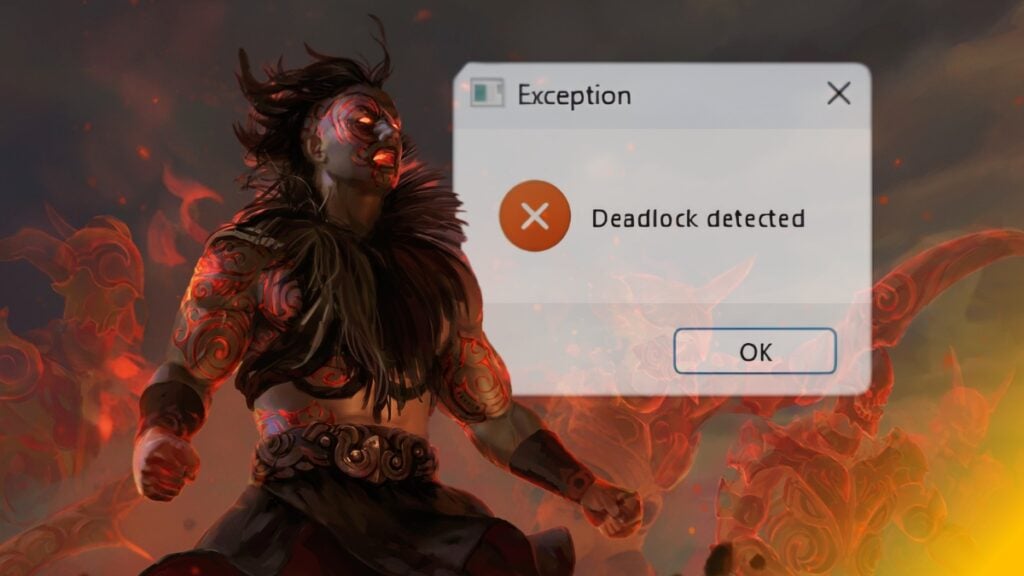
How to fix deadlock detected error in Path of Exile 2
Image Source: Grinding Gear Games via The Nerd Stash

Nothing is worse than an error that pops up right in the middle of your game and ruins everything you’ve grinded for. Well, there might be a couple of things worse than that, but here, we’re going to fix the Deadlock Detected error in Path of Exile 2 for you with an actual solution.
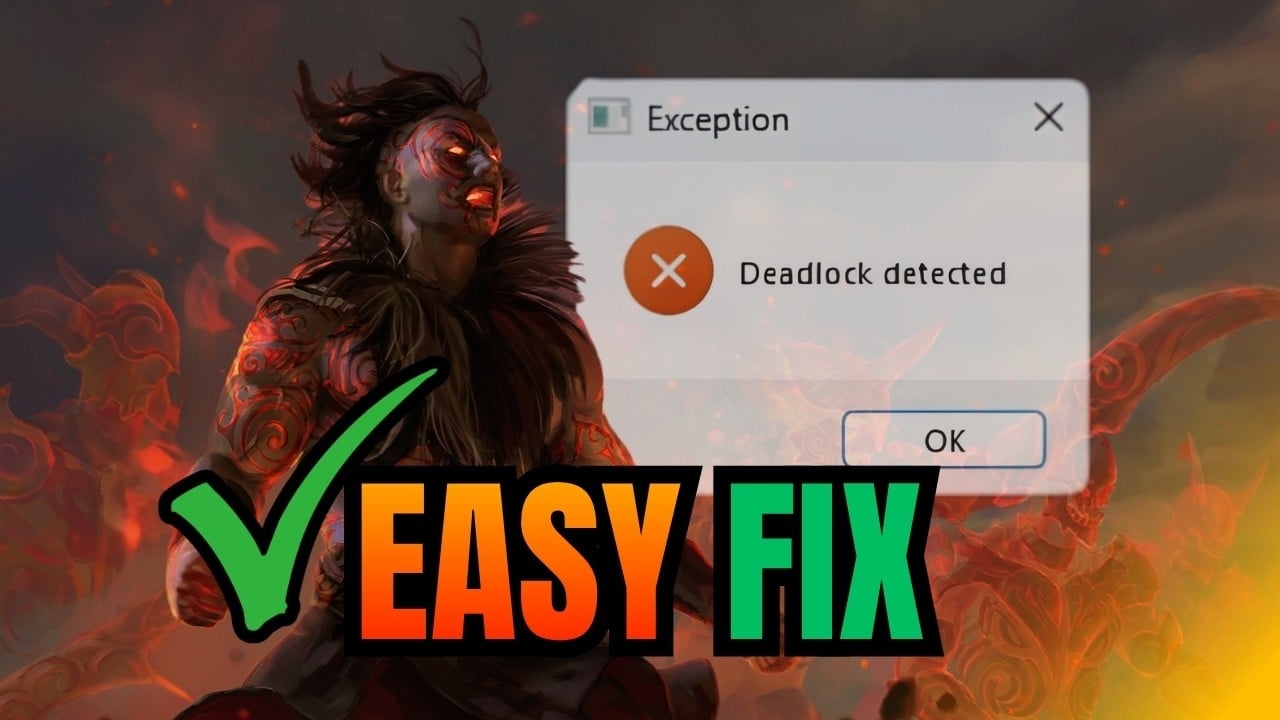
How to Fix Deadlock Detected Error in Path of Exile 2 Guide

What Is The Deadlock Detected Error In Path of Exile 2?

You’ll get a ” Deadlock Detected error message on your screen whenever a build name in the game has too many characters in Path of Exile 2. This error occurs after the 0.5 update and usually crashes your game. Now there are a couple of common fixes like “update your driver” and “restart the game.” Give them a go if you want, but in %90 of the cases, they won’t solve anything, and your game will crash once more.

The Real Deadlock Detected Error Fix

Now, as I mentioned, this is an error caused by adding more than the unknown limit of characters to your build’s name. And just like that, when we know where the problem is, we can fix it by going to the folder below exactly:

Documents\My Games\Path of Exile 2\BuildPlanner\

This is where you find your build file, and we’ve got 2 ways you can deal with the Deadlock Detected error using it:

  1. Remove it. Easy as that. If you remove the build file, the game runs, but all your settings might also get wiped out. This won’t hurt your progression in the game at all, but there’s a downside: The game might crash, and the Deadlock Detected error might come back to bite your system while playing Path of Exile 2.
  2. Write a shorter build name and change it inside the file. Open the file with Notepad, and search for your build’s name. Once you find it, change the name to whatever’s shorter, maybe Ace1. Remember to save the file and then run the game.
Path of Exile 2: Return of the Ancients Brings a Massive Revamp to the Endgame Content
Related: Path of Exile 2: Return of the Ancients Brings a Massive Revamp to the Endgame Content

Not sure why such a subtle error exists in the game, hopefully it gets fixed by the next update.


Related Topics
Guide Path of Exile 2
Share. Facebook Twitter LinkedIn Reddit Email
Amir Naseri
  • Website

Amir is an absolute Call of Duty nerd, preferring shooter games more than everything. However, he does like to do uppercuts in Mortal Kombat and feel the NOS going through the engines in Need For Speed games.

SUGGESTED READS

CONTROL Resonant Looks Like Remedy Entertainment Took the Brakes Completely Off
Gaming

CONTROL: Resonant Looks Like Remedy Entertainment Took the Brakes Completely Off

Final Fantasy 7 Revelation Already Feels Like the Perfect Ending to the Remake Trilogy
Gaming

Final Fantasy 7 Revelation Already Feels Like the Perfect Ending to the Remake Trilogy

Marvel Rivals Season 10 PC Preview
Gaming

Marvel Rivals Season 10 Hands-On Impressions: One Duelist to Carry It All

Fortnite account mege
Gaming

Why You Can’t Merge Fortnite Accounts Anymore And What To Do Instead

Emberville PC Preview
Gaming

Emberville Preview – An RPG Adventure That Has It All

PUBG DED.NET Is Weird, Loud, Gross, and Everything I Could Have Wanted
Gaming

PUBG: DED.NET Is Weird, Loud, Gross, and Everything I Could Have Wanted

The Nerd Stash
Facebook X (Twitter) Instagram YouTube LinkedIn
  • About Us
  • Join Our Team
  • Meet the Team
  • Privacy Policy
  • DMCA Policy
  • Contact Us
  • Terms of Use
  • Sitemap
  • Editorial Guidelines
  • Advertising Policy
© 2026 The Nerd Stash. All Rights Reserved.

Type above and press Enter to search. Press Esc to cancel.